

Pragyantra Billing software setup
Billing software setup for small and medium businesses. Installation, invoice customization, GST configuration, data migration, training, and support. In today's fast-paced business environment, doing manual billing means inviting errors and wasting precious time. If you want to make your business tracking automated and smooth, then Pargyantra Billing Software Setup is the perfect solution for you. This system doubles your transaction processing speed and completely eliminates data entry mistakes.
The Pragyantra Billing Software Setup refers to a comprehensive business optimization service provided by Pragyantra. Instead of selling a generic, single out-of-the-box product, Pragyantra specializes as ERP integration, customization, AI-powered business automation and deployment experts. They help small-to-medium enterprises (SMEs) configure leading accounting platforms—such as TallyPrime, Zoho Books, Odoo, Vyapar, and SAP Business One—to match specific organizational workflows and tax frameworks.
The implementation process spans initial assessments and custom TDL development to seamless data migration, synchronization, and automated reporting. For more details, visit Pragyantra to build highly automated, high-performing, GST-compliant billing architectures.

Billing Software Setup: Step-By-Step Guide For Faster & Error-Free Invoicing
Running a business becomes easier when billing is fast, accurate, and automated. We help companies set up billing software that fits their workflow, saves time, reduces errors, and improves cash flow. Whether you're moving from manual billing or upgrading your current system, we configure everything for smooth invoicing and account management.

Who is Pargyantra Billing Software Best For?
This software is highly flexible and designed keeping in mind the workflows of different industries. It is particularly most beneficial for:
Small and Midsize Businesses (SMBs):
Those who want to automate their daily accounts and ledgers.
Retail Shops & POS Counters:
Those requiring fast checkout and barcode scanning.
Distributors & Wholesalers:
Those managing bulk orders, batch tracking, and multi-price lists.
Service Providers:
Those who share professional invoices based on hourly rates or fixed milestones.
Manufacturers:
Those who need to track raw material costs and finished goods inventory.
Anyone Seeking Efficiency:
Every individual who wants fast billing and zero-error invoicing.
Complete Pargyantra Billing Software Setup Details (Step-by-Step)
You can easily complete the setup for this billing tool by following the step-by-step process below:
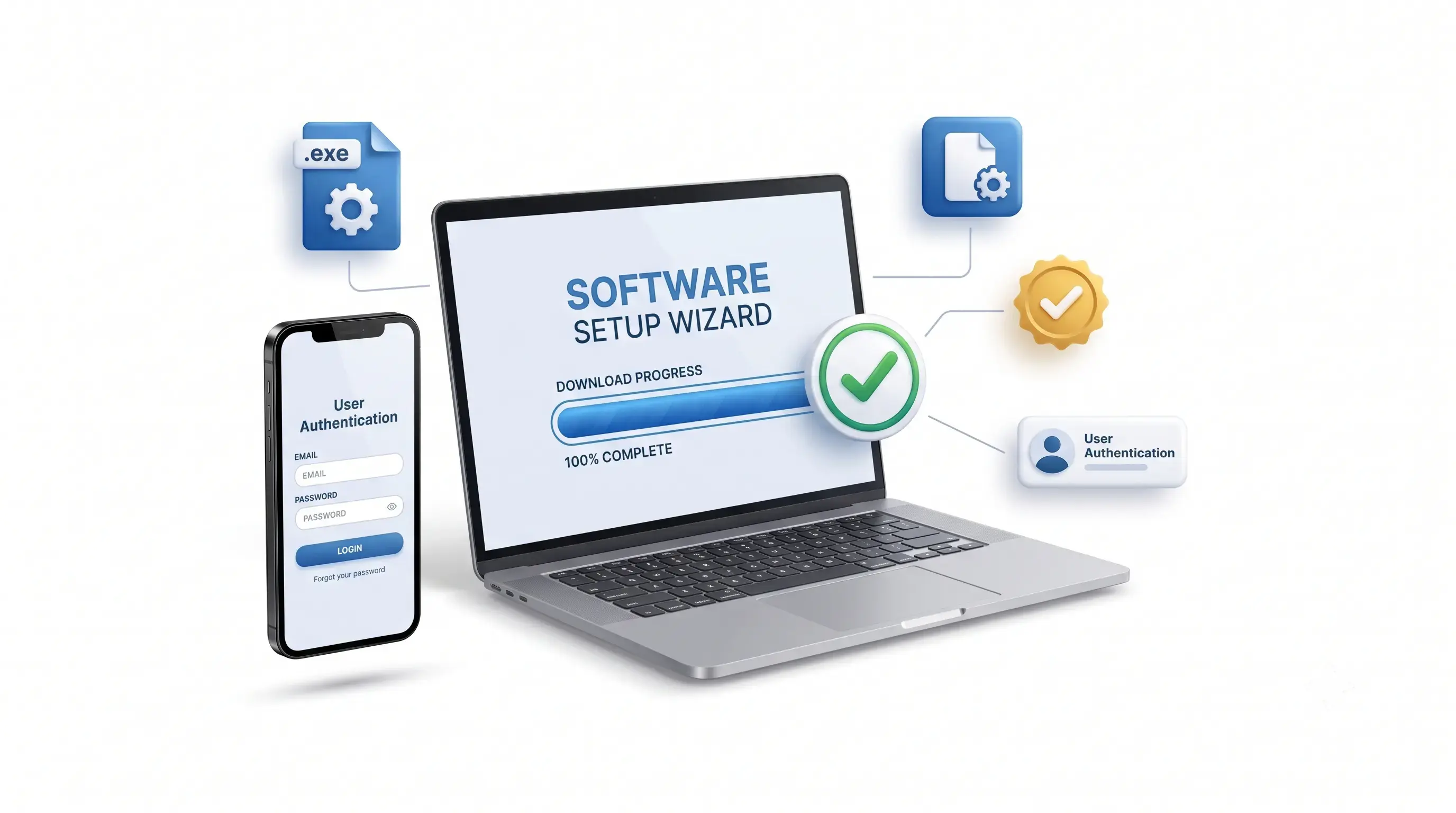
Step 1: System Requirements & Installation
- First, download the official setup package.
- Double-click the installer .exe file and follow the on-screen instructions on your desktop.
- After completing installation, open the software and log in using your registered mobile number or email address.
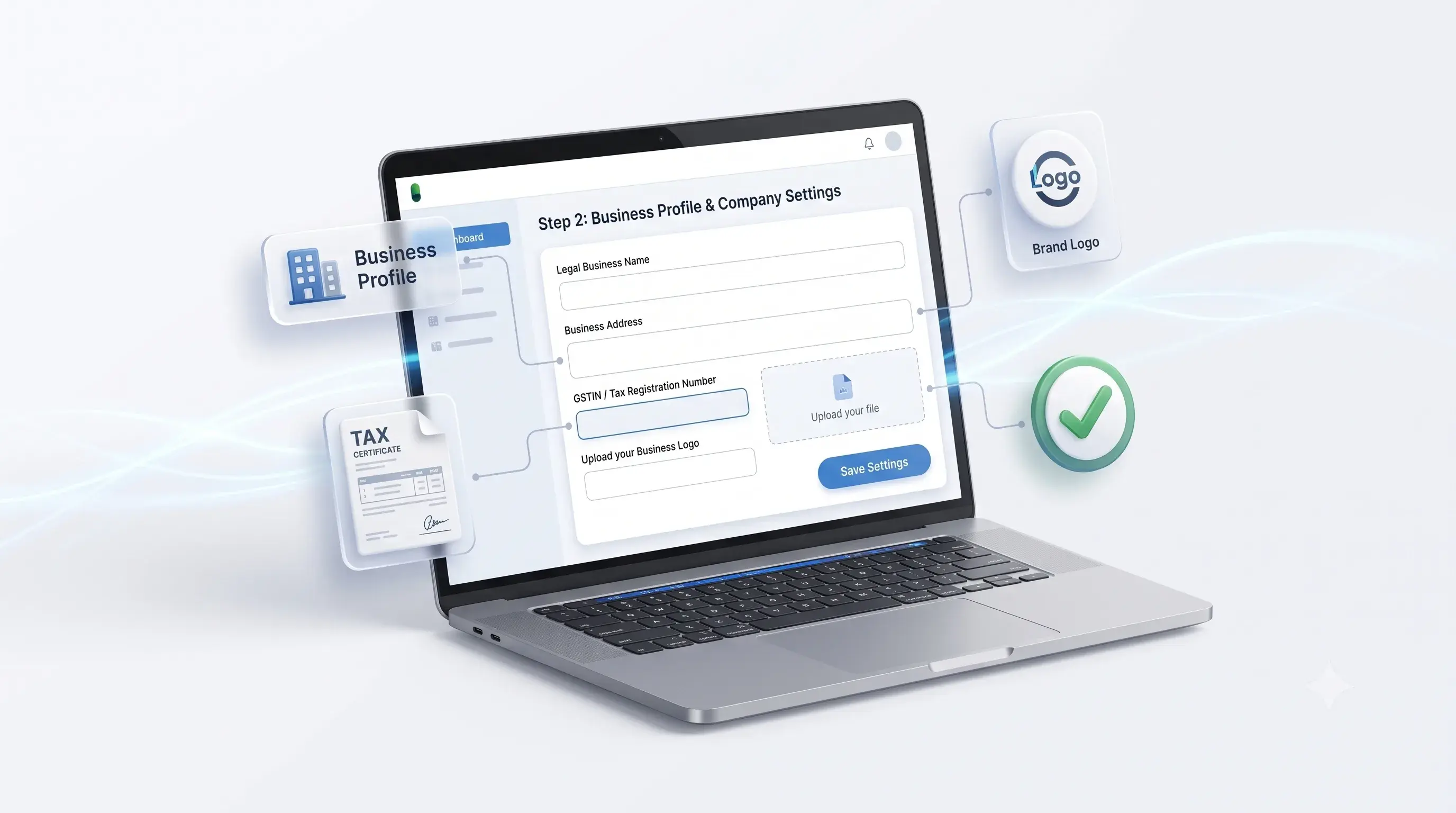
Step 2: Business Profile & Company Settings
- Go to the Settings Dashboard and click on Company Profile.
- Enter your business's Legal Name, Official Address, and Contact Details.
- Upload your Business Logo for auto-printing on invoices, fill in your GSTIN / Tax Registration Number, and save the settings.
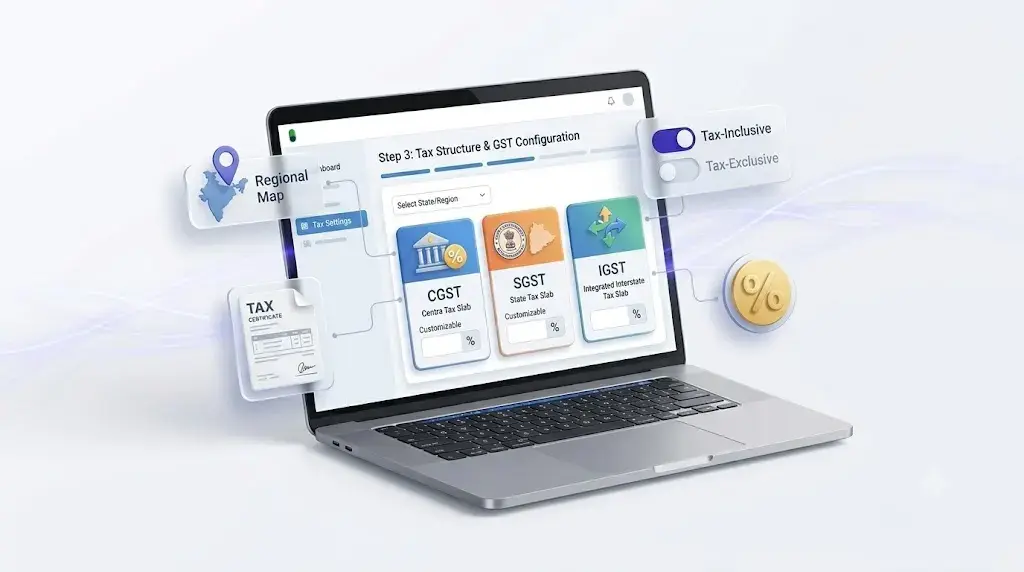
Step 3: Tax Structure & GST Configuration
- Navigate to Tax Configuration settings and select your state and region.
- Configure CGST, SGST, and IGST tax slabs according to your business model.
- Choose whether your product prices are tax-inclusive or tax-exclusive.
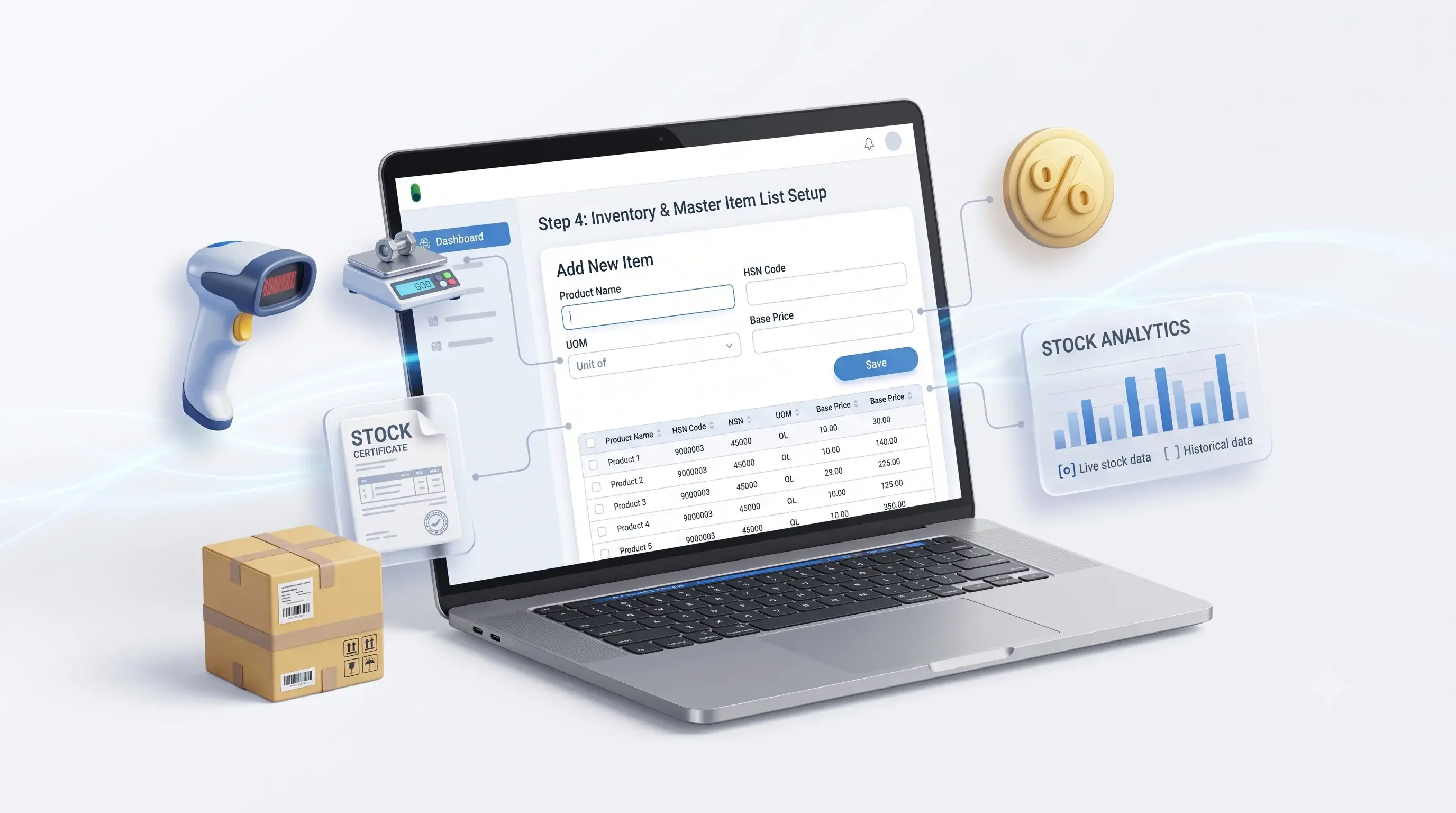
Step 4: Inventory & Master Item List Setup
- Go to the Inventory Module and click on Add New Item.
- Enter each product's name, HSN/SAC Code, Unit of Measurement (e.g., Pcs, Box, Kg), and Base Price.
- Integrate external hardware items such as a standard barcode scanner or weighing scale for faster billing.
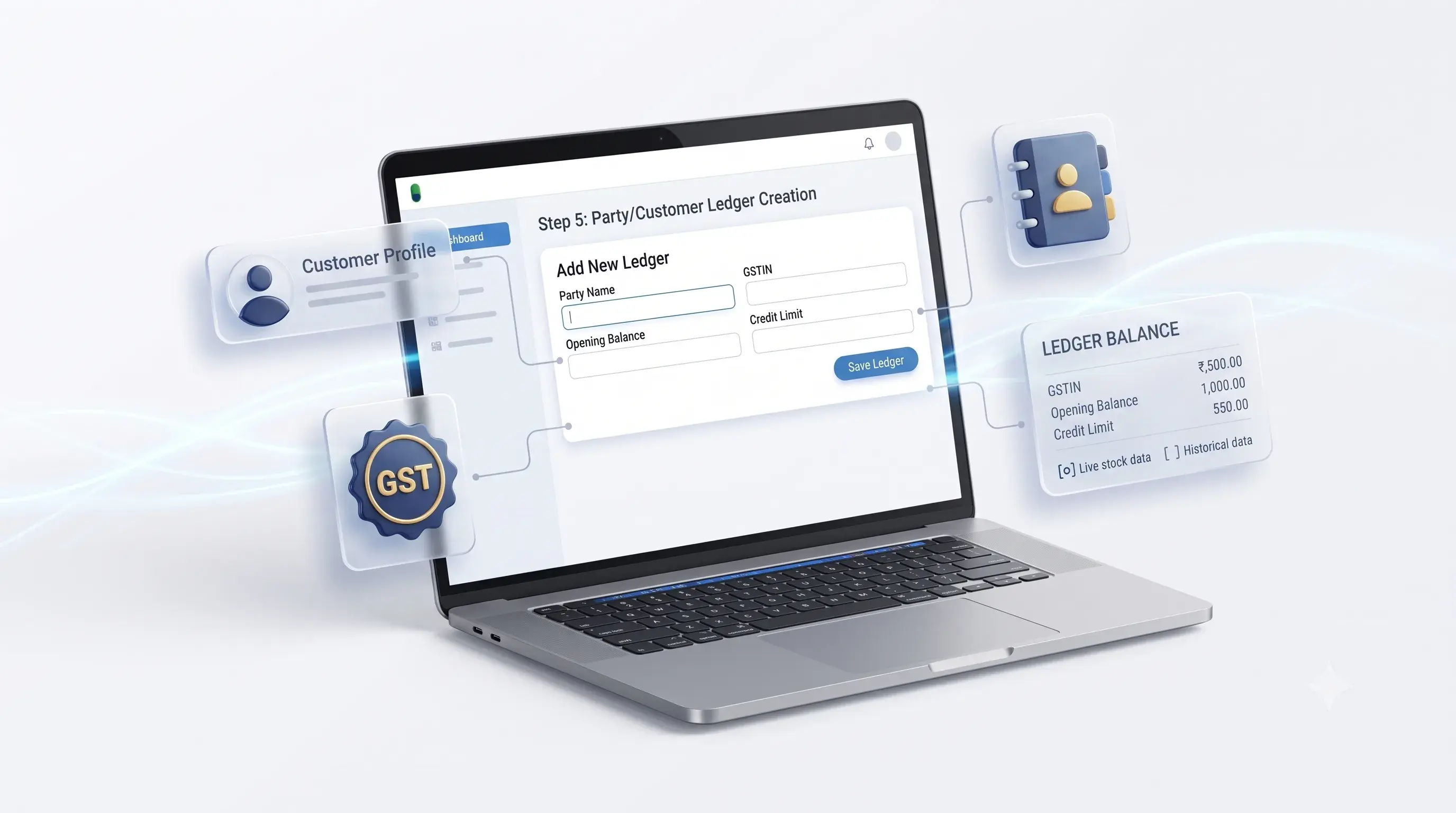
Step 5: Party/Customer Ledger Creation
- Go to the Contacts/Parties section.
- Add details for your regular distributors, vendors, and customers (Name, GSTIN, Opening Balance, and Credit Limit) so that data fetches quickly during sales.
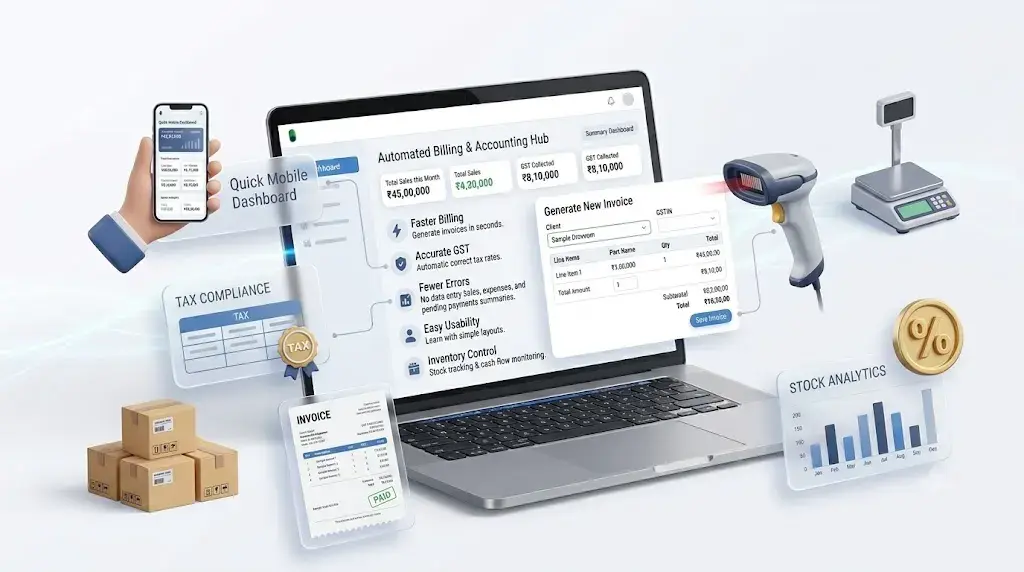
Key Features of Pargyantra Billing System
| Feature | Business Benefit |
|---|---|
| Lightning-Fast Checkout | Accelerates billing speed with barcode integration and POS interface. |
| Error Reduction | Eliminates human errors with automated price fetching and system-generated tax calculations. |
| Inventory Tracking | Provides low-stock alerts and real-time stock movement tracking. |
| GST Compliance | Enables direct GST report generation and creates clean tax invoices. |
 }
Benefits for Your Business
- Faster billing and reduced manual work
- Accurate GST and tax handling
- Fewer errors in invoices and data entry
- Quick reports for sales and payments
- Easy for your team to learn and use
- Better control over inventory and accounts
 }
How We Work: Billing Software Setup.
- Understand your business needs
- Suggest the right billing software or work with your existing one
- Set up and configure for daily use
- Train your team
- Provide post-setup support when needed
Frequently Asked Questions ?
Absolutely. You can navigate to Settings > Invoice Print Configuration to switch templates between thermal formats (2-inch/3-inch) or standard A4/A5 laser formats, as well as add your logo for a professional look.
Yes, core operations such as invoice generation and inventory tracking can perform offline without an active internet connection. Once connected to the internet, the data syncs with the cloud.
You can contact us to discuss your needs. We'll analyze your current business complexities, provide transparent project estimates, and tailor your Tally setup to your needs.
We offer three main tiers:Basic Tier(for billing and reporting),Advanced Tier(for complex modules and automation), andEnterprise Tier(For API integration and full-scale business solutions).
Yes, Pragyantra offers lifetime support. All customizations include unlimited revisions, and our solutions are fully supported with new Tally version updates.
Advanced TDL development is used to automate complex business logic, create custom management modules, apply data validation rules, and customize Tally's interface (UI/UX) to suit your company's specific functionality.
Yes, we can connect Tally to your broader digital ecosystem. This includes API integration with CRM tools, online payment gateways, and other ERP systems for a unified business workflow.
Absolutely. Pragyantra prioritizes data security. We don't access your production data, and all customizations are performed within the secure environment of your existing Tally setup.
Most customization jobs are delivered within 3 to 7 days. Timeframes for complex projects are tailored to the needs, but we always ensure a quick turnaround.
Our process is completed in 5 steps: 1) Requirements Analysis, 2) Solution Design, 3) Custom Development, 4) Training and Implementation, and 5) Updates and Support.
Need Help with Your Billing Software Setup?
Our team can help you install, configure, and customize Pragyantra Billing Software for your business. Get expert assistance with GST setup, inventory management, and POS integration.
Address
Laxmi Tower, 921, 3RD Floor, 21st Cross, 5th Main Rd, 7th Sector, HSR Layout, Bengaluru, Karnataka 560102
Phone
+917728057558
E-mail
ashutosh@pragyantra.com
Give Us a Message
Your email address will not be published. Required fields are marked