


How to Add Personalized Messages and Captions in TallyPrime Invoice Printing?
An invoice is more than just a document showing products, quantities, prices and taxes. It is also an important communication point between a business and its customers.
Every time a customer receives an invoice, they see your business name, billing details and other important information. This creates an opportunity to communicate useful messages, share payment instructions and strengthen your brand identity.
However, standard invoice formats may not always provide the flexibility businesses need to display customised messages for different customers, transactions or business situations.
For example, a retailer may want to print a Thank You message, while a distributor may need to display payment instructions, bank details or specific business terms.
With a suitable TallyPrime customization, businesses can add personalised captions and messages to printed invoices without manually editing every document.
In this guide, we will explore how personalised invoice captions work, why businesses use them and how Pragyantra's Enable Personalized Caption in Invoice Print Add-on can help improve invoice communication.
Why Should Businesses Add Personalized Messages to Invoices?
Most businesses focus on the financial information displayed on their invoices. However, the same document can also communicate additional information that customers may find useful.
Without a flexible caption management option, businesses may need to enter notes manually or use separate printing methods.
Some common challenges include: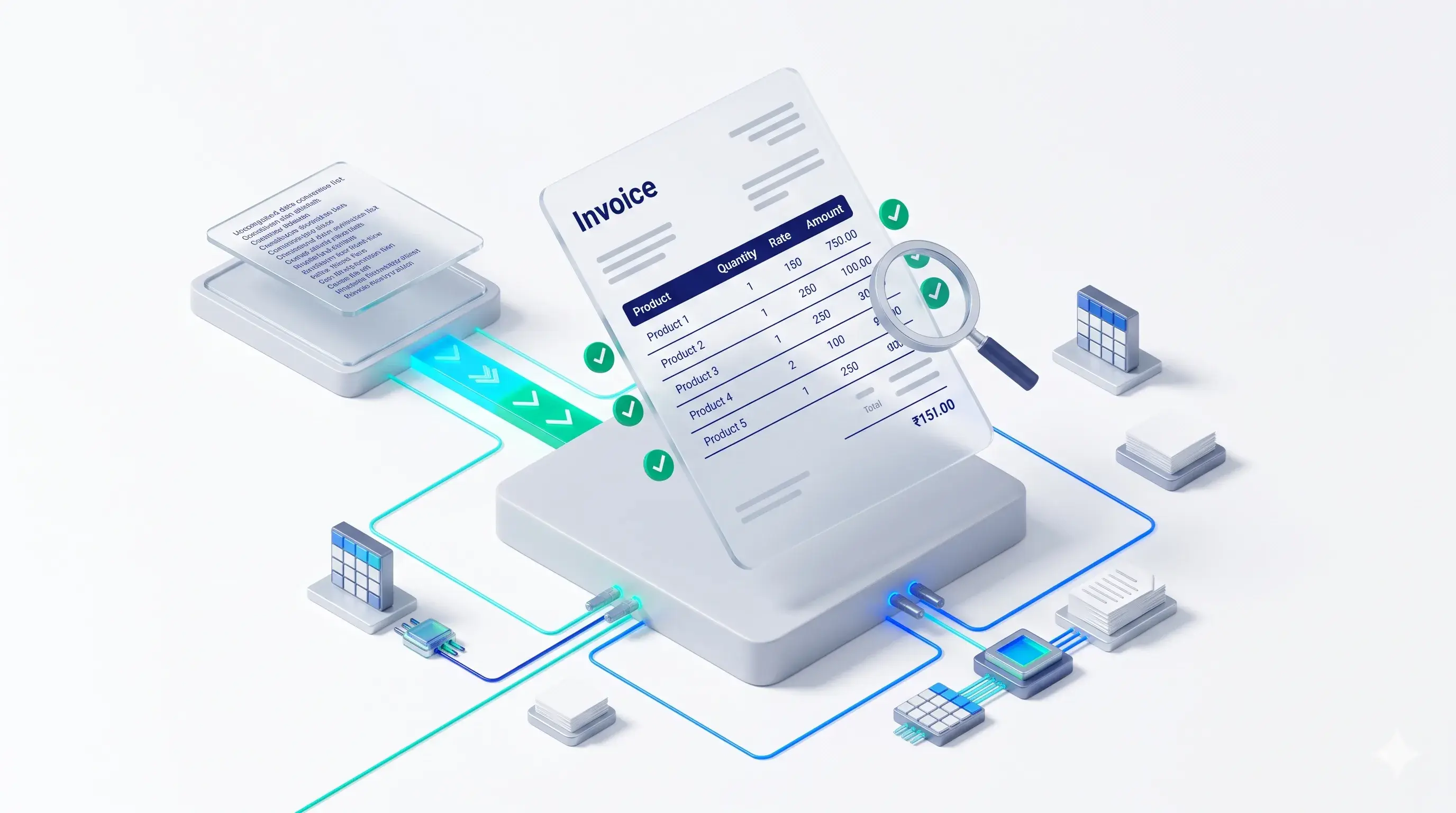
Common Invoice Communication Challenges
- 1. Generic Invoice Presentation: When every invoice contains the same standard information, businesses miss opportunities to communicate relevant messages and create a more personalised customer experience.
- 2. Missed Branding Opportunities: Invoices are regularly shared with customers. Without additional branding messages, businesses may miss an opportunity to display company taglines, website information or promotional communication.
- 3. Payment Instructions Are Easily Overlooked: Customers may need bank details, payment terms or other instructions to complete their payments. Important information may not always appear prominently in the printed invoice.
- 4. Manual Message Entry Takes Time: Employees may need to manually type additional notes or instructions into invoices, increasing repetitive work.
- 5. Different Transactions Need Different Messages: A business may want to display different captions for sales invoices, credit notes or other supported voucher types.
Using one fixed message for every document may not suit every business requirement.
A personalised invoice caption solution can help address these challenges through configurable messaging.
What Is Personalized Caption Printing in TallyPrime?
Personalized caption printing is a functionality that allows businesses to display custom messages, notes and instructions on printed invoices.
With Pragyantra's Enable Personalized Caption in Invoice Print Add-on, businesses can configure different captions according to their communication requirements.
Examples include:
- Thank You messages.
- Company taglines.
- Festive greetings.
- Promotional offers.
- Payment instructions.
- Bank account details.
- Return policies.
- Business terms and conditions.
The add-on also supports conditional messaging, allowing captions to be configured based on criteria such as Ledger Group, Voucher Type or Amount.
This makes invoice printing more flexible and helps businesses communicate relevant information through their billing documents.

How to Add Personalized Captions to TallyPrime Invoices?
The general process involves configuring the required messages and defining where and when they should appear.
Step 1: Identify Your Business Communication Requirements
First, decide what information you want to display on your printed invoices.
For example:
- Thank You for Your Business.
- Please make payment within the agreed credit period.
- Visit our website for the latest offers.
- Goods once sold will not be taken back.
- Use the following bank details for payment.
Choose messages that are relevant to your customers and business operations.
Step 2: Configure the Required Captions
Use the add-on's TDL configuration to define the captions you want to display.
The messages can be updated according to your changing business requirements.
Step 3: Define Conditional Messaging
If your business needs different messages for different transactions, configure the applicable conditions.
For example:
- A promotional message for selected customers.
- Different payment instructions for different voucher types.
- A discount-related message for cash payment conditions, where configured.
Step 4: Select the Caption Position
Determine where the message should appear in the invoice layout.
The product supports positioning captions in areas such as:
- Invoice Header.
- Invoice Footer.
- Middle Section of the Invoice.
Step 5: Print and Review the Invoice
Generate the invoice and review the placement, readability and relevance of the configured message.
This helps ensure that additional captions do not interfere with essential invoice information.
Key Features of Pragyantra's Personalized Caption Add-on
Pragyantra provides an add-on designed to make invoice messaging more flexible and business-oriented.
1. Custom Caption Management
Add and update messages according to your communication requirements.
Examples include Thank You notes, festive wishes, payment reminders and company taglines.
2. Branding and Marketing Support
Use available invoice space to communicate your business identity.
You can display relevant information such as:
- Company Tagline.
- Website Address.
- Social Media Information.
- Promotional Messages.
- Special Business Offers.
3. Flexible Conditional Messaging
Configure different captions based on supported conditions, including:
- Ledger Group.
- Voucher Type.
- Invoice Amount.
This allows businesses to display relevant messages according to their configured business rules.
4. Flexible Caption Placement
Choose suitable positions for captions within the printed invoice.
Available placement options include the header, footer and middle section.
5. Support for Different Voucher Types
The product supports personalised captions in supported document formats, including:
- Sales Invoices.
- Debit Notes.
- Credit Notes.
- Delivery Challans.
6. Custom Invoice Format Integration
If your business already uses a customised Tally invoice format, Pragyantra can discuss integrating personalised captions into the existing layout.
7. Easy Caption Updates
Messages can be updated through the TDL configuration menu. According to the product page, changes are reflected in subsequent prints.
Practical Examples of Personalized Invoice Messages
Different businesses can use invoice captions for different communication purposes.
Thank You Messages
A retailer or distributor can display:
"Thank You for Choosing Us. We Appreciate Your Business!"
This adds a personal touch to routine customer communication.
Payment Instructions
Businesses can display:
"Please make payment through the registered bank account mentioned in the invoice."
This helps communicate payment-related information.
Promotional Offers
Retail businesses can use invoice captions such as:
"Visit Us Again and Explore Our Latest Offers!"
Businesses can also communicate specific promotions where applicable.
Return Policy Information
Wholesalers and distributors may display:
"Goods once sold will not be taken back, subject to the applicable business terms."
This helps communicate relevant trade policies.
Festive Greetings
Businesses can display seasonal messages such as:
"Wishing You and Your Family a Happy Diwali!"
This creates an additional opportunity for customer engagement.
Company Branding
Businesses can display their company tagline, website address or other relevant brand information.
Business Benefits of Personalized Invoice Printing
Personalised captions can turn routine billing documents into more useful communication tools.
Better Brand Recall
Consistent business messaging helps customers recognise and remember your company.
Improved Customer Communication
Display important messages and instructions directly on the invoice.
Clearer Payment Instructions
Relevant payment information can help customers understand how to complete their payments.
Reduced Manual Work
Configured captions reduce the need to manually type or stamp repeated messages on printed invoices.
More Relevant Communication
Conditional captions allow businesses to display different messages for supported customers, voucher types or transaction conditions.
Professional Invoice Presentation
Well-placed captions can make printed invoices more informative and aligned with your business identity.
Who Can Benefit from Personalized Invoice Captions?
Personalised invoice messaging can be useful across different business types.
Retail Businesses
Display Thank You messages, promotional offers and festive greetings on customer invoices.
Wholesale and Distribution Businesses
Communicate payment terms, return policies and other relevant business instructions.
Service Providers
Include project-related notes, payment instructions and other useful information in supported invoice formats.
Manufacturing Companies
Display company branding, business terms and additional communication relevant to customers.
Trading Businesses
Use conditional captions to communicate messages according to supported transaction or customer criteria.
Standard Invoice Printing vs Personalized Caption Printing
| Standard Invoice | Personalized Caption Add-on |
|---|---|
| Basic invoice communication | Additional customised messages |
| Same fixed message | Different configurable captions |
| Limited promotional communication | Promotional and branding messages |
| Manual notes may be required | Configured messages print automatically |
| Less flexibility for conditional messages | Conditional messaging based on supported criteria |
Please Note
The actual functionality depends on the configured add-on and the supported invoice format.
What Should You Consider Before Implementing Personalized Captions?
Before implementing a personalized invoice caption solution, review the following points:
Pre-Implementation Checklist
- Message Content: Decide which messages are important for your business.
- Caption Placement: Select the header, footer or middle section according to your invoice layout.
- Conditional Requirements: Identify whether different customers or voucher types need different captions.
- Message Length: Keep messages concise and readable. The product page recommends approximately 2–4 lines.
- Existing Invoice Design: Check how the new captions will fit into your current invoice format.
- Voucher Support: Confirm the document types required for your business.
- Tally Compatibility: Verify compatibility with your specific Tally version and configuration.

Why Choose Pragyantra for TallyPrime Invoice Customization?
Pragyantra provides Tally customization and add-on solutions designed around practical business requirements.
The Enable Personalized Caption in Invoice Print Add-on helps businesses communicate additional information through printed invoices.
Whether you want to display customer messages, payment instructions, company branding or conditional captions, the solution can be configured according to supported business requirements.
Explore the Pragyantra Personalized Caption Add-on:
Contact the Pragyantra team to understand the available features, voucher support and customization options.
Frequently Asked Questions
1. What is personalized caption printing in TallyPrime?
It is a customization that allows businesses to display additional messages, instructions and captions on printed invoices.
2. Can I add a Thank You message to my TallyPrime invoice?
Yes. You can configure a Thank You message and display it in the selected invoice position.
3. Can I display different messages for different voucher types?
Yes. The add-on supports configuring different captions for supported voucher types, such as Sales Invoices and Credit Notes.
4. Can captions be displayed for different customers?
Yes. Conditional captions can be configured using supported conditions such as Ledger Group.
5. Can I add bank details and payment instructions to invoices?
Yes. The add-on supports displaying additional payment-related information, including bank details and payment instructions.
6. Where can personalized captions appear on invoices?
Captions can be positioned in the header, footer or middle section of the invoice, depending on the configuration.
7. Can I update invoice captions whenever required?
Yes. Captions can be updated through the TDL configuration menu, and changes are reflected in subsequent prints.
8. Can I use personalized captions in customized invoice formats?
Yes. Pragyantra can discuss integrating captions into your existing customised Tally invoice templates.
9. Is the Personalized Caption Add-on compatible with TallyPrime?
The product page lists compatibility with TallyPrime and Tally ERP 9. Contact Pragyantra to confirm support for your specific software version and configuration.
Make Every Invoice More Meaningful with Pragyantra
Your invoices can do more than communicate financial transactions.
Use them to share important instructions, reinforce your brand identity and communicate relevant messages to customers.
With Pragyantra's Enable Personalized Caption in Invoice Print Add-on, you can make invoice communication more flexible and organised.
🏢 Pragyantra Solutions | Phone: +91 77280 57558 | Web: www.pragyantra.com
TallyPrime Personalized Caption Add-on | Tally Customisation | Invoice Printing Solutions