

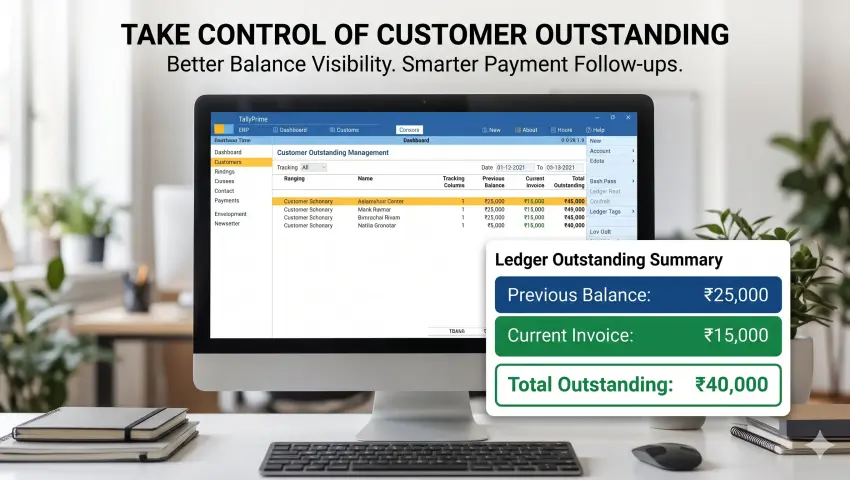

How to Improve Customer Payment Collection and Outstanding Management in TallyPrime?
Getting new orders is important for every business, but collecting payments on time is equally important.
Businesses that sell products or services on credit often deal with pending payments, delayed collections and repeated customer follow-ups. When customers make multiple purchases over time, keeping them informed about their previous outstanding balance becomes even more important.
For example, a customer may place a new order without considering the amount already pending from previous transactions. Your accounts team may then need to explain the old balance separately and request payment again.
This is where better outstanding management becomes useful.
With TallyPrime, businesses can manage accounting transactions and customer ledgers. However, they may also need additional customisation to communicate previous outstanding balances more clearly on invoice prints.
In this guide, we will explore practical ways to improve customer payment collection and how Pragyantra's Enable Party's Previous Balance in Invoice Print Add-on can support this process.
What Is Customer Outstanding Management?
Customer outstanding management is the process of tracking, reviewing and collecting payments that customers have not yet paid.
It helps businesses understand:
- How much money is pending from each customer.
- Which customers have unpaid balances.
- How much of the current invoice remains to be collected.
- How previous outstanding amounts affect the customer's total dues.
- Which customers may require payment follow-ups.
Effective outstanding management helps business owners and accounts teams maintain better visibility over receivables.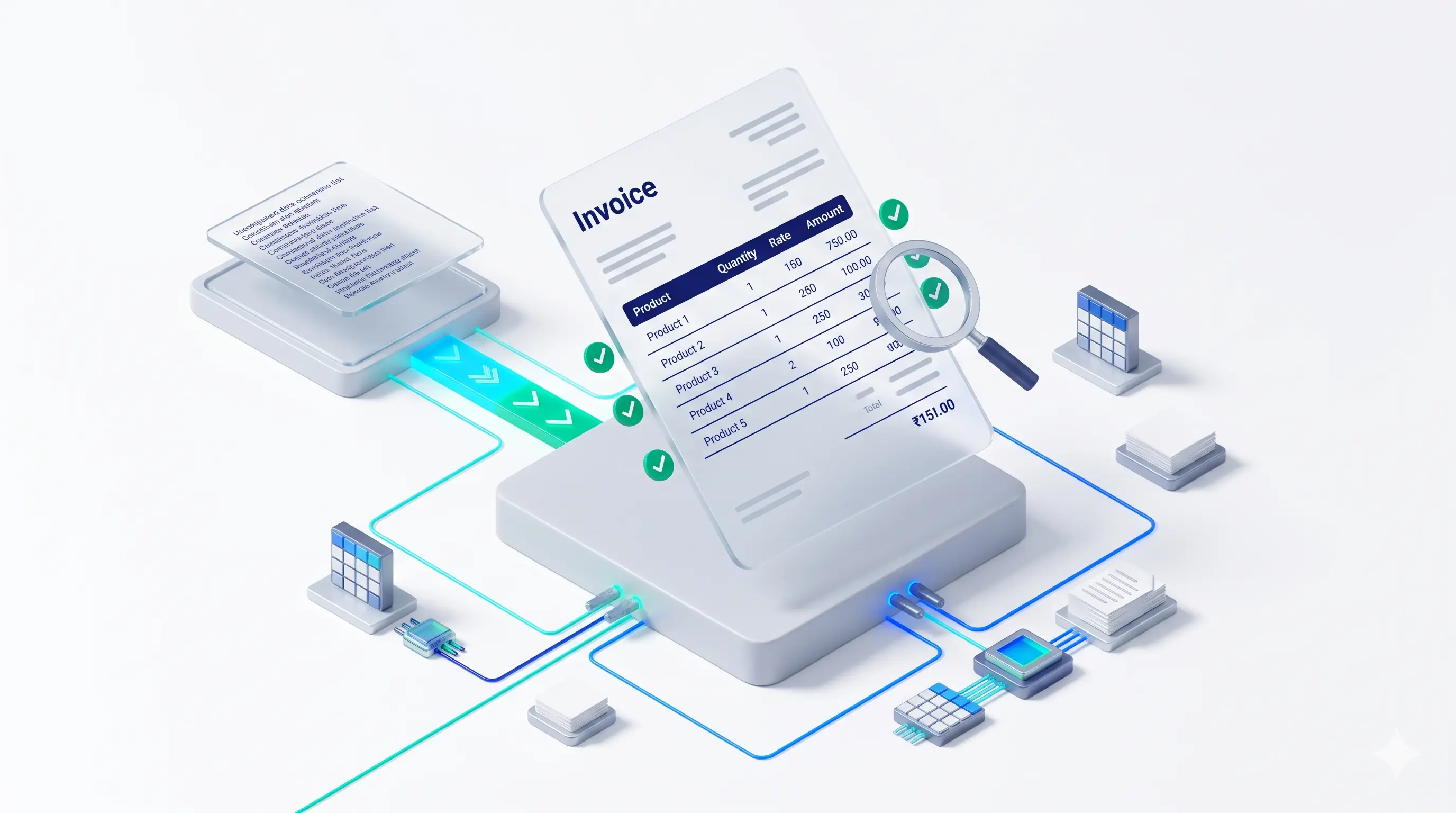
Common Challenges in Customer Payment Collection
Even businesses using accounting software can face challenges when managing regular customer payments.
Common Customer Payment Collection Challenges
- 1. Customers Focus Only on the Latest Invoice: When customers receive a new invoice, they may focus only on the current purchase amount and overlook previous pending dues.
- 2. Repeated Payment Reminders: Accounts teams often need to contact customers multiple times to explain old outstanding amounts and request payment.
- 3. Lack of Payment Clarity: Customers may not always understand how their previous balance and current invoice amount contribute to their total outstanding.
- 4. Difficulty Managing Credit Customers: Businesses dealing with wholesalers, distributors and regular credit customers need consistent visibility into pending payments.
- 5. Manual Balance Communication: When previous outstanding information is not available on the invoice print, teams may need to share separate ledger statements or explain the balance manually.
7 Practical Ways to Improve Customer Payment Collection
Improving payment collection requires clear communication, consistent monitoring and a structured accounting process.
1. Maintain Accurate Customer Ledgers
Keep customer transactions updated in TallyPrime. Accurate ledger information helps your accounts team review outstanding amounts and identify pending payments.
2. Review Outstanding Balances Regularly
Make it a routine to review customer outstanding balances. Regular monitoring helps businesses identify pending receivables before they become difficult to collect.
3. Communicate Payment Terms Clearly
Inform customers about payment due dates, credit periods and applicable payment conditions before completing transactions.
4. Follow Up on Pending Payments
Create a consistent follow-up process for customers with unpaid invoices. Timely communication can help avoid unnecessary delays.
5. Share Clear Invoice Information
Invoices should communicate the current transaction amount and relevant payment information clearly.
When customers can understand their previous dues and current invoice amount together, payment discussions become easier.
6. Monitor Regular Credit Customers
Businesses that frequently sell on credit should pay attention to customer payment patterns and outstanding positions before accepting additional orders.
7. Display Previous Outstanding Balance on Invoice Prints
One practical way to improve payment communication is to show the customer's previous outstanding balance directly on the invoice.
Pragyantra's add-on helps businesses customise TallyPrime invoice prints to display previous outstanding and total outstanding information.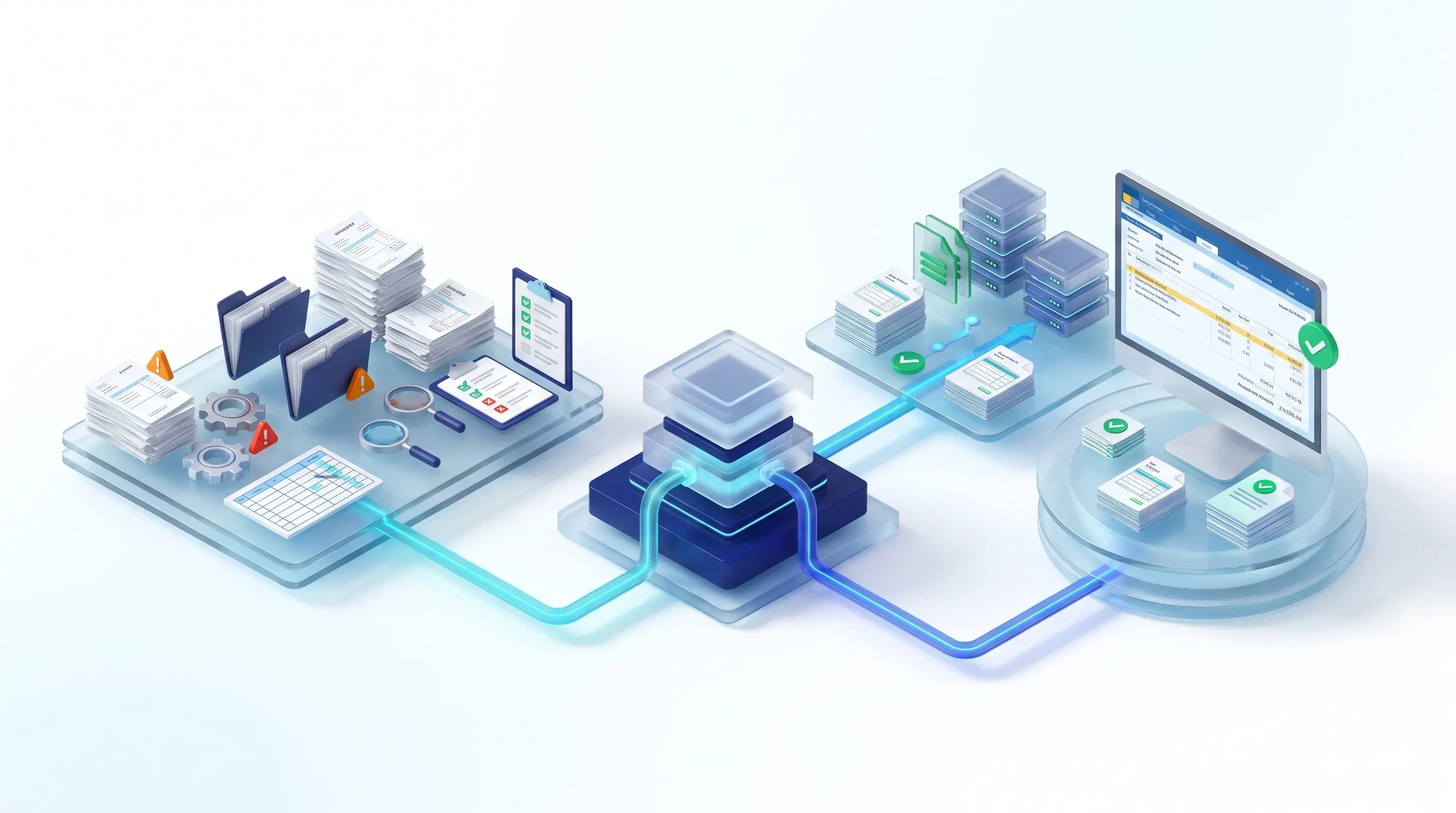
How Does Showing Previous Balance Help in Payment Collection?
Let's understand this with an example.
Suppose a distributor regularly supplies products to a retailer.
The retailer has an existing pending balance of ₹30,000 and places another order worth ₹20,000.
If the invoice only shows the current transaction amount, the retailer may focus on the new purchase and overlook the previous pending amount.
A customised invoice can display the details like this:
| Particulars | Amount |
|---|---|
| Previous Outstanding | ₹30,000 |
| Current Invoice | ₹20,000 |
| Total Outstanding | ₹50,000 |
Now the customer can clearly see the previous pending amount as well as the current invoice value.
This improves payment awareness and makes it easier for the business to communicate the total outstanding position.
Please Note
Example amounts are for illustration only. Actual values depend on the customer ledger and invoice configuration.
How Pragyantra Helps Improve Outstanding Visibility in TallyPrime
Pragyantra offers an add-on called Enable Party's Previous Balance in Invoice Print, designed to display customer or supplier outstanding information directly on invoice prints.
The add-on provides the following capabilities:
Previous Outstanding Display
Show the pending balance before the current transaction.
Total Outstanding Amount
Display the combined amount of previous outstanding and the current invoice amount.
Real-Time Balance Fetching
The add-on is designed to fetch the latest outstanding balance from the party ledger at the time of printing.
Customisable Print Options
Configure where the balance appears, such as the invoice footer, above the total or in a separate information section.
Flexible Display Settings
Display only the previous outstanding amount or the final closing balance, depending on the business requirement.
Customer-Specific Configuration
Configure balance visibility for selected ledger groups or customer categories.
These features help businesses make their invoice prints more informative and improve the communication of pending dues.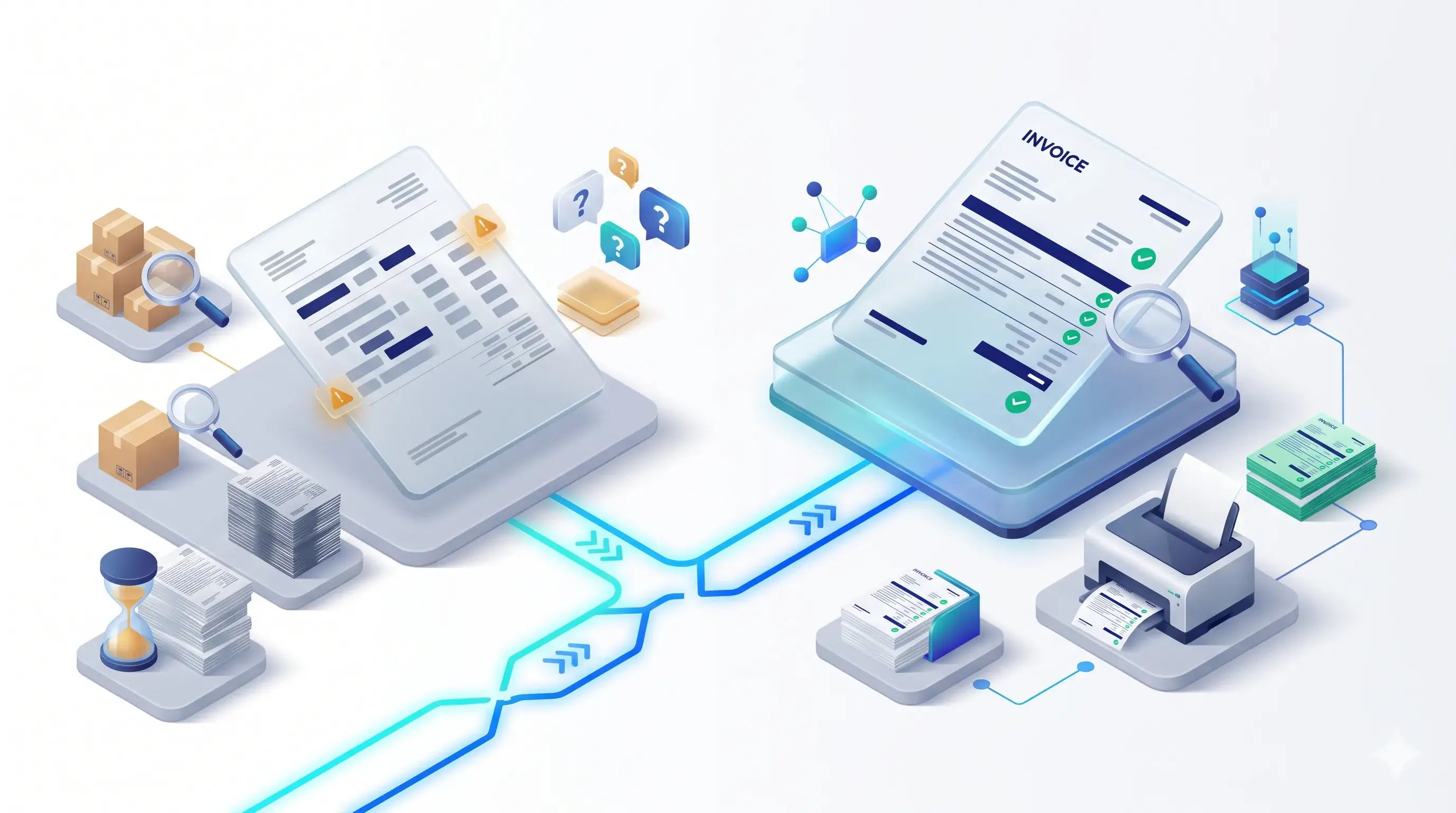
Which Businesses Should Consider This Solution?
This add-on can be useful for businesses that regularly handle credit transactions.
Wholesalers and Distributors
Manage retailer and dealer outstanding balances while generating regular invoices.
Manufacturers
Communicate pending balances to distributors and business customers during new transactions.
Trading Businesses
Improve payment visibility when customers place frequent orders.
Retail Businesses
Help regular credit customers understand their previous pending amounts.
Service Providers
Display previous unpaid amounts along with new service bills, where supported by the configuration.
TallyPrime Outstanding Management: Why Invoice Visibility Matters
Outstanding management is not only about recording pending payments. It is also about making payment information understandable to customers.
When previous outstanding balances are displayed on invoices:
- Customers get better visibility of their pending dues.
- Accounts teams can communicate payment information more clearly.
- Businesses can reduce some repeated balance explanations.
- Previous and current amounts become easier to understand.
- Payment follow-up discussions can become more structured.
Important
However, displaying the balance does not automatically collect payments or replace a complete receivables follow-up process. It works as an additional communication and visibility tool.
Frequently Asked Questions (FAQs)
1. How can I manage customer outstanding payments in TallyPrime?
You can maintain customer ledgers and review outstanding information in TallyPrime. For additional invoice-level visibility, you can use Pragyantra's Previous Balance in Invoice Print Add-on.
2. Can TallyPrime invoices show previous outstanding balances?
Pragyantra's add-on is designed to customise invoice prints to display the customer's previous outstanding balance.
3. What is the difference between previous balance and total outstanding?
Previous balance is the amount pending before the current invoice. Total outstanding combines the previous pending amount with the current invoice amount, according to the configured calculation.
4. Can the add-on show the latest outstanding balance?
Yes. The product is designed to fetch the latest outstanding balance from the party ledger at the time of invoice printing.
5. Can I show the outstanding balance only for selected customers?
Yes. The add-on supports configuration for selected ledger groups or categories.
6. Does this add-on work with TallyPrime?
The product page lists compatibility with TallyPrime and Tally ERP 9. Confirm your exact version and configuration with Pragyantra's technical team.
7. Will showing previous balance guarantee faster payment collection?
No feature can guarantee payment collection. However, displaying previous dues on invoices can improve payment awareness and support clearer communication with customers.
Improve Customer Payment Visibility with Pragyantra
Managing customer outstanding payments becomes easier when your accounting information is clear and accessible.
Instead of relying only on separate balance statements or repeated explanations, businesses can display previous outstanding information directly on their invoice prints.
Pragyantra's Enable Party's Previous Balance in Invoice Print Add-on helps customise TallyPrime invoices with the balance information your business needs.
Want to display previous outstanding balances in your TallyPrime invoices?
Contact Pragyantra to discuss your invoice requirements and request a product demo.
SEO Internal Linking Suggestions
Editorial / Pre-Publish Note: The following internal linking plan is guidance for publishing.
- Previous Balance in Invoice Add-on:Enable Party's Previous Balance in Invoice Print
- Tally Customization: Link to the relevant Pragyantra service page.
- TallyPrime Solutions: Link to the relevant Tally solutions page.
Verify internal link destinations and the exact supported configurations before publishing.
🏢 Pragyantra Solutions | Phone: +91 77280 57558 | Web: www.pragyantra.com
TallyPrime Invoice Customisation | Outstanding Management | Pragyantra