



E-commerce Integration with TallyPrime: Automate Orders, Inventory & Accounting
Running an online business often means working with multiple systems at the same time.
Your orders may come from Shopify, WooCommerce, Amazon or another marketplace. Customer information may be stored in the e-commerce platform. Inventory may be managed separately, while accounting is maintained in TallyPrime.
The challenge begins when these systems are not connected.
A business may have to download orders, prepare Excel files, check inventory, create accounting entries and reconcile transactions manually.
E-commerce Integration with TallyPrime can create a structured connection between an online selling platform and TallyPrime so that relevant order, customer, product and accounting data can move between systems according to defined business rules.
The exact workflow depends on the e-commerce platform, TallyPrime environment, available APIs and the business's accounting requirements. Explore our core TallyPrime Integration Servicesfor full architecture planning.
💡 Quick Answer: What Is E-commerce Integration with TallyPrime?
E-commerce integration with TallyPrime is the process of connecting an online store or marketplace with TallyPrime so that selected business data can be transferred between the systems.
A typical workflow can look like:
E-commerce Platform → Integration Layer → TallyPrime
Depending on the requirement, information can also move in the opposite direction.
The integration can cover selected data such as:
- Orders
- Customers
- Products
- Sales information
- Inventory information
- Payments
- Returns
- Other relevant transaction data
The objective is to reduce repetitive manual data movement and create a more connected e-commerce-to-accounting workflow.
Why Do E-commerce Businesses Need TallyPrime Integration?
An online business can generate a large number of transactions.
If every order has to be manually entered into accounting software, operational work can increase quickly.
Common challenges include:
1. Manual Order Entry
Orders received through an online store may need to be manually entered into the accounting system.
2. Inventory Mismatch
The quantity shown online may not always match the accounting or inventory records.
3. Customer Data Duplication
Customer information may exist separately in the e-commerce platform and TallyPrime.
4. Payment Reconciliation
Online payments, cash-on-delivery transactions, refunds and settlements can create additional reconciliation work.
5. Returns and Cancellations
Returned or cancelled orders may need separate accounting treatment.
6. Marketplace Complexity
Businesses selling through multiple platforms may have to manage data from several sources.
An integration can help organize these workflows into a defined process.
How Does E-commerce Integration with TallyPrime Work?
A typical architecture may look like:
↓
API
↓
Integration Layer
↓
Data Mapping & Validation
↓
TallyPrime
↓
Accounting / Inventory
The integration layer can act as the bridge between the online selling platform and TallyPrime.
Depending on the implementation, it can handle:
- Data extraction
- Field mapping
- Data transformation
- Validation
- Synchronization
- Error handling
- Logging
Not every business needs all of these components. The architecture should be designed around the actual workflow. For dedicated API services, view our Tally API Integration Services.
What E-commerce Data Can Be Integrated with TallyPrime?
The exact scope depends on the platform and business requirements.
Common data categories include:
| E-commerce Data | Possible TallyPrime Workflow |
|---|---|
| Customer | Customer / Ledger Mapping |
| Product | Stock Item Mapping |
| Order | Sales Workflow |
| Order Number | Transaction Reference |
| Quantity | Stock / Transaction Data |
| Selling Price | Sales Data |
| Tax Information | Applicable Accounting Data |
| Payment Status | Payment / Settlement Workflow |
| Returns | Return / Adjustment Workflow |
| Inventory | Stock Synchronization |
This does not mean every field must be synchronized.
A better approach is to identify which information is actually required for accounting, inventory and reporting.
Platform-Specific Integration Workflows
Shopify Integration with TallyPrime
Shopify businesses often manage products, customers, online orders, payments, discounts, shipping and returns.
If TallyPrime is used for accounting, a connected workflow can be designed around the required information. For example:
Shopify Order → Customer + Product → Integration Layer → Validation → TallyPrime → Accounting Entry
The exact transaction structure depends on the Shopify setup, TallyPrime configuration and required accounting workflow.
WooCommerce Integration with TallyPrime
WooCommerce-based businesses can have similar integration requirements.
A possible workflow:
WooCommerce → Order → Customer / Product Mapping → Integration → TallyPrime → Sales / Accounting Workflow
This can help businesses reduce the need to repeatedly transfer online order information into accounting workflows. For businesses with a large number of orders, defining a structured process can be particularly useful.
Amazon and Marketplace Integration with TallyPrime
Marketplace sellers may receive orders from multiple channels.
For example:
Amazon + Flipkart + Website → Integration Layer → TallyPrime
Instead of treating each source as a completely separate accounting workflow, businesses can define common mapping and processing rules. Possible information may include:
- Order details
- Customer information
- Product information
- Quantity
- Selling price
- Tax information
- Returns
- Settlement-related information
The exact data available depends on the marketplace and its integration capabilities. If operations span broader ERP flows, see our ERP API Integration with TallyPrimeguide.
E-commerce Order to TallyPrime Workflow
A basic order workflow can look like:
The objective is not simply to move data. The data must be transferred in a way that matches the accounting process.
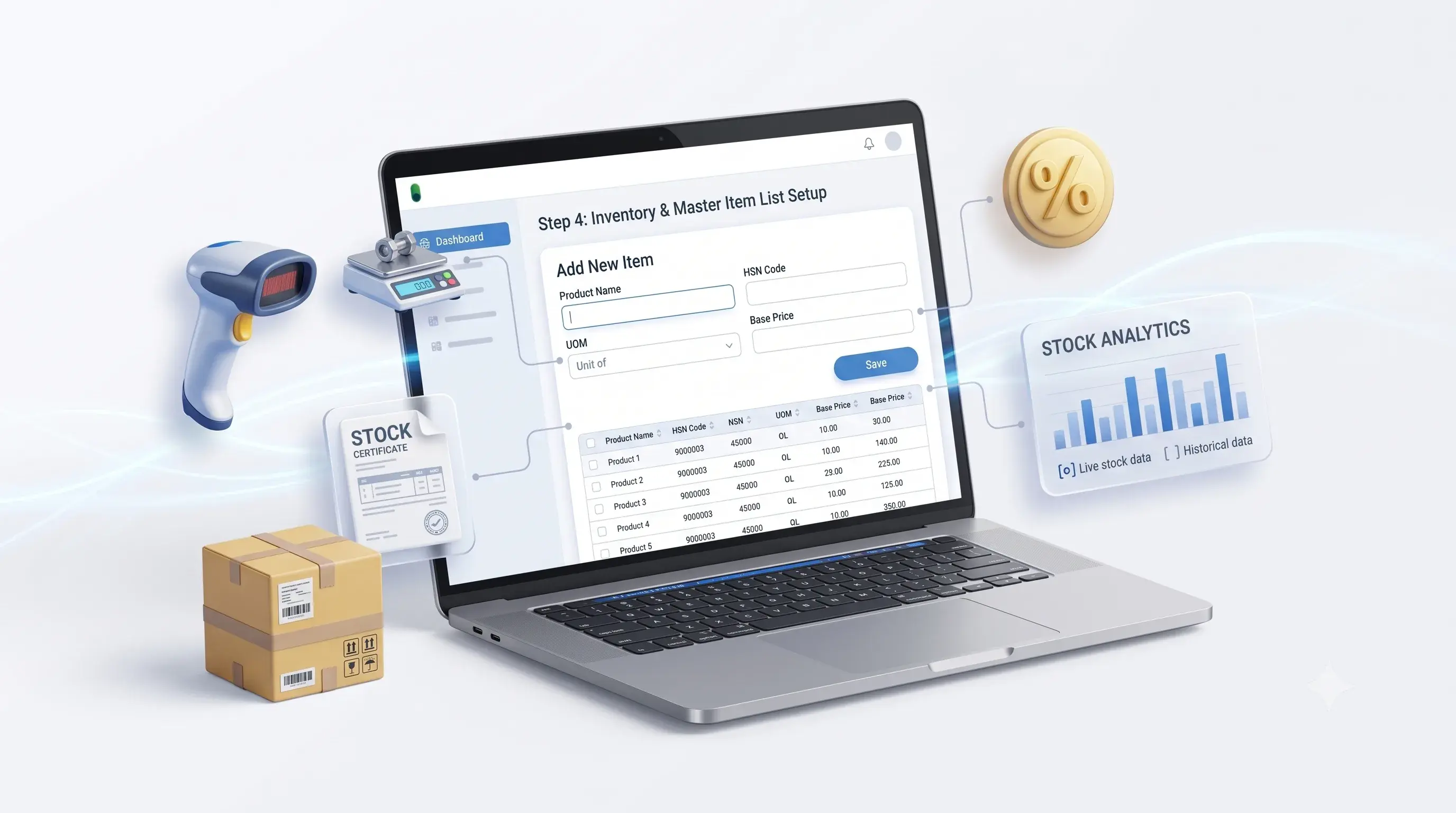
Inventory Synchronization with TallyPrime
Inventory is one of the important areas in e-commerce integration.
For example:
TallyPrime Stock → Online Store
or:
Online Store Order → TallyPrime Stock Workflow
Depending on the business architecture, inventory information can be synchronized between systems.
Important considerations include:
- SKU mapping
- Product codes
- Units
- Warehouses
- Available quantity
- Order quantity
- Returns
- Stock adjustments
Incorrect product mapping can result in incorrect inventory information.
Therefore, inventory integration should include clear mapping rules.
Product and SKU Mapping
A product may have different identifiers across systems.
For example:
| E-commerce | TallyPrime |
|---|---|
| SKU-1001 | ITEM-1001 |
| Product Name | Stock Item Name |
| Selling Price | Sales Rate |
| Quantity | Stock Quantity |
| Product Category | Stock Group |
The actual mapping depends on the business.
Before integration, businesses should create a product mapping structure so that transactions are associated with the correct stock items.
Customer Data Synchronization
Online stores collect customer information during the checkout process.
Depending on the requirements, selected customer information can be mapped to TallyPrime.
Possible fields include:
- Customer name
- Contact information
- Billing address
- Shipping address
- Tax-related information
- Customer reference
A defined customer-matching strategy is important. Otherwise, repeated orders from the same customer could create unnecessary duplicate records. If CRM synchronization is also required, consult our CRM Integration with TallyPrimesolutions.
Payment and Settlement Data
E-commerce accounting can become more complicated because the order amount and actual settlement amount may not always be identical.
For example, Order Value may differ from Settlement Amount because of factors such as:
- Platform fees
- Payment gateway charges
- Shipping charges
- Discounts
- Refunds
- Returns
- Other adjustments
Therefore, payment and settlement integration should be designed according to the actual reconciliation process.
Returns and Refunds
Returns are another important part of e-commerce accounting.
A typical workflow can include:
The exact accounting treatment depends on the business process and applicable accounting requirements.
The integration should therefore define how returned and cancelled orders are handled before automation is implemented.
Multi-Channel E-commerce Integration
Growing businesses may sell through multiple channels: Shopify, WooCommerce, Amazon, Flipkart, other marketplaces, and physical stores.
A centralized integration architecture can look like:
WooCommerce ───┤
Amazon ────────┤
Flipkart ──────┼──→ Integration Layer → TallyPrime
Website ───────┤
POS ───────────┘
This architecture can help businesses create common processing rules while keeping each sales channel connected.
The actual implementation depends on the APIs and data available from each platform.
E-commerce Integration vs Manual Excel Process
| Manual Excel Workflow | Integrated Workflow |
|---|---|
| Download orders | Structured data transfer |
| Copy data into Excel | Automated mapping |
| Manual accounting entry | Configured accounting workflow |
| Manual product matching | SKU mapping |
| Repeated reconciliation | Connected transaction data |
| Higher manual dependency | Reduced repetitive work |
| Multiple files | Centralized process |
Integration does not eliminate the need for accounting controls.
Instead, its purpose is to reduce unnecessary repetitive data movement.
How to Implement E-commerce Integration with TallyPrime
Common E-commerce Integration Mistakes
Benefits of E-commerce Integration with TallyPrime
Reduce Repetitive Data Entry: Selected order and customer information can move automatically.
Improve Data Consistency: Defined mappings can reduce inconsistencies between systems.
Improve Inventory Visibility: Relevant stock information can be exchanged between platforms.
Simplify Accounting Workflows: Online transactions can be connected to the accounting process.
Reduce Reconciliation Work: Structured data transfer can reduce some manual comparison work.
Support Multi-Channel Growth: Multiple sales channels can be connected through a common integration architecture.
Who Should Consider E-commerce TallyPrime Integration?
This type of integration may be useful for:
D2C Brands: Businesses selling directly through their own websites.
Marketplace Sellers: Businesses receiving large numbers of orders from marketplaces.
Retail Businesses: Businesses operating both physical and online sales channels.
Distributors: Businesses managing online orders alongside traditional distribution.
Growing E-commerce Businesses: Businesses where manual order processing is becoming difficult to manage.
When Is E-commerce Integration Not Necessary?
Integration is not automatically required for every online business.
If a business:
- Has very few orders
- Has simple accounting requirements
- Can efficiently process orders manually
- Has no significant reconciliation issue
then a complex integration may not be necessary.
The right solution depends on transaction volume, workflow complexity and business requirements.
E-commerce + TallyPrime + Business Dashboard
E-commerce integration can also become part of a centralized reporting system.
For example:
TallyPrime ──┼──→ Business Dashboard
CRM ─────────┘
A centralized dashboard can potentially combine information such as:
- Online sales
- Accounting revenue
- Product performance
- Inventory
- Customer performance
- Outstanding
- Channel-wise sales
Pragyantra's dashboard approach focuses on bringing data from multiple business systems into a centralized reporting environment. Connect advanced KPI visualization via Business Intelligence Tools in Dubai & UAE.
E-commerce Integration Architecture
A scalable architecture may include:
E-commerce Layer: Shopify, WooCommerce or marketplace.
API Layer: Connects the platform with the integration system.
Integration Layer: Processes incoming information.
Mapping Layer: Maps products, customers and transactions.
Validation Layer: Checks required data.
TallyPrime Layer: Handles the accounting workflow.
Reporting Layer: Optional dashboard or BI system.
↓
API
↓
Integration
↓
Mapping
↓
Validation
↓
TallyPrime
↓
Dashboard / Reporting
How Much Does E-commerce Integration with TallyPrime Cost?
There is no single fixed price for e-commerce-TallyPrime integration.
The cost can depend on:
- E-commerce platform
- Number of marketplaces
- TallyPrime environment
- Number of workflows
- Number of data fields
- Order volume
- Inventory requirements
- Payment/settlement requirements
- Returns workflow
- Customization
- Dashboard requirements
- Ongoing support
A proper requirement analysis should be completed before providing a project estimate.
Frequently Asked Questions
Can Shopify be integrated with TallyPrime?
A Shopify-TallyPrime integration can be designed where the available platform capabilities and business requirements support the required workflow.
Can WooCommerce be connected with TallyPrime?
Yes, a WooCommerce-to-TallyPrime integration workflow can be developed based on the required order, customer, product and accounting processes.
Can Amazon orders be integrated with TallyPrime?
Marketplace order data can potentially be integrated with TallyPrime, subject to the marketplace's available integration capabilities and the required accounting workflow.
Can inventory be synchronized between an online store and TallyPrime?
Yes, inventory synchronization can be included where the required product, SKU and stock mapping is properly defined.
Can customer data be transferred to TallyPrime?
Selected customer information can be transferred based on the integration requirements and field mapping.
Can returns and refunds be integrated?
They can be included in the integration design, but the exact workflow depends on the platform and the business's accounting process.
Is API required for e-commerce-TallyPrime integration?
The technical approach depends on the platforms involved and their available integration methods. API-based integration is one possible approach.
Can multiple e-commerce platforms connect to TallyPrime?
A multi-channel architecture can be designed where multiple platforms feed selected data into a common integration layer before reaching TallyPrime.
Can e-commerce data be connected to a business dashboard?
Yes. Relevant e-commerce and TallyPrime data can be combined into a centralized dashboard when the required integrations are available.
Conclusion
E-commerce businesses often work across multiple platforms, but accounting should not have to remain a completely separate manual process.
E-commerce Integration with TallyPrime can connect online orders, customers, products, inventory and selected transaction information with the accounting workflow.
The key is not simply to automate everything.
A reliable integration should begin with:
This approach helps create an integration that matches the actual needs of the business.
Internal Linking Plan
| Section | Anchor Text | URL |
|---|---|---|
| Main CTA | TallyPrime Integration Services | /tallyprime-erp-integration |
| API section | Tally API Integration Services | /tally-api-integration-services |
| ERP section | ERP API Integration with TallyPrime | /erp-api-integration-with-tally |
| CRM section | CRM Integration with TallyPrime | /crm-integration-with-tallyprime |
| Dashboard section | Business Intelligence Tools in Dubai & UAE | /business-intelligence-tools-dubai |
Connect Your E-commerce Business with TallyPrime
If your business receives orders from Shopify, WooCommerce, marketplaces or other online channels and you want to create a connected TallyPrime workflow, Pragyantra can help evaluate the required integration architecture.
🏢 Pragyantra Solutions | Helpline: +91 77280 57558| Web: www.pragyantra.com