



How to Improve Customer Communication Through Business Invoices?
Every invoice a business sends to its customers is an opportunity to communicate important information.
Traditionally, invoices are used to display product details, quantities, prices, taxes and payment information. However, businesses can also use them to share useful messages, communicate policies and strengthen their brand identity.
A simple Thank You message, payment instruction, promotional offer or company tagline can make an invoice more informative and customer-friendly.
For businesses using TallyPrime, customised invoice printing provides an opportunity to include additional messages without changing their regular accounting workflow.
In this guide, we will explore how businesses can improve customer communication through invoices and how personalised invoice captions can support this process.
Why Is Customer Communication Important in Business Invoices?
An invoice is an important document exchanged between a business and its customer.
It provides transaction details and can also communicate information that customers may need after completing a purchase.
However, when invoices contain only basic transaction details, businesses may miss opportunities to share useful instructions or reinforce their brand identity.
Here are some common communication opportunities:
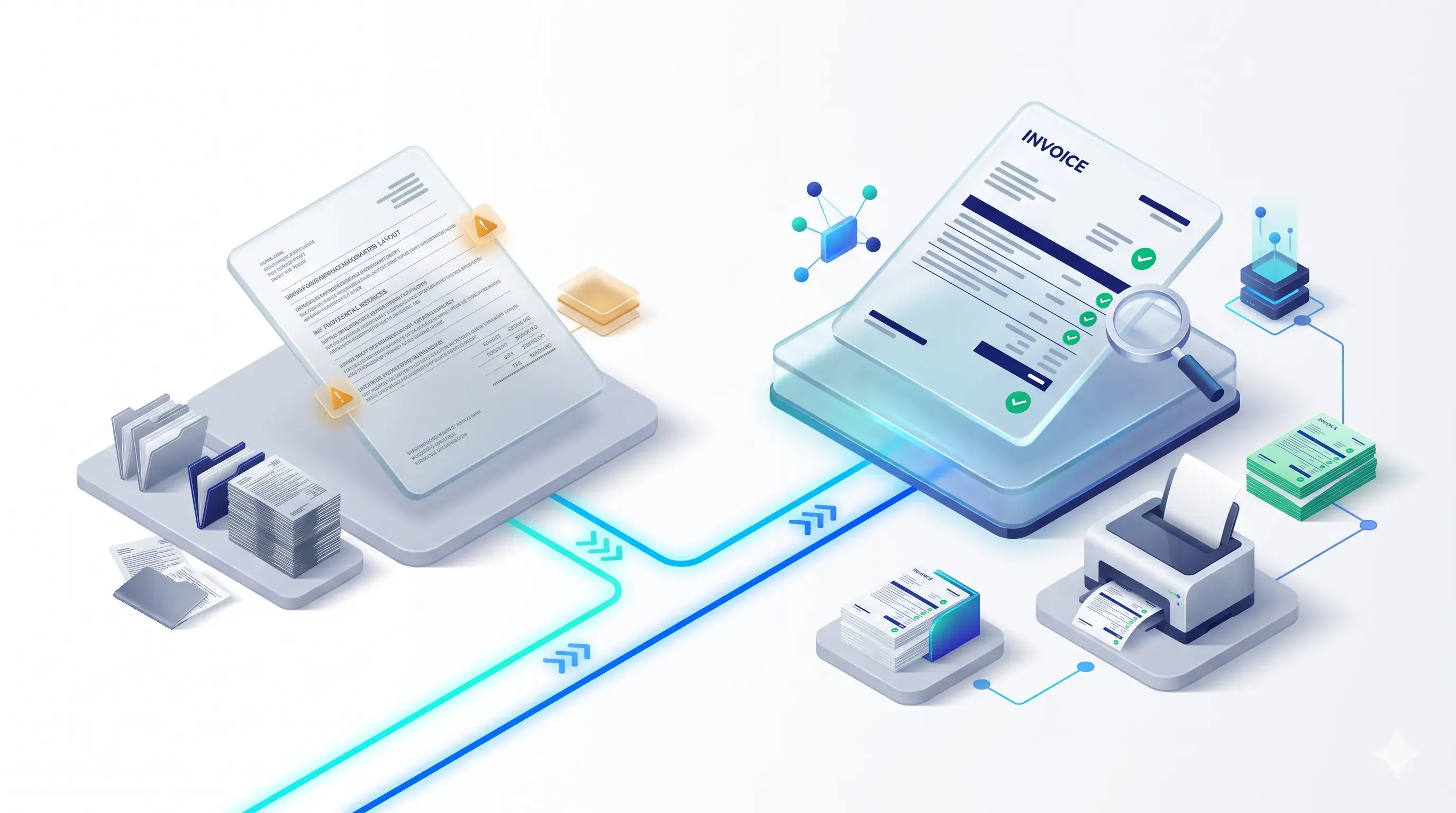
Common Invoice Communication Opportunities
- 1. Thank Customers for Their Business: A simple Thank You message can make customers feel appreciated and create a more personalised experience. For example: "Thank You for Your Business. We Appreciate Your Trust!"
- 2. Communicate Payment Instructions: Businesses can display important payment-related information to help customers understand how to complete their payments. For example: "Please make payment to the registered bank account mentioned in the invoice."
- 3. Share Business Policies: Important information about returns, delivery terms, payment conditions or other business policies can be communicated through invoice messages. For example: "Please review the applicable terms and conditions before accepting the goods."
- 4. Promote Products and Offers: Invoices can provide an additional communication channel for informing customers about upcoming offers, new products or business promotions. For example: "Explore Our Latest Product Collection on Our Website!"
- 5. Strengthen Brand Recognition: A company tagline, website address or short brand message can help customers remember your business.
These small communication elements can make routine invoices more informative and consistent with your brand identity.
7 Types of Messages Businesses Can Add to Invoices
Different businesses have different communication requirements. The messages displayed on invoices should be relevant to the customer and transaction.
Here are seven practical examples.
1. Thank You Messages
Thank customers for choosing your business.
Example:
"Thank You for Choosing Us. We Look Forward to Serving You Again!"
Suitable for retail stores, distributors, wholesalers and service providers.
2. Payment Instructions
Display clear payment-related instructions.
Example:
"Please Complete Your Payment Within the Agreed Credit Period."
Suitable for businesses that offer credit facilities or accept different payment methods.
3. Bank Account Information
Display relevant bank details or payment information where appropriate.
Example:
"For Bank Transfers, Please Use the Account Details Provided on This Invoice."
Businesses should ensure that all displayed banking information is accurate and approved.
4. Promotional Messages
Use invoice space to communicate relevant offers and business promotions.
Example:
"Discover Our Latest Offers and New Arrivals Today!"
This can help businesses communicate promotions to existing customers.
5. Company Taglines
Display a short message that represents your business identity.
Example:
"Quality Products. Reliable Service. Trusted Relationships."
A consistent tagline can reinforce brand recognition.
6. Return and Exchange Policies
Communicate applicable return or exchange conditions.
Example:
"Please Review Our Applicable Return and Exchange Policy."
The message should reflect the actual business policy and should not replace complete legal or contractual terms where those are required.
7. Festive Greetings and Seasonal Messages
Businesses can use invoices to share greetings during festivals and special occasions.
Example:
"Wishing You a Happy Diwali and a Prosperous Year Ahead!"
Seasonal messages can make customer communication feel more personal.
Why Manual Invoice Messaging Can Become Difficult
Some businesses manually enter additional notes into invoices whenever they need to communicate something specific.
Although this may work for occasional transactions, it can become repetitive when businesses generate invoices regularly.
Common challenges include:
Common Manual Invoice Messaging Challenges
- Repeated Message Entry: Employees may need to enter the same Thank You message, payment instruction or business policy repeatedly.
- Inconsistent Communication: Different employees may use different message formats, creating inconsistencies across invoices.
- Limited Flexibility: A single fixed message may not be suitable for every customer, voucher type or transaction.
- Additional Administrative Work: Manually updating invoice messages can increase repetitive work for billing teams.
- Difficulty Managing Different Messages: Businesses may need different captions for different customer groups or transaction conditions.
A configurable invoice caption solution can help organise these requirements.
How TallyPrime Personalized Invoice Captions Can Help
TallyPrime is used by businesses to manage accounting and billing activities.
With a suitable customization, businesses can extend invoice printing functionality to display additional messages and captions.
Pragyantra's Enable Personalized Caption in Invoice Print Add-on is designed to help businesses configure additional information in printed invoices.
Instead of manually entering repeated messages, businesses can configure captions according to their communication requirements.
Key Capabilities
- 1. Custom Message Configuration: Configure messages such as Thank You notes, company taglines, payment instructions and promotional content.
- 2. Conditional Captions: Set up different captions based on supported conditions such as Ledger Group, Voucher Type or Amount.
- 3. Flexible Caption Placement: Position captions in the invoice Header, Footer or Middle Section according to the required layout.
- 4. Different Voucher Types: The product page lists support for Sales Invoices, Debit Notes, Credit Notes and Delivery Challans.
- 5. Easy Caption Updates: Update configured messages through the TDL configuration menu. Changes can be reflected in subsequent prints.
- 6. Custom Invoice Format Integration: Businesses using customised invoice formats can discuss integrating the caption functionality into their existing layouts.

How to Use Personalized Messages in Different Business Situations
The right invoice message depends on the type of business and the information customers need.
Retail Business Example
A retail business may display:
"Thank You for Shopping With Us! Visit Again for Our Latest Offers."
This combines customer appreciation with promotional communication.
Wholesale Business Example
A wholesaler may display:
"Please Verify the Delivered Items and Refer to Our Applicable Business Terms."
This provides an additional communication point for customers.
Distributor Business Example
A distributor may display:
"Please Complete Payments According to the Agreed Credit Terms."
This reinforces payment-related communication.
Service Business Example
A service provider may display:
"Thank You for Trusting Our Services. Contact Us for Further Assistance."
This creates an opportunity to maintain customer engagement after the transaction.
Manufacturing Business Example
A manufacturer may display:
"For Product Specifications and Support, Please Contact Our Business Team."
This helps customers identify where to seek additional information.
Where Should You Place Messages on an Invoice?
The placement of a message can influence how easily customers notice and read it.
Pragyantra's Personalized Caption Add-on supports different caption positions.
Invoice Header
The header can be suitable for short company messages, branding information or important announcements.
Invoice Middle Section
The middle section can be considered for relevant transaction-related information, depending on the invoice layout.
Invoice Footer
The footer can be suitable for Thank You messages, payment instructions, business policies and closing notes.
Please Note
The ideal position depends on the invoice format, message length and the importance of the information.
Business Benefits of Personalized Invoice Communication
Using personalised captions can help businesses improve the way they communicate through billing documents.
Better Customer Experience
Relevant messages make invoices more informative and help customers understand important instructions.
Stronger Brand Recognition
Consistent company taglines and branding messages can reinforce business identity.
Clearer Payment Communication
Payment-related messages can help communicate important instructions and agreed payment conditions.
Reduced Repetitive Work
Configured captions can reduce the need to manually enter repeated messages.
More Flexible Business Communication
Conditional captions can support different messages for supported ledger groups, voucher types and amount conditions.
Consistent Invoice Presentation
Standardised captions help businesses maintain a consistent communication format across supported documents.
Best Practices for Writing Effective Invoice Messages
Adding more text does not automatically improve invoice communication. Messages should be useful, relevant and easy to understand.
Follow these practices:
Best Practices Checklist
- Keep Messages Short: Use concise sentences that customers can understand quickly.
- Prioritise Important Information: Payment instructions and essential business terms should be clear.
- Avoid Unnecessary Text: Do not overcrowd invoices with multiple promotional messages.
- Use Consistent Branding: Maintain a consistent tone and company identity.
- Verify Important Details: Check bank information, payment terms and policy statements before printing.
- Choose the Right Placement: Position messages where customers can read them comfortably.
- Use Relevant Conditional Messages: Display different messages only when there is a genuine business requirement.

Standard Invoice vs Personalized Invoice Communication
| Standard Invoice | Personalized Invoice |
|---|---|
| Mainly transaction-focused | Transaction and communication-focused |
| Basic business information | Additional configured messages |
| Limited branding opportunities | Supports company taglines and branding |
| Repeated manual notes may be required | Configured captions can be reused |
| Less flexibility for different conditions | Supports conditional captions |
Please Note
The additional communication depends on the selected captions and the add-on configuration.
Why Choose Pragyantra for Personalized Invoice Printing?
Pragyantra provides Tally customization and add-on solutions designed to support practical business requirements.
The Enable Personalized Caption in Invoice Print Add-on helps businesses display customised messages and additional information in printed invoices.
Whether you want to communicate Thank You messages, payment instructions, promotional offers or company branding, the solution can be configured according to supported business requirements.
Explore the product:
Contact the Pragyantra team to understand the available features, caption configuration and compatibility options.
Frequently Asked Questions
1. Why should businesses add messages to invoices?
Messages can help businesses communicate payment instructions, policies, promotional information and customer appreciation directly through printed invoices.
2. Can I add a Thank You message to a TallyPrime invoice?
Yes. With a suitable invoice customization, you can configure a Thank You message and display it in the selected invoice position.
3. Can businesses display different messages for different customers?
Yes. Pragyantra's add-on supports conditional captions based on configured criteria such as Ledger Group.
4. Can I display promotional offers on invoices?
Yes. Promotional messages can be configured as invoice captions, provided they meet your business requirements and available layout configuration.
5. Can I display payment instructions on printed invoices?
Yes. Payment-related instructions and other relevant information can be included as customised captions.
6. Where can personalized messages appear on invoices?
The add-on supports caption placement in the Header, Footer and Middle Section of the invoice.
7. Can I change invoice messages later?
Yes. Configured captions can be updated through the TDL configuration menu, with changes reflected in subsequent prints.
8. Can I display different captions for different voucher types?
Yes. The add-on supports conditional messaging based on Voucher Type, subject to the configured setup.
9. Does personalized caption printing work with customised invoice formats?
Pragyantra can discuss integrating the caption functionality into existing customised invoice formats.
10. Is the Pragyantra Personalized Caption Add-on compatible with TallyPrime?
The product page lists compatibility with TallyPrime and Tally ERP 9. Contact Pragyantra to confirm compatibility with your specific software version and configuration.
Make Every Invoice an Opportunity to Communicate
Your business invoices can do more than display transaction details.
Use them to thank customers, share useful instructions, communicate business policies and reinforce your brand identity.
With Pragyantra's Enable Personalized Caption in Invoice Print Add-on, you can make your TallyPrime invoice communication more flexible and organised.
Request a Demo Today
🏢 Pragyantra Solutions | Phone: +91 77280 57558 | Web: www.pragyantra.com
TallyPrime Personalized Caption Add-on | Tally Customisation | Invoice Communication Solutions