



How to Improve Invoice Readability in TallyPrime? A Complete Guide
A well-structured invoice layout can make this process easier.
Invoices are important business documents. They communicate product details, quantities, rates, taxes and total amounts to customers.
However, when an invoice contains multiple stock items, long product descriptions or several columns, reading and verifying the information can become difficult.
A plain invoice layout without clear row separators may make it harder to follow individual item details. Customers, accountants and warehouse teams may need to spend additional time identifying which quantity, rate or amount belongs to a particular product.
In this guide, we will explore why invoice readability matters, common invoice printing challenges and how horizontal grid lines in TallyPrime can help create a clearer, more organised invoice format.
Why Is Invoice Readability Important?
An invoice is more than a record of a business transaction. It is also a document that customers use to verify the products and services they have purchased.
A clear invoice helps different stakeholders understand transaction details without unnecessary confusion.
Consider a distributor sending an invoice containing 40 or 50 stock items. If the printed document does not visually separate each row, identifying individual product details can become challenging.
Good invoice formatting helps with:
- Identifying individual stock items.
- Matching product descriptions with quantities and rates.
- Reviewing transaction details.
- Checking printed documents.
- Improving the overall presentation of business invoices.
For businesses that regularly generate detailed invoices, readability should be an important part of their billing workflow.
Common Invoice Printing Problems in TallyPrime
Businesses using TallyPrime may encounter different invoice presentation challenges depending on their printing requirements and document layout.
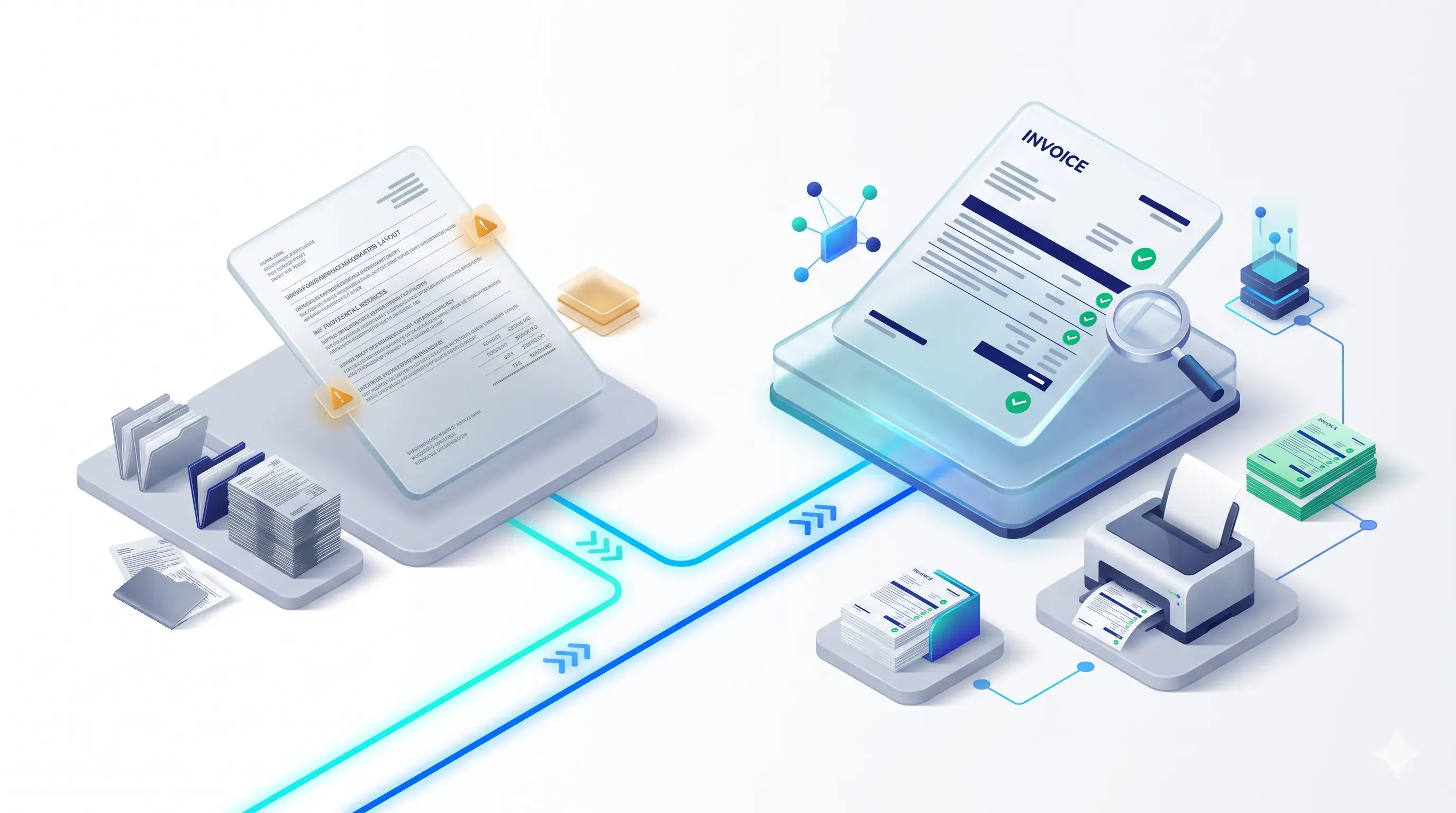
1. Difficulty Reading Multiple Line Items
Invoices containing many products can appear crowded when individual rows are not visually separated.
Readers may find it difficult to follow product details across different columns.
2. Confusion Between Adjacent Rows
When multiple stock items are printed together, readers may accidentally associate a quantity, rate or amount with the wrong product row.
Clear horizontal separators can help reduce this visual confusion.
3. Long Product Descriptions
Some businesses deal with technical product names, specifications, model numbers and detailed descriptions.
When these details occupy multiple lines, the invoice needs a layout that makes each item easy to identify.
4. Less Structured Invoice Presentation
A plain list-style invoice may not provide the visual organisation that businesses expect from professional billing documents.
5. Additional Verification Effort
Accountants, warehouse employees and customers may need to review item-wise information before completing their respective activities.
A more structured layout can make document verification easier.
What Are Horizontal Grid Lines in Invoice Printing?
Horizontal grid lines are visual separators printed between rows in an invoice.
They help distinguish one stock item from another and make the printed document look more like a structured table.
For example, consider an invoice containing the following columns:
| Item Description | Quantity | Rate | Amount |
|---|---|---|---|
| Product A | 10 | 500 | 5,000 |
| Product B | 5 | 800 | 4,000 |
| Product C | 12 | 250 | 3,000 |
When horizontal separators are added between the item rows, it becomes easier to visually follow each product's information across the invoice.
This is particularly useful when invoices contain many items or lengthy descriptions.
How to Add Horizontal Grid Lines to TallyPrime Invoice Prints
If your standard invoice printing format does not provide the row separation required by your business, a suitable Tally customization or add-on can help.
Pragyantra offers an Enable Horizontal Grid Lines in Invoice Print Add-on designed to add horizontal separators between stock item entries in printed invoices.
The add-on is intended to improve the visual structure of invoice documents without changing the underlying accounting information.
How the Add-on Works
The add-on uses a TDL-based customization to introduce horizontal lines in the printed invoice layout.
Its general functionality includes:
- Identifying stock item entries in the invoice.
- Printing horizontal separators between item rows.
- Maintaining a structured tabular appearance.
- Supporting clearer presentation of multi-item invoices.
- Applying the configured line style to the printed document.
For items with multi-line descriptions, the product page states that the separator is printed after the complete item description.
The exact layout should be tested with your invoice format before implementation.
Key Features of Pragyantra's Horizontal Grid Lines Add-on
1. Automatic Horizontal Grid Generation
The add-on is designed to place horizontal separators between stock item entries automatically. This helps distinguish individual rows in printed invoices.
2. Structured Tabular Invoice Layout
Horizontal lines give the invoice a more organised table-like appearance. This makes it easier to follow product descriptions, quantities, rates and amounts.
3. Improved Item-Wise Verification
Clear row separation can help accountants, customers and warehouse employees review individual stock entries more comfortably.
4. Support for Multiple Inventory Vouchers
According to the product page, the add-on supports:
- Sales Invoices
- Purchase Vouchers
- Delivery Notes (Challans)
- Quotations
Confirm the exact supported formats with Pragyantra before implementation.
5. Customisable Grid Line Styles
The product page describes customisation options for line styles, including solid, dotted, thin and thick lines. The final appearance can be discussed according to your document layout and printing requirements.
6. Printer Compatibility
The product page describes support for laser, inkjet and dot matrix printers. Actual output should be tested with the printer model, paper size and print configuration used by your business.
Business Benefits of Better Invoice Formatting
Adding horizontal grid lines may look like a small design improvement, but it can make a practical difference to everyday invoice handling.
Easier Product Identification
Separating stock item rows makes it easier to identify individual products and their corresponding details.
Better Invoice Verification
Customers and accounting teams can follow item descriptions, quantities and rates more comfortably.
More Professional Presentation
A structured invoice layout gives printed business documents a cleaner and more organised appearance.
Helpful for High-Volume Billing
Businesses that regularly generate invoices containing multiple products can benefit from clearer row separation.
Improved Document Readability
Horizontal separators help readers follow information across the invoice without losing track of individual rows.
Which Businesses Can Benefit from Horizontal Grid Lines?
This add-on can be useful for businesses that regularly print itemised invoices.
Distributors and Wholesalers
Distributors often generate invoices containing numerous products, quantities and rates. Clear row separation can make these documents easier to review.
Hardware and Electrical Businesses
Hardware and electrical businesses frequently deal with technical product names, specifications, model numbers and part descriptions.
A structured invoice can make these details easier to follow.
Manufacturing Companies
Manufacturers may generate invoices containing multiple stock items and product descriptions.
Horizontal grid lines can help organise the printed item details.
Retail Businesses
Retailers that generate itemised invoices can benefit from a more structured presentation of product information.
Trading Businesses
Trading companies handling multiple products and frequent billing activities may find improved invoice readability useful.
Standard Invoice Printing vs Horizontal Grid Line Printing
| Standard Invoice Layout | Horizontal Grid Line Layout |
|---|---|
| Rows may appear visually crowded | Rows are separated by horizontal lines |
| Item details can be harder to follow | Individual items are easier to distinguish |
| Plain list-style presentation | Structured tabular appearance |
| Manual visual tracking may be required | Clearer row-wise presentation |
Please Note
The actual visual difference depends on the invoice template, printer settings and document content.
Is the Horizontal Grid Lines Add-on Compatible with TallyPrime?
Pragyantra's product page lists compatibility with:
- TallyPrime
- Tally ERP 9
The add-on uses TDL-based customization to modify the printed invoice presentation.
Before implementation, confirm your exact Tally version, invoice configuration and required voucher types with the Pragyantra technical team.
Frequently Asked Questions
1. What are horizontal grid lines in TallyPrime invoice printing?
Horizontal grid lines are separators printed between stock item rows to make invoice details easier to read and identify.
2. Why should I add grid lines to my printed invoices?
Grid lines help distinguish individual stock items, making quantities, rates, descriptions and amounts easier to follow.
3. Can I add horizontal lines between every invoice item?
Pragyantra's add-on is designed to automatically add horizontal separators between stock item entries in supported invoice layouts.
4. Does the add-on support long product descriptions?
The product page states that the add-on places the separator after the complete item description, including multi-line descriptions.
5. Can I customise the thickness of horizontal grid lines?
Yes. The product page describes customisation options for solid, dotted, thin and thick line styles.
6. Does the add-on work with dot matrix printers?
The product page describes support for dot matrix, laser and inkjet printers. Confirm the output with your actual printer configuration.
7. Which vouchers support horizontal grid lines?
The listed supported formats include Sales Invoices, Purchase Vouchers, Delivery Notes (Challans) and Quotations. Confirm the required voucher configuration before purchasing.
8. Is the add-on compatible with TallyPrime?
Yes. The product page lists compatibility with TallyPrime and Tally ERP 9.
Make Your TallyPrime Invoices Clearer with Pragyantra
Your invoices represent your business. Their presentation should make transaction information easy to understand and verify.
With Pragyantra's Enable Horizontal Grid Lines in Invoice Print Add-on, businesses can introduce structured row separators into their printed documents and improve the presentation of multi-item invoices.
If you want cleaner, more organised and easier-to-read invoices in TallyPrime, explore the add-on and discuss your requirements with our team.
🏢 Pragyantra Solutions | Phone: +91 77280 57558 | Web: www.pragyantra.com
TallyPrime Customisation | Tally Add-ons | Invoice Printing