


How to Create a Professional Invoice Format in TallyPrime? A Complete Guide
A professional invoice is an important part of business communication. It provides customers with a clear record of the products or services purchased, quantities, rates, taxes and total payable amount.
For businesses that generate invoices regularly, the presentation of these documents matters. A well-organised invoice makes transaction details easier to understand, verify and maintain.
However, when an invoice contains multiple stock items, long product descriptions or several columns, its printed layout can become difficult to read. Businesses using TallyPrime may therefore need additional invoice formatting options to make their printed documents more structured and professional. In this guide, we will explore the importance of professional invoice formatting, common billing presentation challenges and how horizontal grid lines can improve the appearance of printed invoices.
What Makes an Invoice Professional?
A professional invoice should present business and transaction information in a clear and organised manner.
Customers should be able to identify the important details without spending unnecessary time searching through the document. A well-structured invoice generally includes:
Business Information
- Company name and business details.
- Invoice number and date.
Customer & Transaction Details
- Customer information.
- Product or service descriptions.
- Quantity and unit details.
Rates, Taxes & Total
- Rate and amount.
- Applicable taxes.
- Total invoice value.
- Payment terms, where applicable.
Along with accurate information, the visual presentation of these details also plays an important role.
Common Invoice Formatting Challenges in TallyPrime
TallyPrime helps businesses generate accounting documents and invoices. However, different businesses may have different requirements for the appearance of their printed invoices. Some common presentation challenges include:
Frequent Invoice Presentation Challenges
- 1. Crowded Product Information: When an invoice contains many stock items, the printed document can appear crowded. Without clear row separation, it may become difficult to follow individual product entries.
- 2. Difficult Item-Wise Verification: Customers and accounting teams often need to verify product descriptions, quantities, rates and amounts. If adjacent rows are not visually separated, reviewing these details can become less convenient.
- 3. Long Product Descriptions: Businesses dealing with technical products, hardware, electrical goods or industrial supplies may have lengthy product descriptions. These descriptions can occupy multiple lines and affect the overall invoice presentation.
- 4. Inconsistent Invoice Appearance: A poorly structured printed invoice may look less organised, especially when multiple products and transaction details appear together.
- 5. Printing Requirements Differ Across Businesses: Different businesses use different paper sizes, printers and invoice layouts. A standard format may not always match every operational requirement.
Why Is Item-Wise Invoice Formatting Important?
Item-wise formatting helps organise product information into clearly identifiable rows.
Consider a business that generates invoices containing several stock items. Each item may include:
Item Identity
- Product name.
- Description.
Quantity & Pricing
- Quantity.
- Unit.
- Rate.
Adjustments & Totals
- Discount, if applicable.
- Tax details.
- Amount.
When these details are displayed in a structured table, readers can follow the information more comfortably. Horizontal separators between stock item rows can further improve the visual organisation of the invoice.
How Horizontal Grid Lines Improve Invoice Presentation
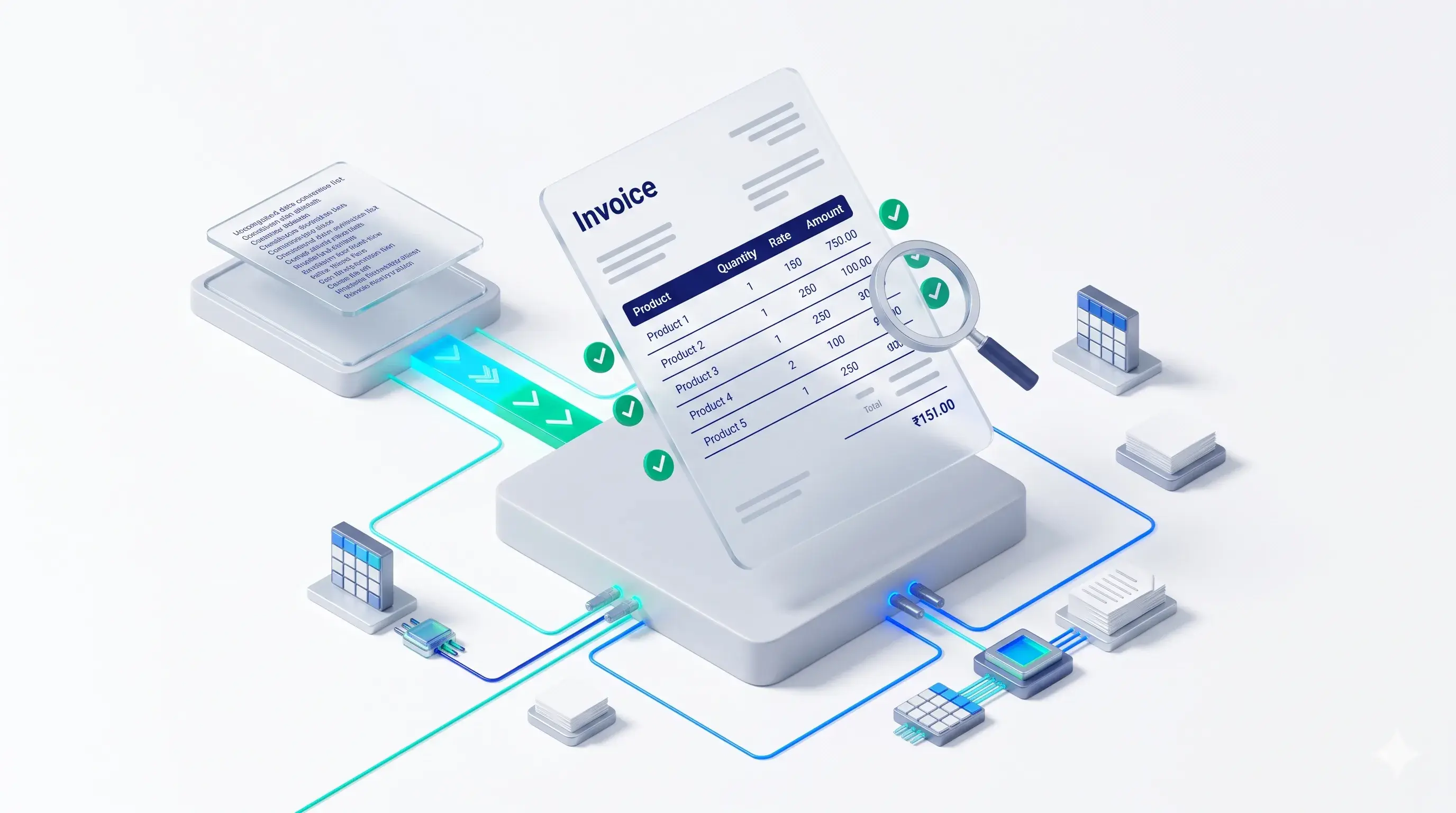
Horizontal grid lines are printed separators that help distinguish one stock item from another. Instead of presenting all item entries as a continuous list, these lines create a more structured table-like appearance.
1. Clear Separation Between Products
Horizontal lines help distinguish individual stock item entries. This makes it easier to identify where one product row ends and the next begins.
2. Better Alignment of Transaction Details
When product descriptions, quantities, rates and amounts are arranged in columns, horizontal separators help readers follow each row.
3. Easier Invoice Verification
Customers and accounting teams can review individual stock items with greater visual clarity.
4. More Organised Printed Documents
A structured invoice layout gives printed business documents a cleaner and more consistent appearance.
5. Helpful for Multi-Item Invoices
Businesses that regularly print invoices containing many stock items may find row separation particularly useful.
Improve TallyPrime Invoice Printing with Pragyantra
Pragyantra offers an Enable Horizontal Grid Lines in Invoice Print Add-on for businesses that want to improve the presentation of their printed invoices.
The add-on introduces horizontal separators between stock item entries, helping create a more structured invoice layout.
Key Features
- Automatic Horizontal Row Separators: The add-on is designed to add horizontal grid lines between stock item entries in supported printed documents.
- Support for Multi-Line Item Descriptions: According to the product page, separators are placed after the complete item description, including descriptions that occupy multiple lines.
- Customisable Line Styles: The product page describes options such as solid, dotted, thin and thick line styles.
- Multiple Voucher Formats: The listed supported formats include:
- Sales Invoices.
- Purchase Vouchers.
- Delivery Notes (Challans).
- Quotations.
- Printer Support: The product page describes support for laser, inkjet and dot matrix printers. Actual output should be verified using the printer and paper configuration in your business.
Which Businesses Should Consider Invoice Layout Customization?
Professional invoice formatting can be useful across different industries.
Hardware and Electrical Businesses
These businesses often generate invoices containing numerous product names, specifications and quantities. A structured layout can make individual entries easier to identify.
Wholesale and Distribution Businesses
Distributors frequently generate invoices containing multiple stock items. Clear row separation can make the printed document easier to review.
Manufacturing Companies
Manufacturers may need to present multiple products and detailed item descriptions in their invoices.
Trading Businesses
Trading companies handling frequent sales and purchase transactions can benefit from organised invoice presentation.
Retail Businesses
Retailers generating itemised invoices may use additional formatting to make transaction details easier to follow.
Standard Invoice Layout vs Customised Invoice Layout
| Standard Invoice Presentation | Horizontal Grid Line Presentation |
|---|---|
| Item rows may appear crowded | Rows are visually separated |
| Continuous list-style appearance | Structured table-like appearance |
| Individual items may be harder to follow | Easier row-wise identification |
| Limited visual separation | Clear horizontal separators |
| Depends on the existing print layout | Additional layout customisation |
Please Note
The final appearance depends on the invoice template, printer configuration and the actual customization implemented.
What Should You Check Before Customising Your TallyPrime Invoice?
Before implementing an invoice printing customization, consider these points:
Pre-Customisation Checklist
- Invoice Structure: Identify the columns and item details that need to appear on the printed document.
- Stock Item Details: Check whether product descriptions are short or occupy multiple lines.
- Voucher Requirements: Confirm which voucher formats need the customized layout.
- Line Style: Decide whether solid, dotted, thin or thick separators are appropriate for your invoice.
- Printer Configuration: Test the final output with your actual printer and paper size.
- Software Compatibility: Confirm the supported Tally version and add-on configuration with the technical team.
These checks help ensure that the final invoice layout meets your business requirements.
Why Choose Pragyantra for TallyPrime Invoice Customization?
Every business has different billing and document presentation requirements.
Pragyantra provides Tally customization and add-on solutions to help businesses adapt their accounting workflows to practical operational needs.
The Horizontal Grid Lines in Invoice Print Add-on is designed for businesses that want clearer separation between stock item entries in printed invoices.
Whether your business generates detailed sales invoices, purchase vouchers, delivery notes or quotations, the Pragyantra team can help you understand the available customization options.
Frequently Asked Questions
1. How can I make my TallyPrime invoices look more professional?
You can improve invoice presentation by organising company details, customer information, product descriptions, quantities, rates and totals into a clear layout. Additional print customization can help improve item-wise presentation.
2. What are grid lines in invoice printing?
Grid lines are visual separators used to distinguish rows and columns in printed invoices. Horizontal grid lines separate individual stock item entries.
3. Can horizontal grid lines be added to TallyPrime invoices?
Yes. Pragyantra provides an add-on designed to add horizontal separators between stock item entries in supported invoice formats.
4. Can the line style be customised?
The product page describes options including solid, dotted, thin and thick line styles. Confirm the available configuration with Pragyantra.
5. Does the add-on support long product descriptions?
The product page states that horizontal separators are placed after the complete item description, including multi-line descriptions.
6. Which voucher types support horizontal grid lines?
The listed formats include Sales Invoices, Purchase Vouchers, Delivery Notes (Challans) and Quotations. Confirm your exact voucher requirements before implementation.
7. Can I use the add-on with different printers?
The product page describes compatibility with laser, inkjet and dot matrix printers. Actual print results depend on the printer and configuration.
8. Is the add-on compatible with TallyPrime?
The product page lists TallyPrime and Tally ERP 9 compatibility. Contact Pragyantra to confirm compatibility with your specific version.
Create Clearer and More Professional Invoices with Pragyantra
Your invoice is an important business document. Its presentation should make transaction information easy to understand and verify.
With Pragyantra's Enable Horizontal Grid Lines in Invoice Print Add-on, you can introduce clearer row separation into supported printed invoice formats.
Improve the presentation of your TallyPrime invoices with a customization designed around your business requirements.
🏢 Pragyantra Solutions | Phone: +91 77280 57558 | Web: www.pragyantra.com
TallyPrime Invoice Customization | Horizontal Grid Lines Add-on | Tally Add-ons