

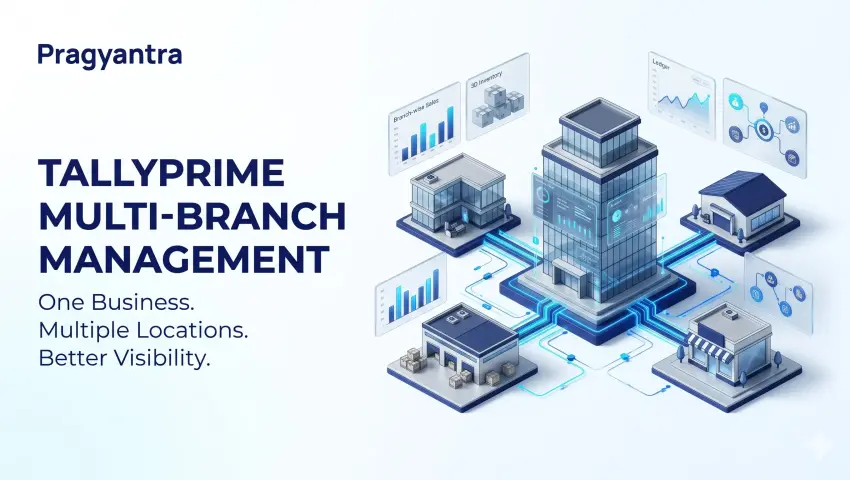

TallyPrime Multi-Branch Management: A Practical Guide to Accounting, Inventory and Reporting
Managing a business with multiple branches can become increasingly complex as operations expand. A company may have several retail outlets, regional offices, warehouses or distribution centres. Each location may handle different sales volumes, operating expenses, inventory movements and customer transactions.
Without a structured accounting process, business owners may struggle to understand branch-level performance, monitor inventory movements and prepare consolidated management reports.
TallyPrime multi-branch management involves organizing accounting, inventory and reporting workflows to suit the structure of a multi-location business. Depending on the business requirements, this may involve appropriate company configuration, cost centres, godowns, accounting procedures, integrations or custom reporting solutions.
In this guide, we explain how businesses can approach multi-branch management with TallyPrime, which features may be relevant, common implementation challenges and when professional customization or integration may be useful.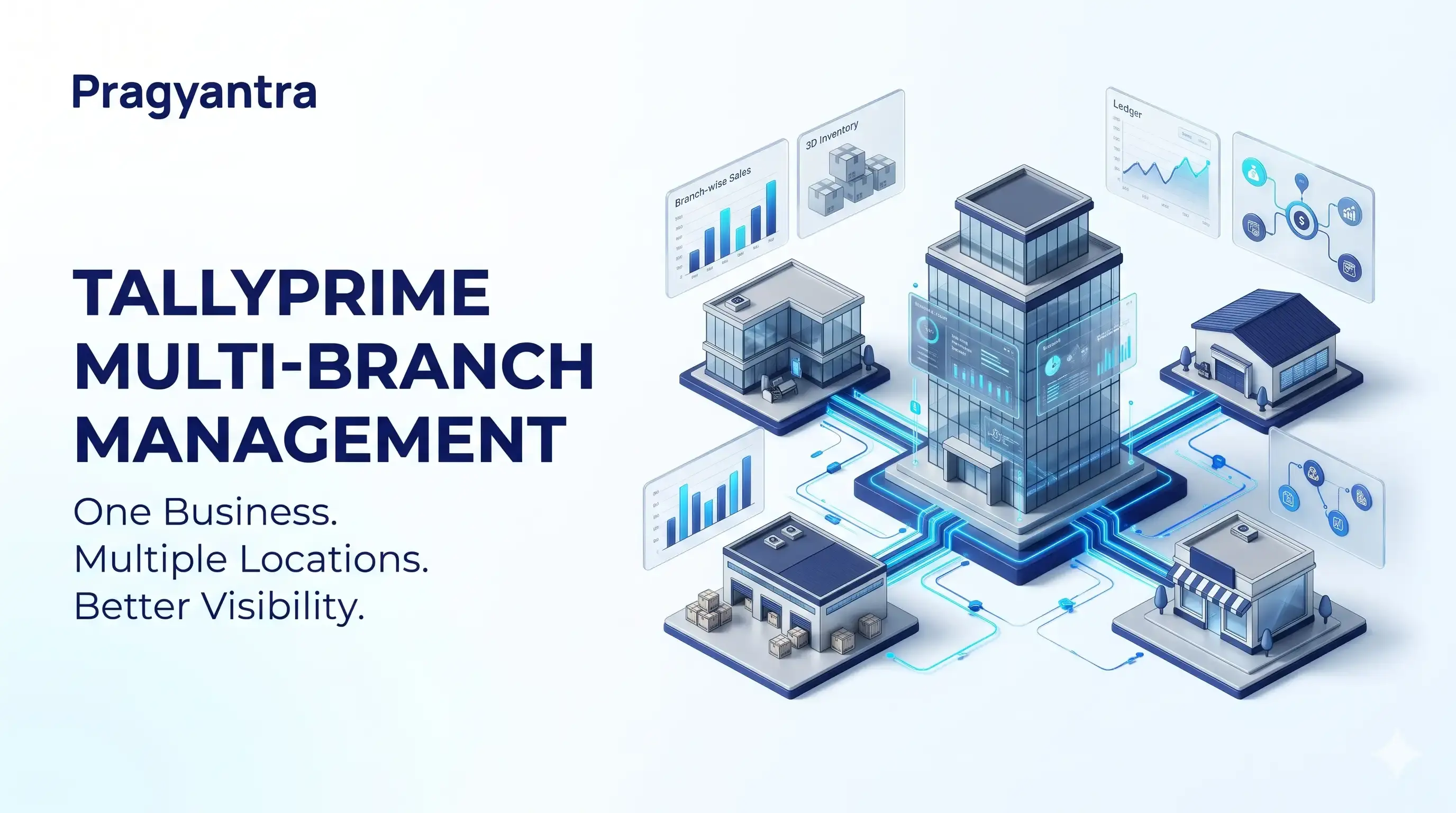
What Is Multi-Branch Management in TallyPrime?
Multi-branch management refers to the process of organizing financial and operational information across different business locations.
For example, a trading company may operate from a head office in Delhi and maintain branches in Mumbai, Jaipur and Lucknow. Management may need to review sales, expenses, inventory and outstanding balances across these locations.
The accounting setup should help the company answer questions such as:
- How much revenue is each branch generating?
- What expenses are associated with each location?
- Which warehouse or godown holds particular stock items?
- How can management review financial information across locations?
- Which reporting processes require automation?
- Should branches operate within one company structure or maintain separate company data?
The answers depend on the business model, statutory requirements, transaction workflows and reporting objectives.
TallyPrime offers features such as cost centres and godowns that can support different aspects of business tracking. However, these features serve different purposes and should not be treated as interchangeable.

Why Do Businesses Need a Structured Multi-Branch Accounting System?
As a business expands, its accounting requirements often become more complicated.
1. Difficulty Tracking Branch-Wise Performance
When sales and expenses are recorded without a consistent classification process, management may find it difficult to compare business performance across locations. A suitable reporting structure can help organize relevant income and expense information for analysis.
2. Limited Visibility into Inventory Across Locations
Businesses that maintain multiple warehouses, shops or storage locations need an accurate view of stock availability and movement. Without proper inventory records, staff may struggle to identify where stock is stored or whether a transfer between locations has been recorded correctly.
3. Manual Consolidation of Reports
Some businesses collect information from multiple teams or locations before preparing management reports. If the underlying records are inconsistent, consolidation can require additional manual work. Standardized accounting procedures and appropriately designed reporting workflows can help reduce this burden.
4. Inconsistent Accounting Processes
Different branches may follow different procedures for recording expenses, creating ledgers, entering vouchers or managing inventory. Standard operating procedures and a consistent accounting configuration help improve the reliability of financial information.
5. Delayed Management Decisions
Business owners need dependable information to make decisions about purchasing, staffing, stock allocation and expansion. A well-planned reporting process makes it easier to review relevant financial and operational indicators.
How to Plan Multi-Branch Management in TallyPrime
Before configuring TallyPrime, businesses should decide how their branches will be represented in the accounting system. There is no single structure suitable for every business.
Step 1
Identify Your Business Structure
Start by documenting the locations and operations that need to be tracked. Consider:
- Number of branches and warehouses
- Whether locations belong to the same legal entity
- Whether each location maintains separate books
- Whether inventory moves between locations
- Whether branch-wise income and expenses must be reported
- Whether management needs consolidated financial information
- Whether external software must exchange data with TallyPrime
These details help determine the appropriate configuration.
Step 2
Decide Between Company-Wise and Location-Wise Tracking
Some businesses may need separate company data, while others may be able to organize selected information within a common company structure. The decision should reflect the actual accounting and reporting requirements.
For example, a company operating several stores under the same legal entity may need a different setup from a group of businesses operating through separate legal entities.
Do not assume that creating multiple godowns automatically creates separate accounting branches. Godowns are intended for inventory storage and location tracking, while accounting structures address different reporting needs.
Step 3
Establish Consistent Accounting Procedures
Define common procedures for:
- Sales and purchase entries
- Expense recording
- Customer and supplier ledgers
- Stock transfers
- Payment and receipt vouchers
- Branch identification
- Periodic reconciliation
- Management reporting
Consistent procedures help make information easier to compare and review.
Step 4
Configure Reporting Requirements
Identify the reports management needs and how frequently they should be reviewed. Possible reporting requirements include sales by location, expense allocation, inventory by godown and selected consolidated financial information.
Confirm that the chosen TallyPrime configuration supports the required report. Additional customization or external reporting tools may be necessary for some requirements.

Using Cost Centres for Branch-Wise Income and Expense Tracking
Cost centres in TallyPrime can be used to allocate income and expenses to business units, departments, projects or other relevant categories.
Where appropriate, a business can use a cost-centre structure to organize financial information associated with different locations. For example, a business may create a cost-centre hierarchy for its regional operations and allocate eligible transactions to the relevant cost centres. This can help management examine allocated income and expenses by unit.
Example: Branch-Wise Expense Analysis
Consider a business operating three branches.
| Expense Category | Delhi | Jaipur | Lucknow | Total |
|---|---|---|---|---|
| Rent | ₹40,000 | ₹25,000 | ₹20,000 | ₹85,000 |
| Utilities | ₹8,000 | ₹5,000 | ₹4,000 | ₹17,000 |
| Local Marketing | ₹15,000 | ₹10,000 | ₹7,000 | ₹32,000 |
| Total | ₹63,000 | ₹40,000 | ₹31,000 | ₹1,34,000 |
Illustrative figures only.
If the transactions are recorded and allocated correctly, management can analyze relevant expenses by branch. The usefulness of the resulting report depends on the accounting configuration, the transactions recorded and the allocations made.
Important: Cost centres are designed for income and expense allocation, not physical inventory management. They should not be treated as a substitute for godowns or a complete branch-management system.
Managing Inventory Across Multiple Locations Using Godowns
Businesses that store stock in different warehouses, shops, storage rooms or other locations may use TallyPrime's godown or location functionality.
Godowns help businesses record inventory by storage location and review relevant stock movement and stock reports. For example, a distributor may maintain:
- Main Warehouse
- Delhi Warehouse
- Jaipur Warehouse
- Lucknow Warehouse
A suitable godown hierarchy can help the business organize stock information across these locations.
Key Inventory Management Activities
A structured inventory process may include:
- Location-wise stock visibility: Review inventory associated with the relevant godown.
- Stock movement tracking: Record stock movements between locations using the appropriate transaction workflow.
- Inventory organization: Create a hierarchy that reflects warehouses, storage areas or other operational requirements.
- Stock reconciliation: Compare system records with physical stock and investigate discrepancies.
- Reporting: Use relevant inventory reports to review stock quantities and values by location.
For accurate results, godowns must be configured properly and inventory transactions must identify the relevant locations.
Godowns vs. Branches: What Is the Difference?
Although businesses sometimes use these terms interchangeably, they describe different operational concepts.
| Requirement | Relevant Approach |
|---|---|
| Track inventory stored in different warehouses | Godowns or locations |
| Organize income and expenses by business unit | Cost centres, where suitable |
| Maintain separate accounting records for distinct entities | Appropriate company-wise accounting structure |
| Connect external sales or inventory applications | Integration, where required |
| Generate a specialized branch-performance dashboard | Existing reports, customization or a suitable BI solution |
The correct approach depends on the information you need to track and how the business operates.
Centralized Accounting and Consolidated Reporting
Centralized accounting can help management review information across business locations through a consistent reporting process.
However, centralized reporting does not necessarily mean that every branch should use the same company data structure.
The accounting design must first establish how transactions are recorded and how the relevant information can be combined.
What Should a Multi-Branch Reporting Process Include?
Depending on the business requirements, management may want to review:
- Sales and revenue indicators
- Operating expenses
- Customer outstanding balances
- Supplier outstanding balances
- Inventory quantities and values
- Cash and bank positions
- Selected profitability indicators
- Period-over-period performance
Not every metric will be available in every report or configuration. Confirm the reporting capabilities before implementation.
When Is Custom Reporting Useful?
Standard reports may be sufficient for businesses with straightforward requirements.
Customization or external reporting tools may become useful when management needs specialized formats, data from multiple applications, additional calculations or a dashboard designed around specific business questions.
Before building a custom report, define the required fields, calculations, filters and source data.
Manual Multi-Branch Reporting vs. Automated Workflows
Businesses can prepare reports manually, use existing accounting reports or introduce automation where it addresses a specific operational need.
| Area | Manual Process | Structured or Automated Workflow |
|---|---|---|
| Data collection | Information may need to be gathered from different sources | Defined processes can standardize collection |
| Report preparation | Staff may compile information manually | Supported reports or integrations may reduce repetitive steps |
| Inventory review | Teams may need to check multiple records | Location-based inventory records can improve visibility |
| Data validation | Checks may depend on individuals | Validation rules can be incorporated where supported |
| Management reporting | Reports may require repeated preparation | Suitable reporting tools can streamline recurring analysis |
Automation does not eliminate the need for reconciliation, review or correct accounting practices. The objective is to select a workflow that improves consistency and provides reliable information without introducing unnecessary complexity.
When Do You Need TallyPrime Customization or Integration?
Not every multi-branch business needs custom software. The right solution depends on the gap between existing functionality and actual business requirements.
Consider Customization When:
- Standard reports do not present information in the required format.
- Users need additional fields or specialized workflows.
- Repetitive tasks can be improved through a supported TallyPrime customization.
- Management needs specific calculations or operational controls.
- Existing accounting procedures need to be adapted to the business.
Consider Integration When:
- Sales information originates in an external CRM or order-management system.
- Multiple applications need to exchange selected business data.
- Teams are repeatedly transferring information between systems.
- Management reporting depends on data from more than one platform.
- The business needs a defined process for validating imported information.
Integration requirements should be assessed carefully. Compatibility, licensing, data formats, transaction volumes, error handling and supported software versions may affect implementation. A proper assessment should also establish which system is the source of truth for each data type.
For distributed teams accessing data across multiple branch offices simultaneously, deploying Tally on Cloud can provide secure, real-time multi-location connectivity without complex local server maintenance.
How Pragyantra Can Help with TallyPrime Business Workflows
Pragyantra provides Tally-related solutions, customization and business automation services. For businesses managing multiple locations, the first step is to understand the current accounting structure and identify the specific reporting or operational challenges.
Depending on the requirements, the project may involve:
- Reviewing the existing TallyPrime setup
- Planning accounting and inventory workflows
- Evaluating branch-wise reporting requirements
- Identifying repetitive processes suitable for automation
- Assessing API or application integration requirements
- Exploring customization or tailored Tally Add-Ons for specific business reports
- Documenting implementation and validation requirements
The appropriate solution should be based on the client's actual business structure, existing software configuration and required outcomes.
Need help organizing your TallyPrime accounting, inventory or reporting workflow?
Visit Pragyantra to explore relevant TallyPrime, integration and business automation services. Discuss your requirements before selecting a solution so that the proposed configuration matches your operational needs.
Frequently Asked Questions
1. Can TallyPrime be used by businesses with multiple branches?
TallyPrime provides accounting and inventory features that can support different multi-location workflows. The suitable setup depends on whether the business requires separate company data, location-based inventory tracking, cost-centre allocation or other reporting arrangements.
2. What is the difference between a branch and a godown in TallyPrime?
A branch represents a business location or operational unit, whereas a godown represents an inventory storage location. Godowns are useful for tracking stock by location, while cost centres can help organize allocated income and expenses.
3. Can I track stock across multiple warehouses in TallyPrime?
TallyPrime's godown or location functionality supports organizing inventory across multiple storage locations and reviewing relevant stock reports. Accurate tracking depends on proper configuration and recording inventory movements correctly.
4. Can branch-wise expenses be tracked in TallyPrime?
Cost centres can be used to allocate eligible income and expenses to business units or other categories. The accounting configuration and transaction allocations determine the information available in the resulting reports.
5. Does multi-branch management require custom TallyPrime development?
Not necessarily. Existing features may meet straightforward requirements. Customization or integration should be considered when a business needs functionality or reporting that its current configuration does not provide.
6. Can information from different applications be integrated with TallyPrime?
Integration may be possible depending on the applications, supported interfaces, software versions and business requirements. Each proposed integration should be assessed for compatibility, data mapping, validation and error handling.
7. How should a business choose a multi-branch accounting setup?
Start by documenting the legal entity structure, number of locations, inventory workflows, reporting needs and data-sharing requirements. Use this information to evaluate the appropriate configuration with a qualified implementation professional.
Conclusion
Managing a growing business across multiple locations requires more than recording transactions. Businesses need a consistent approach to accounting, inventory tracking, data validation and management reporting.
TallyPrime features such as cost centres and godowns can support different parts of this process, but each serves a specific purpose. The right setup depends on the business structure and the information management needs.
By documenting requirements before implementation, businesses can choose a more appropriate accounting workflow and identify where customization, integration or additional reporting tools may be useful.
If your organization wants to improve its TallyPrime accounting, inventory visibility or reporting processes, Pragyantra can help you explore suitable Tally-related solutions and business automation options.