
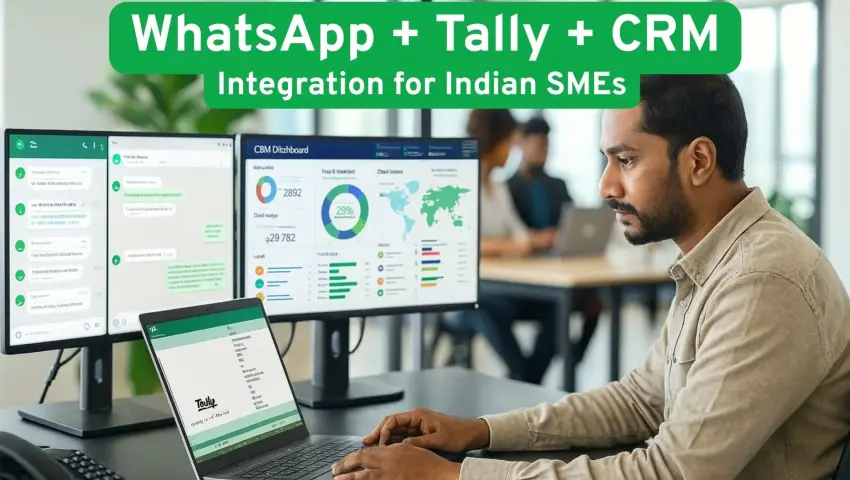
WhatsApp + Tally + CRM Integration in India
 By Pragyantra
- Integrations & APIs
- Jan 02, 2026
- 3 minutes read
- 171 Views
WhatsApp + Tally + CRM Integration in India
1. Problem-Led Introduction
Most Indian SMEs run their business on three core systems:
- WhatsApp for customer conversations
- Tally for accounting and GST
- CRM for managing sales and follow-ups
These tools rarely connect.
A trading firm may receive orders on WhatsApp, then manually create invoices in Tally, and later update the CRM.
A CA firm spends hours reconciling missing data between client messages and accounting records.
A manufacturing unit struggles with stock updates because order confirmations are scattered across phones and emails.
This disconnected workflow leads to duplicate entry, delayed reporting, GST mismatches, and limited management visibility.
Explore: Tally API Integration services
2. What This Service Is & Why It Matters
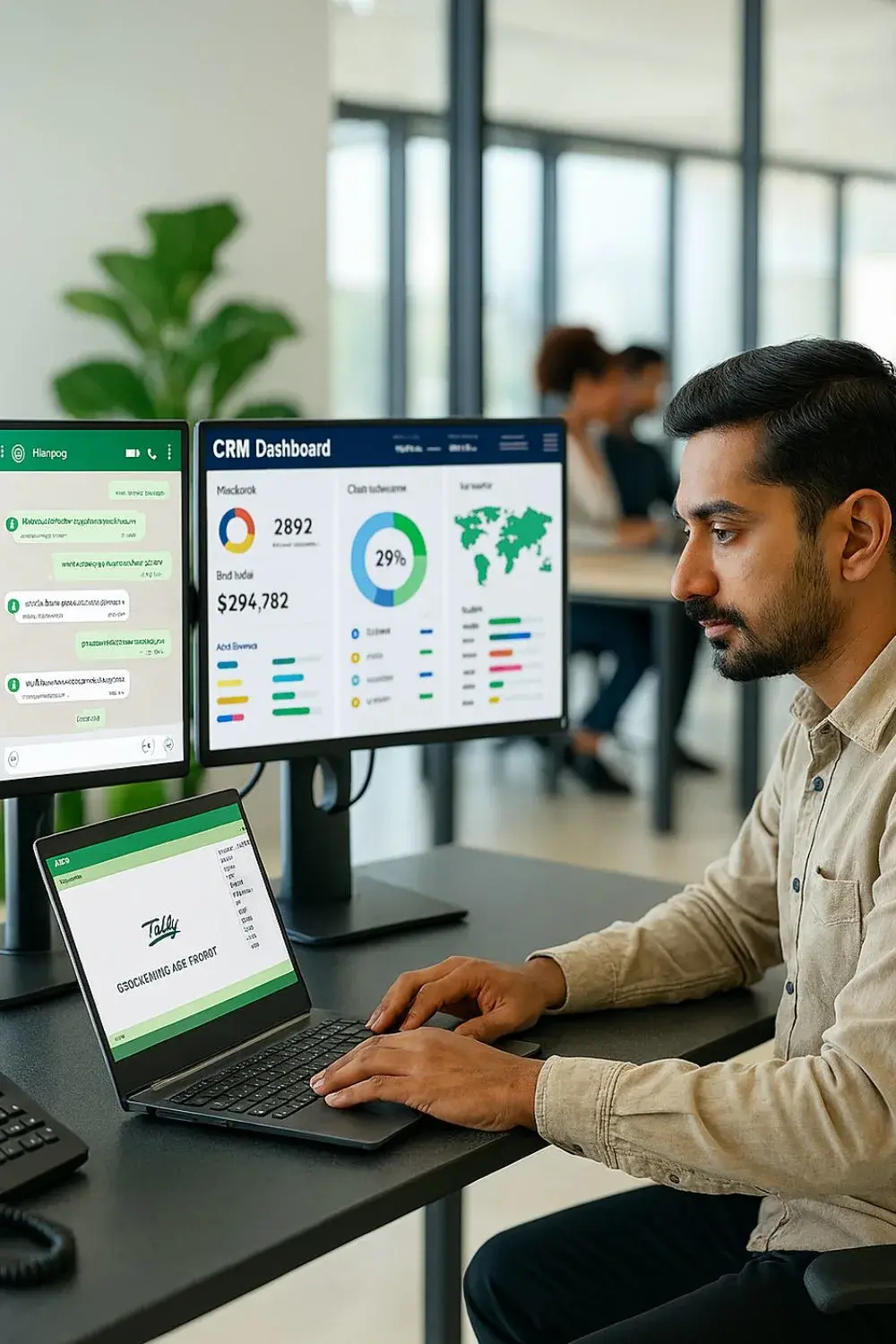
WhatsApp + Tally + CRM Integration connects customer communication, accounting, and sales operations into a single working system.
For Indian SMEs, this matters because:
- Teams work from the same data
- Manual data entry reduces significantly
- GST filings become more reliable
- Customer response time improves
- Owners gain real-time business visibility
Instead of managing separate tools, the business operates through one connected flow.
Explore: CRM–ERP API Integrations
3. How It Works (Simple Explanation)

When integrated:
- Customer messages arrive on WhatsApp
- Lead is created automatically in CRM
- Sales updates move through defined stages
- Confirmed orders generate invoices in Tally
- Inventory and GST data update together
- Management sees live performance on the dashboard
The systems remain independent but behave as one unified operation.
4. 5-Step Implementation Process
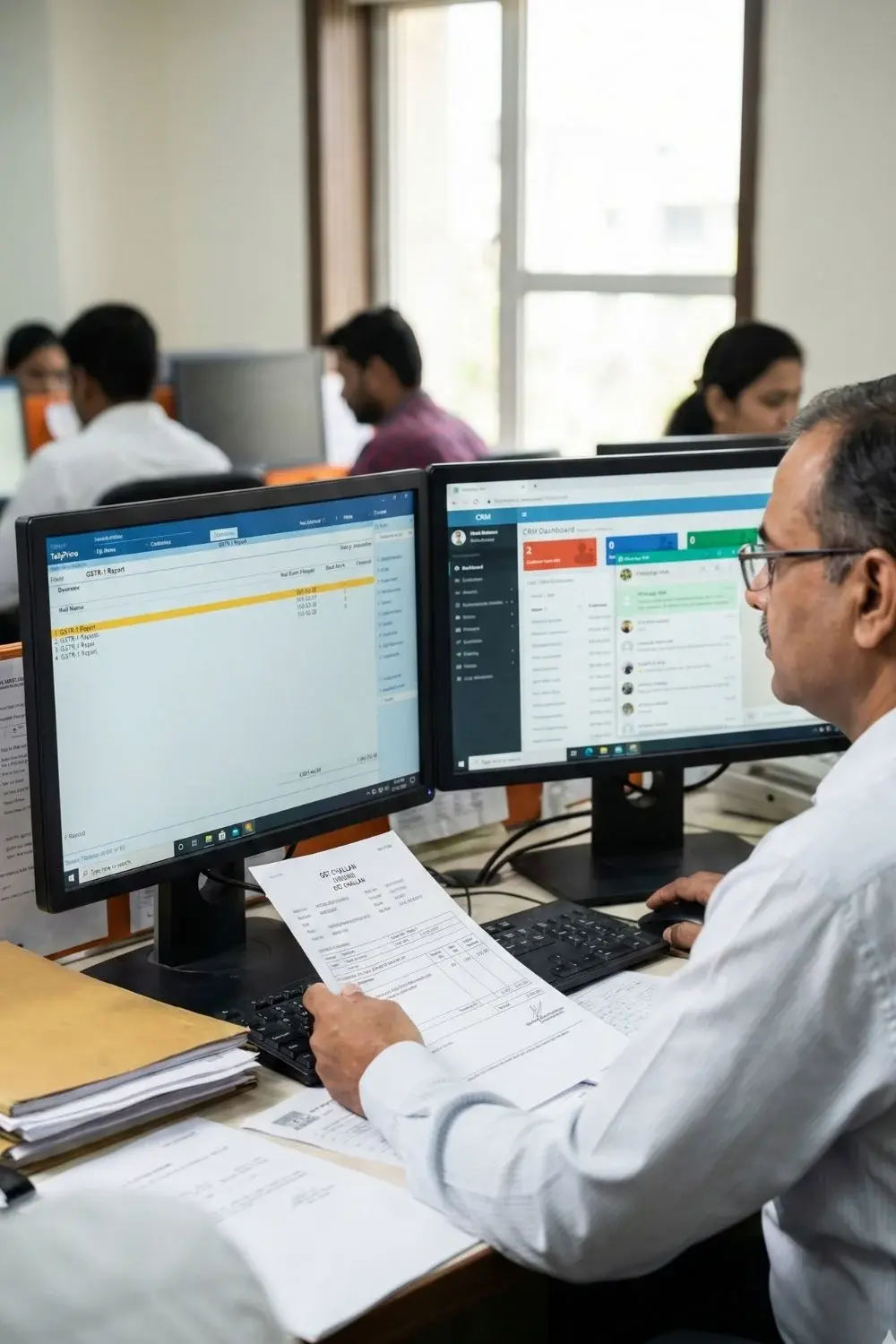
1. Requirement Understanding
We study the business model, GST structure, sales cycle, reporting needs, and data movement.
2. Planning & Integration
We map WhatsApp triggers, CRM stages, Tally entries, and dashboard reports.
3. Development & Testing
APIs are configured, automation rules built, and real transactions tested end-to-end.
4. User Training
Sales, accounts, and support teams learn the new workflow.
5. Support & Optimisation
As volumes grow, reporting and automation are refined for stability and accuracy.
5. Real-World SME Example

A growing service company receives most enquiries on WhatsApp.
Earlier, invoices were created manually in Tally and CRM updates were inconsistent.
After integration, every enquiry becomes a CRM lead, confirmed work creates an invoice automatically, and GST data stays synchronized.
The owner now reviews daily sales and outstanding payments directly from the dashboard, without waiting for reports.
6. Realistic Business Benefits
- Reduced manual entry
- Faster order-to-invoice processing
- Better GST accuracy
- Clear communication history
- Improved management visibility
- More reliable decision-making
7. Who It’s For & When to Consider Alternatives
Well suited for:
- Trading and distribution companies
- Service businesses
- Growing manufacturing units
- CA firms managing multiple clients
May not be ideal for:
- Very small firms with low transaction volume
- Businesses without a structured sales process
- Companies not yet using CRM or accounting software seriously
8. FAQs
What is WhatsApp integration?
It connects WhatsApp messaging with business systems like CRM and Tally.
Why create a Tally business account?
To manage accounting, GST, and compliance in an organised and auditable manner.
Does this replace staff?
No. Automation reduces routine work so teams focus on customers and analysis.
Can this support customer service?
Yes. WhatsApp for customer support becomes structured and traceable.
9. How Pragyantra Helps
Pragyantra’s AI-powered central dashboard connects WhatsApp, Tally, CRM, inventory, and operations into one real-time control system.
Explore related Blog Article:
1. WhatsApp Integration For Business In India: A Practical Guide For SMEs
2. Tally On Cloud For Indian SMEs: How It Works, Benefits & Real Use Cases
10. Soft CTA
If your teams still manage WhatsApp, Tally, and CRM separately,
learn more about our solutions or explore related services to simplify daily operations.

Pragyantra
Leave a comment
Your email address will not be published. Required fields are marked *