
How to Attach and Manage Documents in TallyPrime Vouchers?

By Pragyantra
Introducing Our New Business Consulting Solutions!
Elevate Your Business with Our Comprehensive Consulting Services.
Revolutionize Your Business Strategy with Our Expertise.


AI-Powered Business Intelligence Dashboard delivers real-time insights, automation, and seamless integration with Tally, Zoho, Oracle, and SAP—all in one clean platform.

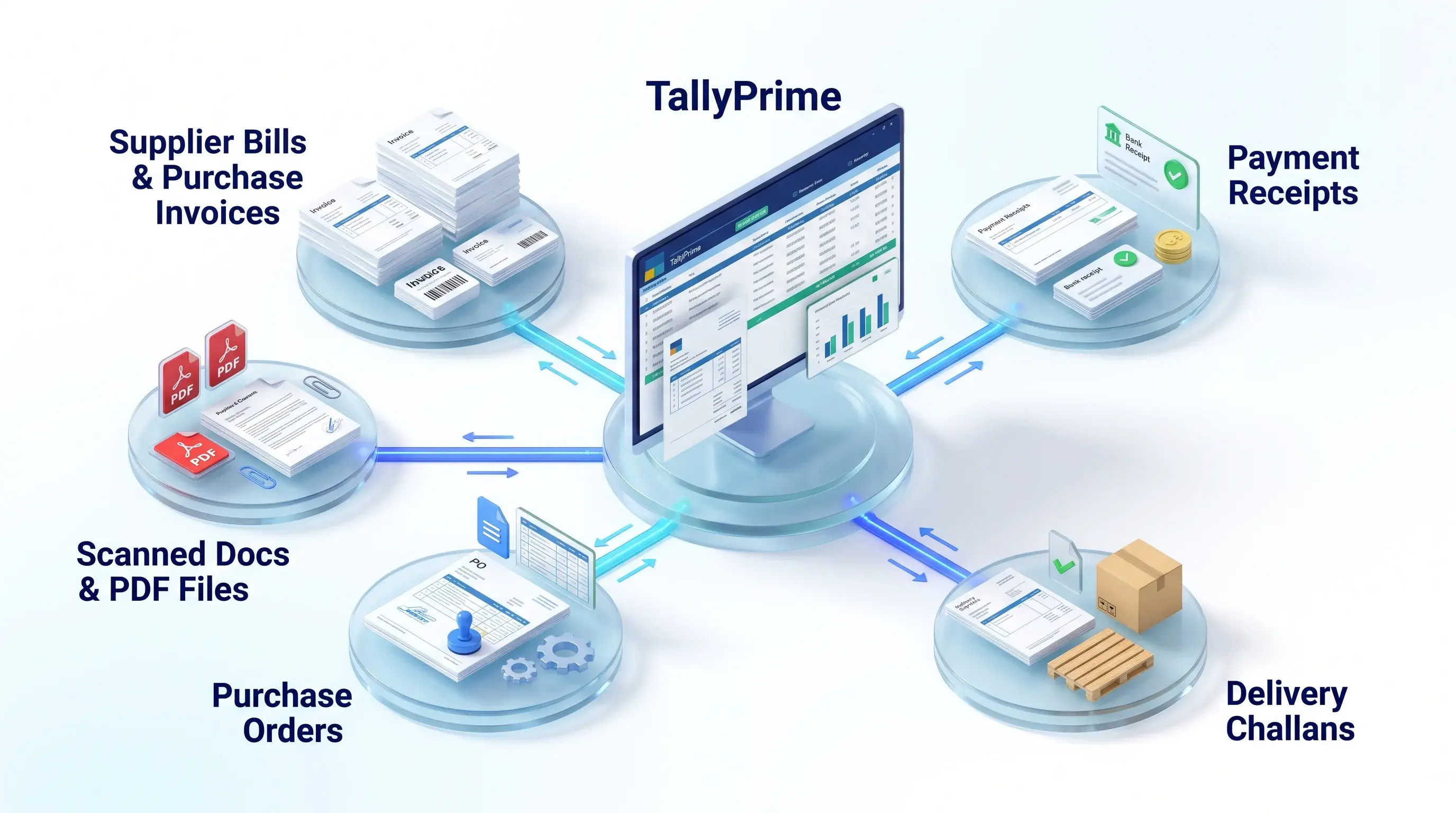
Managing accounting records is not just about entering transactions in TallyPrime. Businesses also need to maintain supporting documents such as supplier bills, purchase orders, payment receipts, delivery challans, and invoices.
When these documents are stored across different folders, email accounts, and physical filing cabinets, finding the right record can become extremely time-consuming. It creates operational friction during internal reviews, audits, and statutory tax verifications. A structured document management system helps businesses keep important records organized and accessible directly alongside accounting transactions.
In this guide, we explain how document attachment works in TallyPrime, why it matters, and how a document management add-on can streamline your financial record-keeping.
Every accounting transaction typically requires one or more primary supporting records:
If these records are maintained in isolated desktop folders or paper files, employees must repeatedly interrupt their work to locate them.
Keeping digital documents linked directly to their respective accounting vouchers ensures structured, audit-ready financial governance.
Document attachment means digitally associating an electronic file—such as a PDF, scanned bill image, or spreadsheet—with its corresponding accounting voucher in TallyPrime.
Instead of searching through computer directories, authorized users can view, download, or verify the supporting file directly from the voucher screen.
For example, when recording an inventory receipt, the supplier's original PDF invoice is attached immediately to the purchase entry. This unifies accounting entries and legal verification documents in one central ledger space.
A document management add-on integrates attachment workflows smoothly into daily voucher entry:
STEP 1
Create the required transaction in TallyPrime (Sales, Purchase, Payment, Receipt, or Journal).
STEP 2
Identify the supporting document (PDF bill, payment screenshot, or scanned receipt).
STEP 3
Use the add-on's dedicated file selection interface to link the document to the active voucher.
STEP 4
Save the voucher; the add-on stores the file in an indexed, secure repository automatically.
STEP 5
Authorized staff can open and inspect the attached file directly from the voucher screen anytime.
*Note: The exact screens, supported file formats, and attachment options depend on your add-on configuration. Implementation details can be tailored to your workflow.
Pragyantra's Document Management + Secure Backup for TallyPrime combines voucher-level document linking with enterprise-grade automated data backup.
Link vendor bills, goods receipts, and customer POs directly to sales and purchase vouchers for instant reference.
Open original bills directly from voucher entry screens without browsing local hard drive directories.
Organize documents automatically by company name, financial year, and voucher sequence.
Schedule automated daily and hourly encrypted backups to safeguard critical company files.
Store files locally on LAN network storage or upload them to secure cloud environments.
Control who can view, attach, or replace documents to prevent unauthorized tampering.
Enjoy centralized document access and backup workflows across remote branches using Tally on Cloud.
Compare the operational differences between manual file handling and an integrated TallyPrime document workflow:
| Manual Document Management | Integrated Document Management (Pragyantra) |
|---|---|
| Files scattered across desktop folders and emails | Documents linked directly to relevant vouchers |
| Manual searching through folders for historical bills | 1-click document retrieval directly from TallyPrime |
| Separate document storage disconnected from books | Supporting files organized alongside accounting records |
| Difficult coordination between operations and finance | Structured, centralized document handling across teams |
| Manual and inconsistent backup routines | Automated, encrypted daily and hourly scheduled backups |
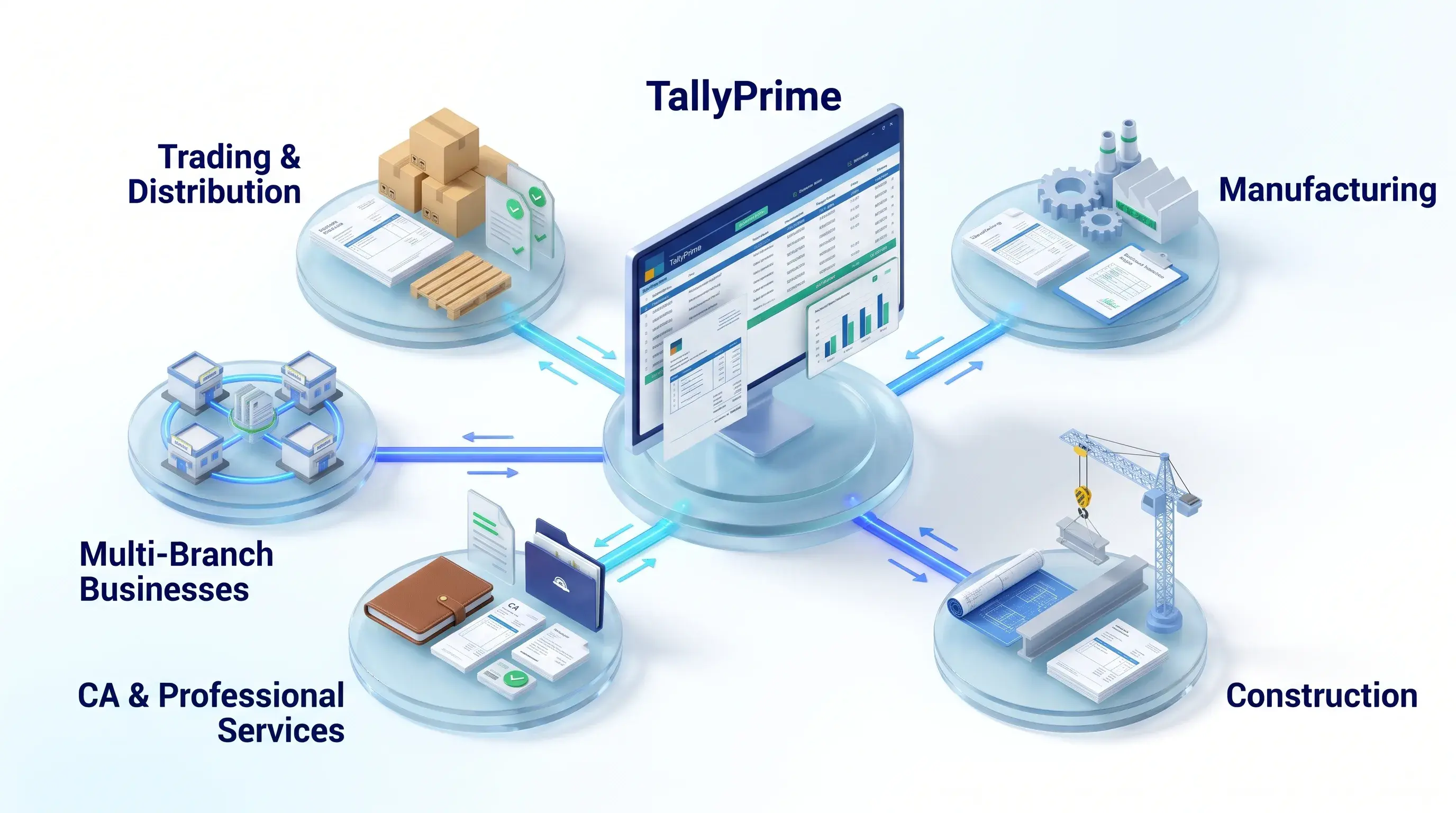
Organize high volumes of vendor bills, delivery challans, and customer receipts for effortless reconciliation.
Link purchase orders, quality inspection reports, and job-work delivery slips directly to manufacturing vouchers.
Maintain contractor invoices, material receipts, and site billing records organized by project ledger.
Speed up client audits with immediate access to supporting bank challans and tax deduction receipts.
Centralize document verification across regional branches and warehouses on a unified cloud setup.
Document management and data backup address two critical aspects of financial security:
A combined strategy ensures that your team reduces time spent hunting for paper files while safeguarding your entire accounting database against hardware crashes, data corruption, or accidental deletion.
Yes. Pragyantra's Document Management add-on is designed to support PDF bills, scanned documents, and image receipts linked directly to accounting vouchers. Confirm supported file formats with our team prior to setup.
The add-on supports Sales, Purchase, Payment, Receipt, and Journal vouchers. Custom voucher types can also be configured based on your operational workflow.
Yes. Authorized users can access and open linked supporting documents directly from the voucher screen or through a dedicated document retrieval interface.
Yes. Having supporting documents linked directly to vouchers significantly accelerates internal reviews, statutory audits, and GST input tax credit (ITC) reconciliations.
Yes. The module provides a combined Document Management + Secure Backup architecture, featuring scheduled automated local and cloud backup routines.
Yes. The add-on supports cloud-hosted environments and remote RDP setups, allowing branch offices to attach and view files in a centralized repository.
Yes. Through our Tally customization services, we can tailor file paths, security rules, and voucher formats to your business requirements.
No. It functions as a native TDL add-on that extends your existing TallyPrime software without disrupting default accounting processes.
Discover more productivity and automation tools for your business:
Product functionality, supported reports, and storage configurations should be confirmed with Pragyantra's technical team before deployment.
Searching through scattered folders for supplier bills, receipts, and supporting records costs valuable working hours. Keep your files linked to your transactions with Pragyantra's Document Management + Secure Backup add-on for TallyPrime.
Want to see how document attachment works on your live company data? Discuss your requirements with our technical team and request a product demonstration.
🏢 Pragyantra Solutions • Tally Customisation, Document Management & Cloud Backup
Direct Support Line: +91 77280 57558 | Enterprise Portal: www.pragyantra.com
Managing accounting records is not just about entering transactions in TallyPrime. Businesses also need to maintain supporting documents such as supplier bills, purchase orders, payment receipts, delivery challans and invoices.
When these documents are stored across different folders, email accounts and physical files, finding the right record can become time-consuming. It can also create difficulties during internal reviews, audits and financial verification.
A structured document management system can help businesses keep important records organised and accessible alongside their accounting transactions.
In this guide, we will explain how document attachment works in TallyPrime, why it matters and how a document management add-on can improve your accounting workflow.
Every accounting transaction may have one or more supporting documents.
For example:
If these records are maintained separately, employees may have to search through multiple folders or ask other team members to locate them.
This can lead to:
Keeping documents connected to their respective accounting transactions can make record management more organised.
Document attachment means linking a digital file, such as a PDF, scanned invoice or receipt, with its related accounting voucher.
Instead of searching for a document separately, authorised users can access the supporting file through the associated transaction, depending on the add-on configuration.
For example, when recording a supplier purchase, the corresponding supplier invoice can be attached to the purchase voucher.
This creates a more structured way to maintain accounting records and their supporting documents.
Businesses handle different types of documents depending on their operations. Some common examples include:
Maintain supplier invoices with their corresponding purchase transactions for easier reference.
Keep payment-related receipts connected with relevant accounting records.
Trading companies and distributors can maintain delivery challans with relevant transactions.
Link purchase orders with related transactions to improve document organisation.
Digital copies of supporting documents organised alongside accounting records.
A document management add-on can help integrate file attachment into the accounting workflow.
The general process involves the following steps:
Create the required voucher in TallyPrime, such as a Sales, Purchase, Payment or Journal voucher.
Identify the relevant digital file, such as a supplier bill, receipt, purchase order or scanned document.
Use the configured document attachment functionality to link the supporting file with the relevant voucher.
Save the transaction with its associated document according to the add-on workflow.
Authorised users can access linked supporting documents from the relevant voucher or configured document retrieval interface.
Note: The exact screens, supported file formats and attachment process depend on the add-on configuration. Confirm the implementation details with Pragyantra before deployment.
Pragyantra's Document Management + Secure Backup add-on is designed to help businesses organise supporting documents within their TallyPrime workflow.
It combines document attachment capabilities with a structured backup process.
📎
Link supporting vendor bills, delivery challans and customer purchase orders with relevant sales and purchase vouchers.
🔍
Access linked supporting documents through the configured TallyPrime workflow instead of searching through separate folders.
🗂️
Maintain a more organised approach to financial documents across company records and financial years.
💾
Scheduled daily and hourly encrypted backup routines for important company files.
☁️
Local and cloud backup options, subject to the implemented setup.
🔒
Role-based security permissions to help manage access to stored documents.
🌐
Centralised document access and backup workflows for businesses using Tally on Cloud.
| Manual Document Management | Integrated Document Management |
|---|---|
| Files stored across different folders | Documents linked to relevant vouchers |
| Manual searching for old bills | Easier retrieval through configured workflows |
| Separate document filing process | Documents managed alongside accounting records |
| Difficult coordination between teams | More structured document handling |
| Manual backup routines may be inconsistent | Scheduled backup options, depending on configuration |
An integrated approach can reduce document searching and make supporting records easier to manage.
📦
Organise supplier bills, delivery challans and proof-of-delivery documents.
🏭
Maintain purchase orders, inspection reports and other supporting records.
🏗️
Organise supplier invoices, purchase documents and project-related records.
👨💼
Structured access to client receipts, tax challans and financial documents.
🏢
More centralised document management workflow across locations.
Document management and data backup solve two different business problems.
Document management focuses on organising and retrieving supporting files.
Data backup focuses on maintaining copies of important company data so that it can be recovered when required.
Both are important parts of a business's record management strategy.
A structured approach can help businesses:
Remember that backup is not a substitute for a complete data protection strategy. Businesses should also verify backup locations, retention policies, restore procedures and access controls.
1. Can I attach PDF invoices to TallyPrime vouchers?
Pragyantra's Document Management add-on is designed to support PDF bills, scanned documents and receipts linked to accounting vouchers. Confirm the supported file formats and setup requirements before implementation.
2. Which vouchers support document attachment?
The product page mentions Sales, Purchase, Payment and Journal voucher workflows. Confirm the exact supported voucher types with the technical team.
3. Can I retrieve attached documents later?
The add-on is designed to help authorised users retrieve linked documents through the configured TallyPrime workflow.
4. Does document management help during audits?
Yes. Organised supporting documents can make it easier to locate transaction-related records during internal reviews and audit preparation. Actual audit requirements depend on the business and applicable regulations.
5. Does this add-on also provide Tally data backup?
Yes. Pragyantra presents the product as a combined Document Management + Secure Backup solution, with scheduled backup capabilities.
6. Is the add-on compatible with Tally on Cloud?
The product page describes support for Tally on Cloud workflows. Confirm compatibility with your specific hosting environment and configuration.
7. Can the document management workflow be customised?
Pragyantra can discuss business requirements and recommend an appropriate Tally customization or automation workflow.
8. Does this add-on replace TallyPrime?
No. It is positioned as an add-on that works alongside the existing TallyPrime accounting workflow.
Searching through scattered folders for supplier bills, receipts and supporting documents can consume valuable working time.
With Pragyantra's Document Management + Secure Backup add-on, businesses can bring document organisation and backup capabilities closer to their TallyPrime accounting workflow.
Whether you manage a trading business, manufacturing unit, construction company or professional services firm, a structured document management process can make everyday accounting operations easier to manage.
Contact Pragyantra to discuss your requirements and request a product demonstration.


Your email address will not be published. Required fields are marked *