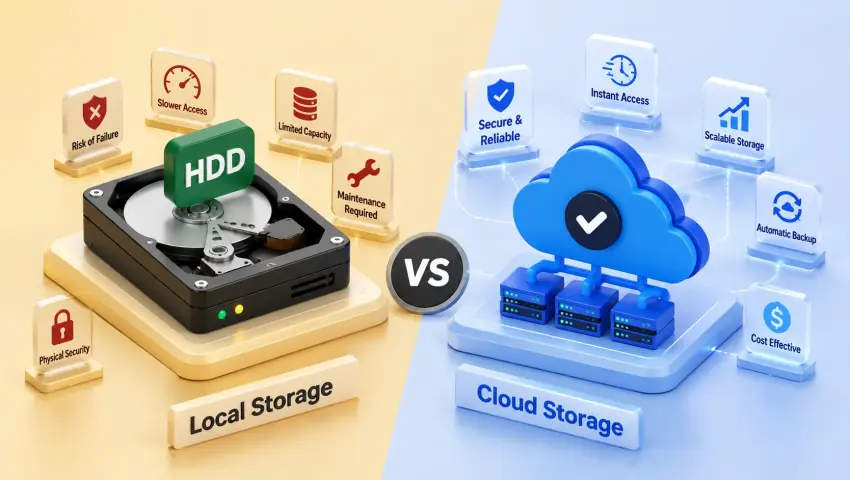
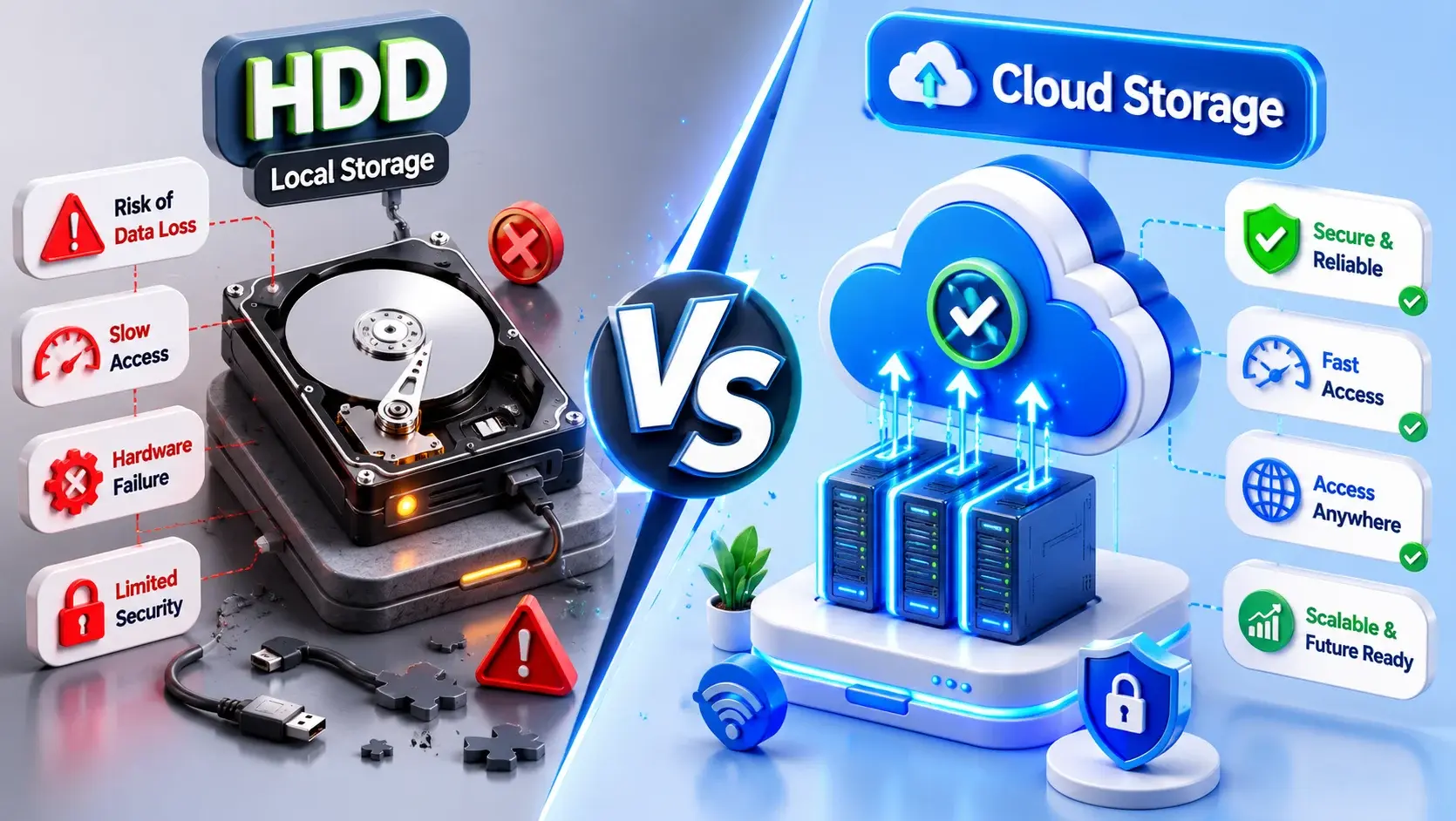
Cloud providers invest heavily in infrastructure security. However, migrating your entire financial ecosystem to a "cloud-only" platform introduces operational risks that growing SMBs must carefully evaluate.
🛑 1. The Connectivity Trap
If your business uses a cloud-only accounting system, a single internet outage in your area brings your entire billing and invoicing process to a complete halt. You cannot generate e-way bills, pull customer outstanding metrics, or record critical on-spot store transactions until connection drops are manually resolved.
⏳ 2. Third-Party Dependency
You depend entirely on an external vendor for data availability, real-time backups, and basic service continuity. If their distributed data centers crash, your system parameters go offline, meaning your business operations go completely dark with no internal recovery intervention possible.
⚖️ 3. Data Sovereignty & DPDP Act Compliance
With the strict implementation of India’s Digital Personal Data Protection (DPDP) Act, businesses must have total transparency regarding where their customer records and financial data are hosted. Cloud-only providers often slice data packets across distributed global servers, severely complicating compliance mappings for Indian companies.
To protect your accounting database from these infrastructural vulnerabilities, switching to a balanced localized deployment framework is essential. Learn how to secure your data storage parameters seamlessly by reading our custom analysis on Pragyantra's dynamic solutions page.
Why Local Control is Vital for Financial Data
With a local-first approach, your company data remains on systems that your business directly owns. For many SMBs, this localized control is critical. Your accounting data is not just numbers; it contains sensitive customer details, vendor transaction histories, and highly confidential tax records.
Local storage reduces your dependence on external infrastructure, ensuring that your core operations—like printing a gate pass or generating an e-way bill—never stop, even if the internet does.
⚠️ Note: Local storage is not automatically "hack-proof." Security still depends on your firewall, encryption, and backup practices. However, it gives the business owner the ultimate authority to implement these controls.
The TallyPrime Hybrid Model: Best of Both Worlds
Instead of locking businesses into a rigid "cloud-only" or "local-only" model, TallyPrime intelligently balances security, control, and recoverability through a flexible hybrid approach.
- Local-First Engine: Your live working data remains local, ensuring lightning-fast voucher entry with zero internet lag.
- Automated Scheduled Backups: TallyPrime allows you to schedule automatic background backups to local drives, ensuring you never lose a day's work.
- TallyDrive (Cloud Integration): For organizations that want off-site safety, Tally offers encrypted cloud-based backup storage, allowing you to seamlessly sync your local data to a secure cloud vault.
- TallyVault Encryption: Unbreakable company-level encryption ensures that even if a backup file is intercepted, the financial data remains completely unreadable to unauthorized users.
Elevate Your Setup with Pragyantra's Tally on Cloud
What if you want the robust, offline-capable architecture of Tally, but your CEO or remote sales team needs to view real-time data from a different city?
This is where Pragyantra steps in. We provide high-performance Tally on Cloud infrastructure and advanced API integrations. We host your localized Tally environment on dedicated, private, and 256-bit encrypted cloud servers.
- Your accountants get the familiar, high-speed Tally interface.
- Your management gets secure, remote access from anywhere in the world.
- Your data remains completely isolated, backed up daily, and fully compliant with Indian data residency laws.
Frequently Asked Questions (FAQs)
Q1. Can businesses use both local backups and cloud backups together in TallyPrime?
Yes. In fact, this is the recommended best practice (the 3-2-1 backup rule). TallyPrime allows you to maintain a local backup on an external hard drive for instant recovery, while simultaneously syncing a copy to an encrypted cloud drive (like TallyDrive or Google Drive) for disaster recovery.
Q2. What happens if a scheduled backup is missed in TallyPrime?
TallyPrime’s intelligent backup system maintains a detailed log. If a scheduled backup is missed (e.g., the system was turned off), the software will alert the administrator upon the next login and immediately trigger the pending backup to ensure data safety.
Q3. Are local backups protected if the company data is encrypted using TallyVault?
Absolutely. When you enable TallyVault, the encryption is applied at the source data level. Any backup created—whether stored locally on a pen drive or uploaded to the cloud—remains heavily encrypted and cannot be opened without the specific TallyVault password.
Q4. Can scheduled backups run automatically when TallyPrime is closed?
Scheduled backups require the Tally instance (or the Tally server service) to be active to access and compile the data. However, Pragyantra can set up automated Windows-level server scripts that back up your Tally data folders in the background during off-hours, ensuring zero disruption.
Q5. How can businesses verify that their backups are being created successfully?
TallyPrime provides a dedicated 'Backup Status' dashboard where administrators can view the history, timestamp, and success/failure status of all recent backups. Pragyantra also configures automated email alerts, so the business owner receives a daily notification confirming that the financial data is securely backed up.
Protect Your Financial Ledger Ownership Model
Don't settle for risky cloud-only dependencies. Maintain strict local ownership frameworks with encrypted multi-city visibility setups engineered by Pragyantra.
🏢 Pragyantra Solutions | Phone:
+91 77280 57558| Web:
www.pragyantra.com