Enable Period Lock for Vouchers (Create/Alter)
Lock accounting periods in TallyPrime with Pragyantra’s add‑on. Prevent voucher creation and alteration, ensure data accuracy, and stay audit-ready.
Elevate Your Business with Our Comprehensive Consulting Services.
Introducing Our New Business Consulting Solutions!
Revolutionize Your Business Strategy with Our Expertise.


AI-Powered Business Intelligence Dashboard delivers real-time insights, automation, and seamless integration with Tally, Zoho, Oracle, and SAP—all in one clean platform.
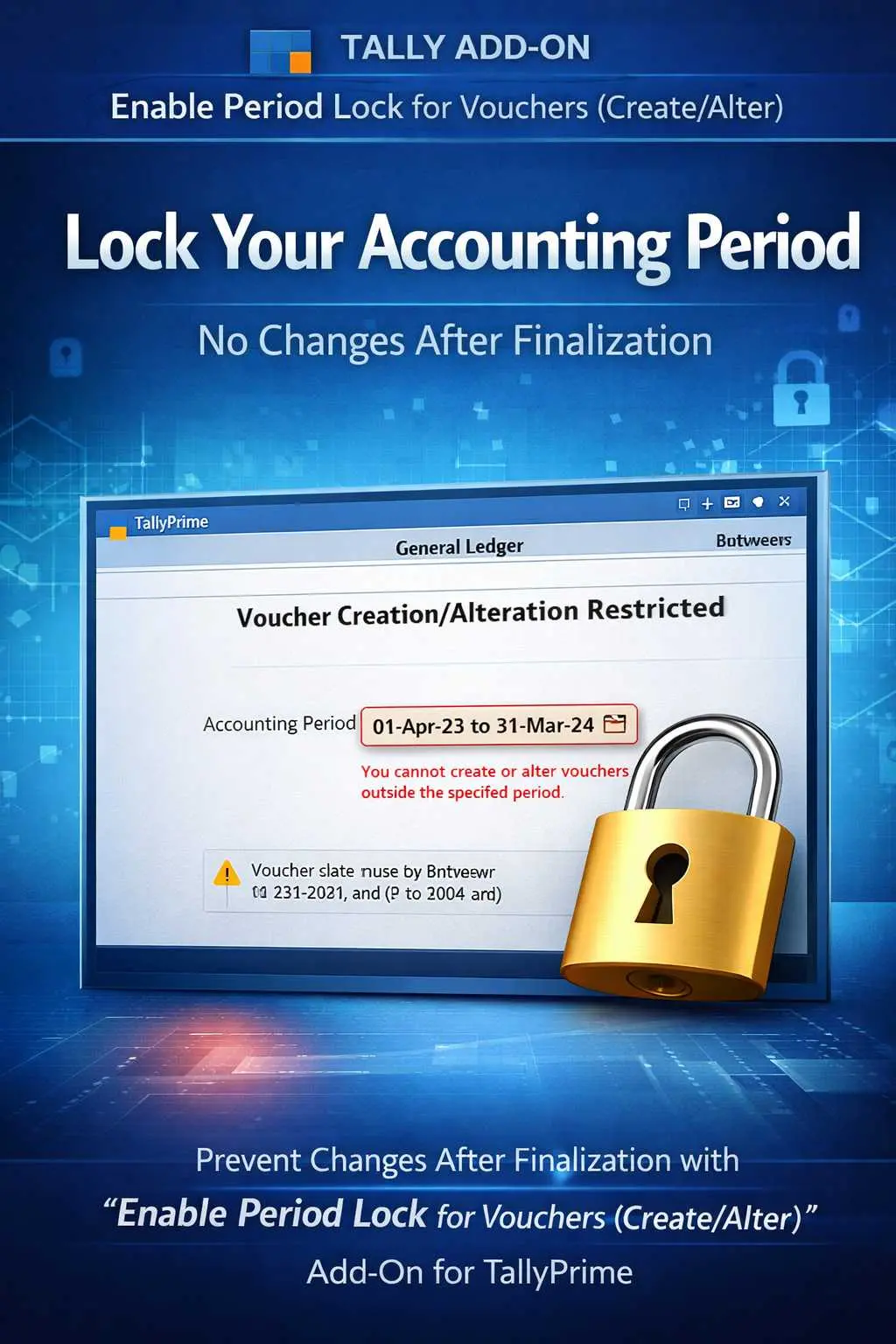

Lock accounting periods in TallyPrime with Pragyantra’s add‑on. Prevent voucher creation and alteration, ensure data accuracy, and stay audit-ready.
In any professional accounting workflow, once a period is finalized—whether it's a month, quarter, or financial year—it must remain untouched. However, in standard TallyPrime, users often have the ability to go back and alter old vouchers, which leads to:
The Enable Period Lock for Vouchers Add‑on by Pragyantra provides a robust locking mechanism, ensuring that once a period is closed, no creation or alteration is allowed without authorization.
This add‑on is a custom Tally module that acts as a "Time Guard" for your books. With this add‑on installed, Tally can:
Data stability is the key to business trust. If your Profit & Loss account changes every time you open it because someone edited an old entry, your reporting is flawed. The Pragyantra Period Lock Control Add‑on enforces strict accounting discipline, protecting your finalized accounts from accidental or unauthorized changes.
Total Creation & Alteration Lock
Completely blocks 'Create', 'Alter', and 'Delete' functions for vouchers in the locked period.
Granular Date Control
Choose the exact start and end date of the period you wish to lock (e.g., Lock everything before 1st March).
User-Based Override
While standard users are blocked, only the Admin or authorized seniors can unlock the period if a genuine correction is needed.
Universal Support
Applicable to all voucher types: Sales, Purchase, Payment, Receipt, Journal, Contra, and more.
Lightweight & Robust
Optimized TDL architecture ensures that the lock is enforced instantly without affecting software performance.
This add‑on works with:
✔ TallyPrime
✔ Tally ERP 9
1. How is this different from Tally’s standard 'Back-dated Entry' control?
Standard Tally controls only creation. Our add-on blocks both Creation AND Alteration/Deletion, ensuring a 100% frozen period where even existing vouchers cannot be touched.
2. Can I unlock a period if I need to make an urgent change?
Yes. The Administrator can easily go into the settings and change the locked date range to allow a specific correction, and then re-lock it immediately.
3. Does it prevent users from viewing old vouchers?
No. Users can still view and print vouchers from the locked period; they just cannot edit, delete, or add new ones to that period.
4. Does it work on custom voucher types?
Absolutely. Any voucher type you have created in Tally will be covered under this period-locking mechanism.
Stop unauthorized backdated changes once and for all. Lock your accounting periods and ensure 100% data stability with Pragyantra.
👉 Contact Pragyantra today to safeguard your Tally records and enforce professional accounting discipline.
Your email address will not be published. Required fields are marked *
Please login to write review!
Looks like there are no reviews yet.