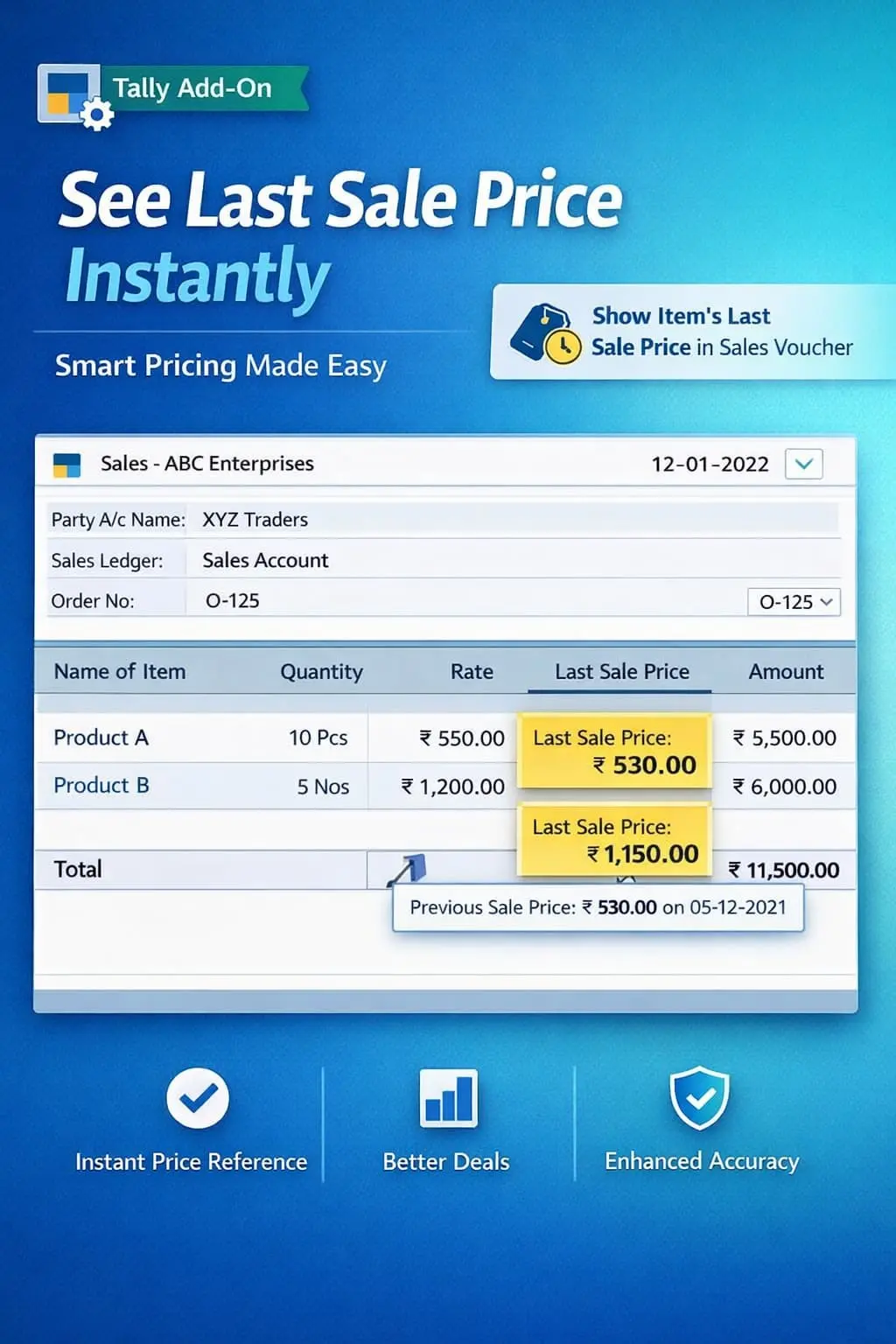
Show Item’s Last/Avg. Purchase Cost in Sales Voucher
Display last and average purchase cost during sales voucher entry in TallyPrime with Pragyantra’s add‑on. Improve pricing decisions, avoid losses, and maximize profit.
Revolutionize Your Business Strategy with Our Expertise.
Introducing Our New Business Consulting Solutions!
Elevate Your Business with Our Comprehensive Consulting Services.

In any trading or manufacturing business, knowing your purchase cost while selling is the foundation of profitability. However, in standard TallyPrime, the sales entry screen doesn't show you the cost price of the item you are billing. This gap leads to:
The Show Item’s Last/Avg. Purchase Cost in Sales Voucher Add‑on by Pragyantra solves this by displaying the purchase cost (Last or Average) directly on your sales screen.
This add‑on is a custom Tally module that acts as a "Margin Safeguard" within your Sales Voucher. With this add‑on installed, Tally can:
In a volatile market, purchase prices change daily. If you are selling old stock at current purchase rates or vice-versa, you might be losing money. The Pragyantra Purchase Cost Display Add‑on ensures that cost visibility is integrated into your sales workflow, preventing loss-making transactions before they are saved.
Last Purchase Cost Display
Shows the rate at which you most recently purchased the selected item from any supplier.
Average Cost Visibility
Displays the weighted average cost of your current stock for more accurate margin calculation.
Universal Voucher Integration
Works seamlessly with Standard Sales Vouchers, POS Billing, and GST Invoices.
Prevent Loss-Making Sales
Provides a clear visual reference so the operator never enters a rate lower than the purchase cost.
Lightweight & High Performance
Optimized TDL architecture that fetches cost data instantly without lagging your TallyPrime session.
This add‑on works with:
✔ TallyPrime
✔ Tally ERP 9
1. Does the purchase cost include taxes (GST)?
The add-on typically shows the Net Taxable Purchase Rate (exclusive of GST) so you can compare it directly with your Taxable Sales Rate for accurate margin tracking.
2. Can I hide this information for certain data entry operators?
Yes. You can control the visibility of this sensitive cost information through Tally’s standard Security Levels, showing it only to authorized managers or owners.
3. Will the purchase cost be visible to my customers on the printed invoice?
Absolutely not. This is an internal reference tool only. It is displayed on the Tally screen during entry but never appears on any printed or exported invoices for customers.
4. How is the "Average Cost" calculated?
It uses the same 'Average Cost' valuation method set in your Stock Item Master in Tally, providing consistency between your reports and the voucher screen.
Get instant visibility of your purchase costs directly on the sales screen. Protect your margins and ensure every transaction is profitable with Pragyantra.
👉 Contact Pragyantra today to safeguard your business from loss-making sales.
Your email address will not be published. Required fields are marked *
Please login to write review!
Looks like there are no reviews yet.