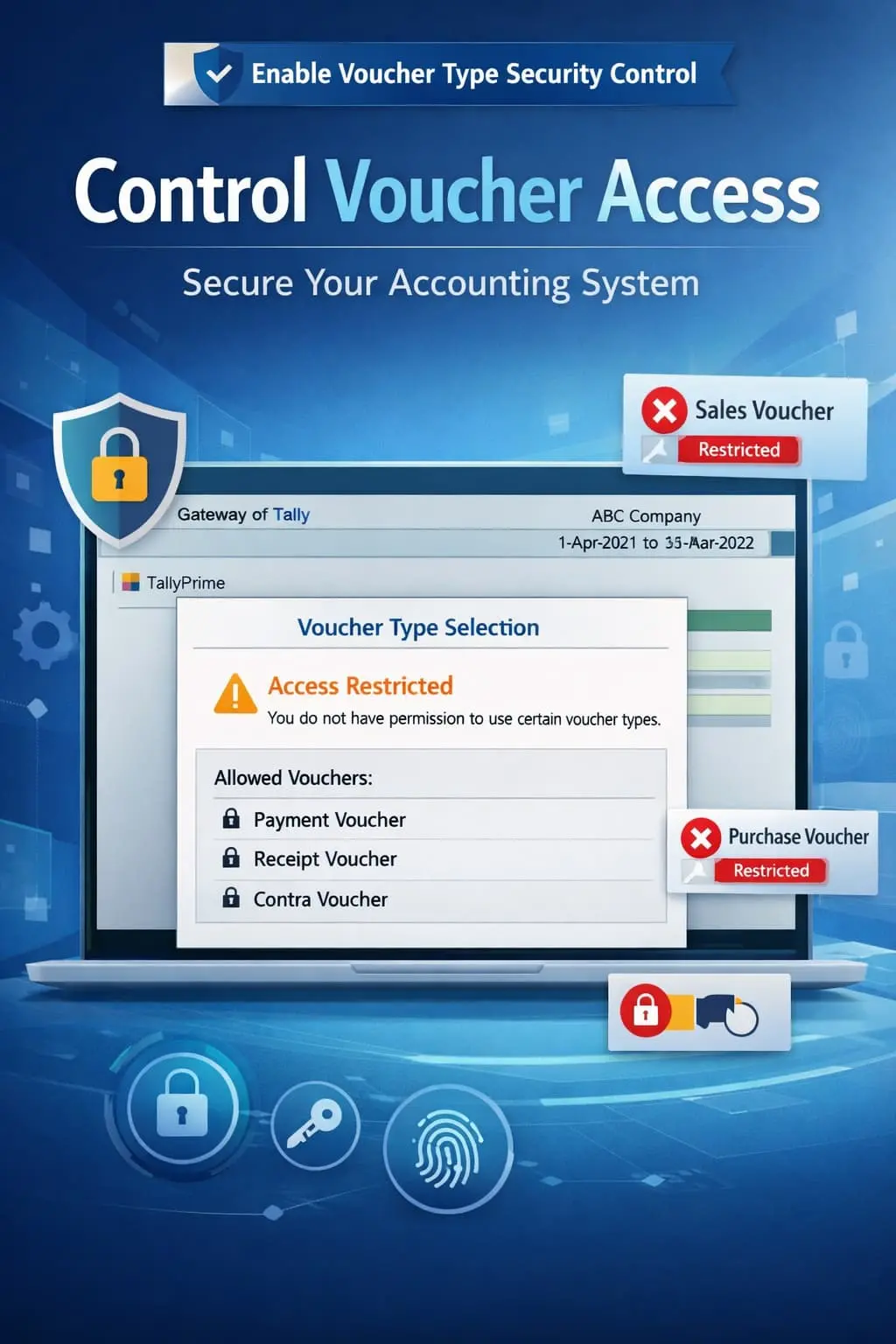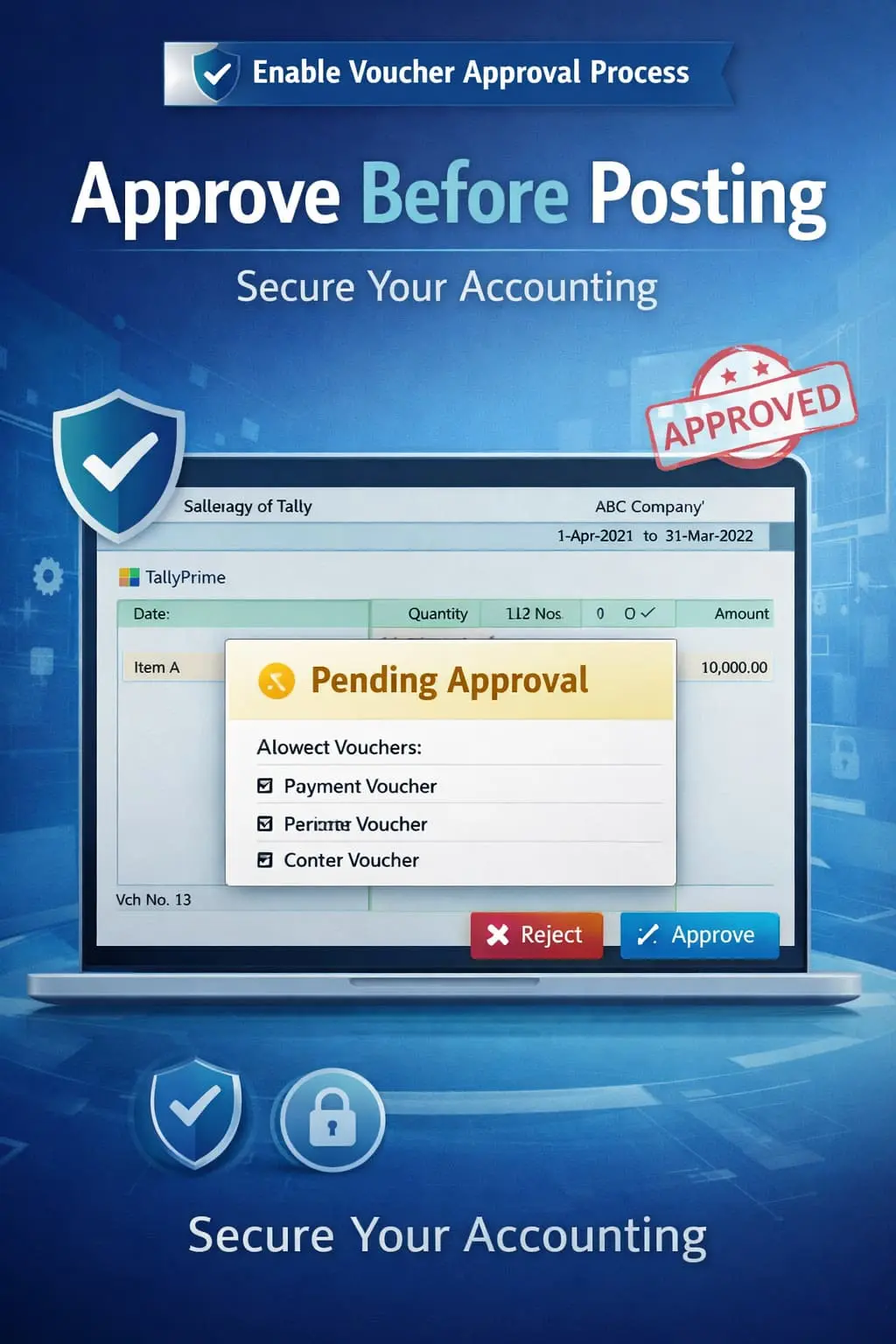

Enable Voucher Approval Process
Implement voucher approval workflow in TallyPrime with Pragyantra’s add‑on. Control entries, reduce errors, and ensure secure accounting with multi-level approvals.
Introducing Our New Business Consulting Solutions!
Revolutionize Your Business Strategy with Our Expertise.
Elevate Your Business with Our Comprehensive Consulting Services.

In growing businesses where multiple users handle daily accounting, it is risky to let every entry hit the final books immediately. Without a structured voucher approval system, your business faces several operational threats:
The Enable Voucher Approval Process Add‑on by Pragyantra introduces a robust multi-level approval system, ensuring that every transaction is verified and approved before final posting.
This add‑on is a custom Tally module that adds a "Verification Layer" to your accounting process. With this add‑on installed, Tally can:
Standard Tally is built for speed, but large teams need discipline. A mistake in a Purchase or Journal entry can mess up your entire GST return. The Pragyantra Voucher Approval Add‑on ensures that responsibility is shared and verified, making your books 100% audit-ready and error-free.
Multi-Level Approval System
Configure single or multiple levels of hierarchy (e.g., Accountant > Manager > Director).
Restrict Unapproved Vouchers
Ensure that unapproved vouchers are kept separate and do not impact your financial reports or tax calculations.
Dedicated Pending Dashboard
A centralized view for approvers to quickly scan, review, and take action on multiple vouchers at once.
Audit Trail & Logs
Maintain a detailed history of who created the voucher, who approved it, and at what time.
Supports All Voucher Types
Applicable to Sales, Purchase, Payment, Receipt, Journal, and Contra entries.
This add‑on works with:
✔ TallyPrime
✔ Tally ERP 9
1. Can a voucher be edited once it is rejected?
Yes. If a manager rejects a voucher, the data entry user can see the rejection reason, make the necessary corrections, and re-submit it for approval.
2. Will unapproved vouchers affect my GST reports?
No. The add-on ensures that only "Approved" vouchers are posted to the accounts. "Pending" vouchers remain in a temporary state and do not affect GST, Profit & Loss, or Balance Sheet.
3. Can I set a limit where only vouchers above ₹50,000 need approval?
Yes. The system is highly customizable. You can set rules based on voucher value, type, or specific ledger groups.
4. Does this work on the Mobile App as well?
This add-on is designed for the Tally desktop environment. However, once approved on the desktop, the final entries will be visible on any linked mobile reporting tools.
Stop worrying about wrong entries. Implement a foolproof voucher approval workflow and ensure total financial integrity with Pragyantra.
👉 Contact Pragyantra today to safeguard your accounting records with advanced approval controls.
Your email address will not be published. Required fields are marked *
Please login to write review!
Looks like there are no reviews yet.