Enable Security Control on Backup & Restore
Restrict backup and restore access in TallyPrime with Pragyantra’s add‑on. Protect company data, prevent misuse, and ensure secure data management.
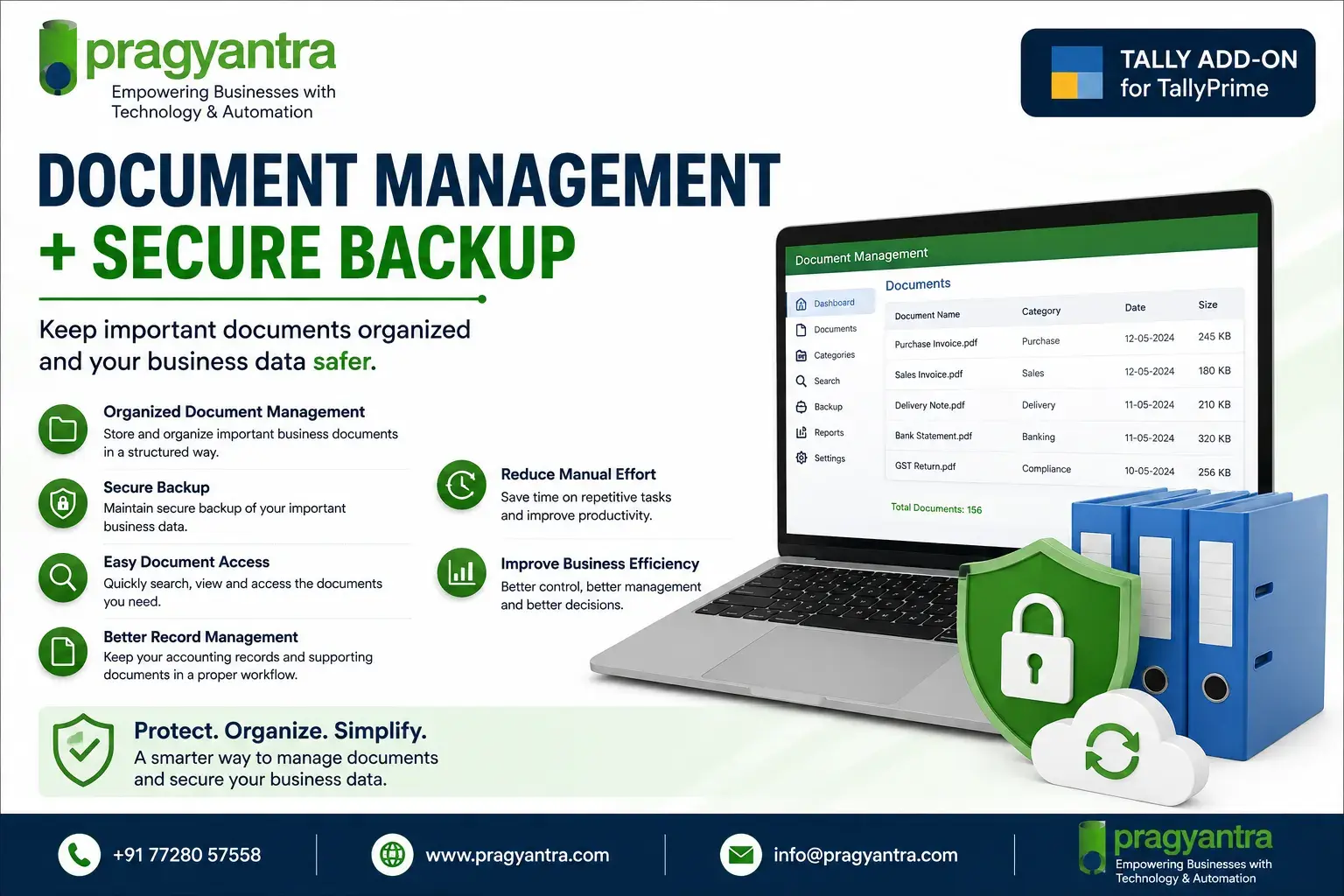
Elevate Your Business with Our Comprehensive Consulting Services.
Revolutionize Your Business Strategy with Our Expertise.
Introducing Our New Business Consulting Solutions!


AI-Powered Business Intelligence Dashboard delivers real-time insights, automation, and seamless integration with Tally, Zoho, Oracle, and SAP—all in one clean platform.
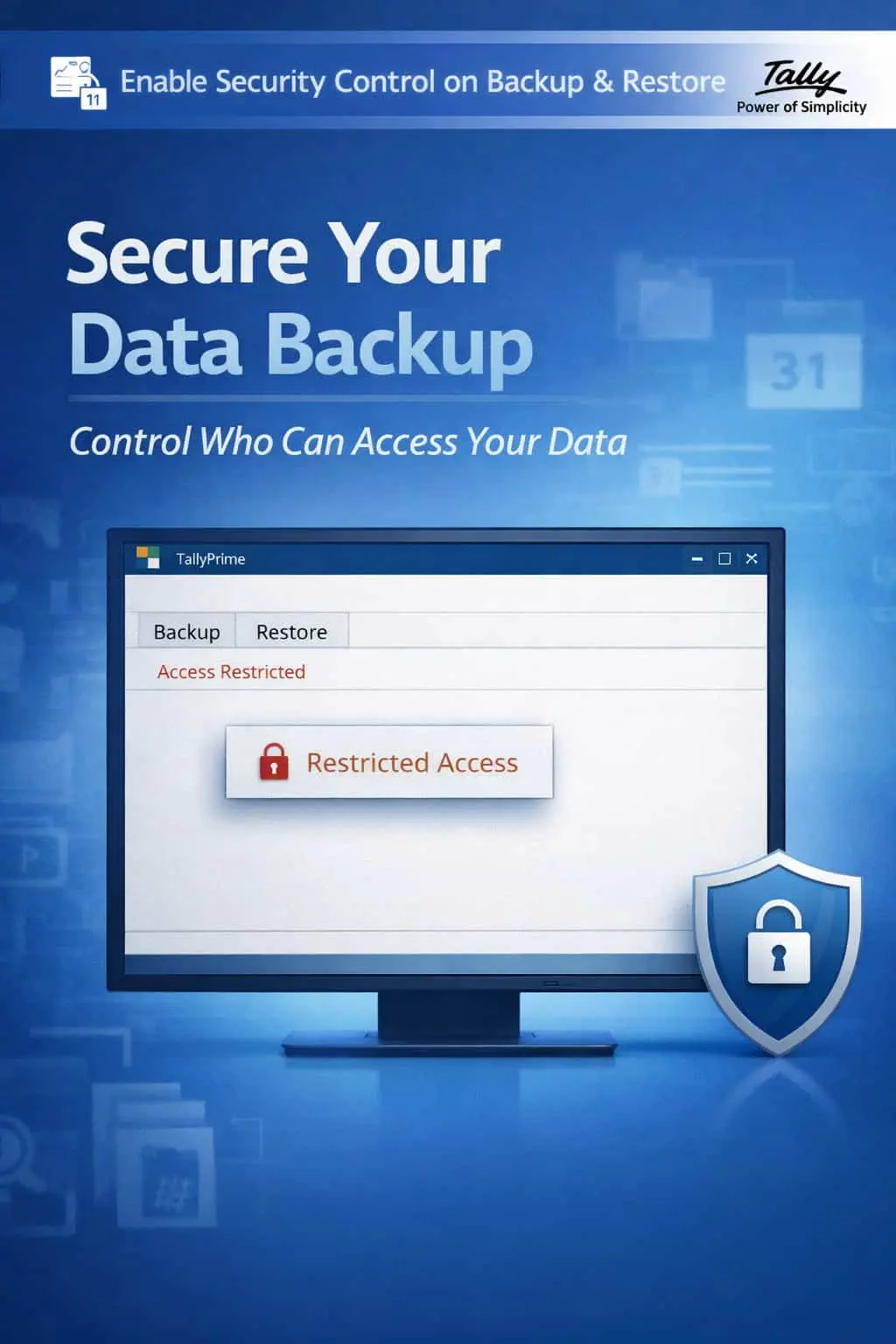

Restrict backup and restore access in TallyPrime with Pragyantra’s add‑on. Protect company data, prevent misuse, and ensure secure data management.
In any professional accounting environment, Backup and Restore operations are the most sensitive functions. They carry your entire company’s financial history, inventory secrets, and tax details. If these options are left unrestricted in TallyPrime, your business faces extreme risks:
The Enable Security Control on Backup & Restore Add‑on by Pragyantra locks these critical gateways, ensuring that only trusted personnel can handle your data files.
This add‑on is a custom Tally module that acts as a "Vault Lock" for your data management tools. With this add‑on installed, Tally can:
Standard Tally security focuses on vouchers and reports, but Data Portability is often ignored. If your staff can take your data home, they take your business with them. The Pragyantra Backup & Restore Security Add‑on enforces strict data handling discipline, protecting your company's digital identity from theft and accidental loss.
Strict Backup Access Control
Only authorized users can initiate a data backup, preventing unauthorized copies of your financial records.
Restricted Restore Functionality
Blocks the 'Restore' command for sub-users to avoid accidental overwriting of live company data.
User-wise Configuration
Customize security levels for different staff members based on their trust and responsibility levels.
Protect Company Integrity
Ensures that the live data remains the "Single Source of Truth" by preventing unauthorized data imports.
Lightweight & Robust
Optimized TDL architecture that locks system-level functions without slowing down daily accounting operations.
This add‑on works with:
✔ TallyPrime
✔ Tally ERP 9
1. Does this add-on affect the physical copying of the Tally folder from Windows?
This add-on secures the Backup/Restore features within Tally. For complete security, we recommend combining this with Windows folder-level permissions for your Tally data path.
2. Can I allow a user to 'Backup' but block them from 'Restore'?
Yes. You have granular control to allow a trusted user to take backups for safety while ensuring they cannot restore and overwrite data.
3. Will the Admin/Owner still have access to these features?
Absolutely. The Admin profile retains full rights to Backup and Restore. This add-on is designed to manage and restrict 'Standard' user roles.
4. What happens if an unauthorized user tries to access the Backup menu?
Depending on the configuration, the menu will either be hidden or Tally will display an "Access Denied" message upon clicking.
Stop unauthorized data copying and accidental overwrites today. Take total control of your TallyPrime data management with Pragyantra.
👉 Contact Pragyantra today to safeguard your Tally records and enforce high-level data security.
Your email address will not be published. Required fields are marked *
Please login to write review!
Looks like there are no reviews yet.