
Enable Horizontal Grid Lines in Invoice Print
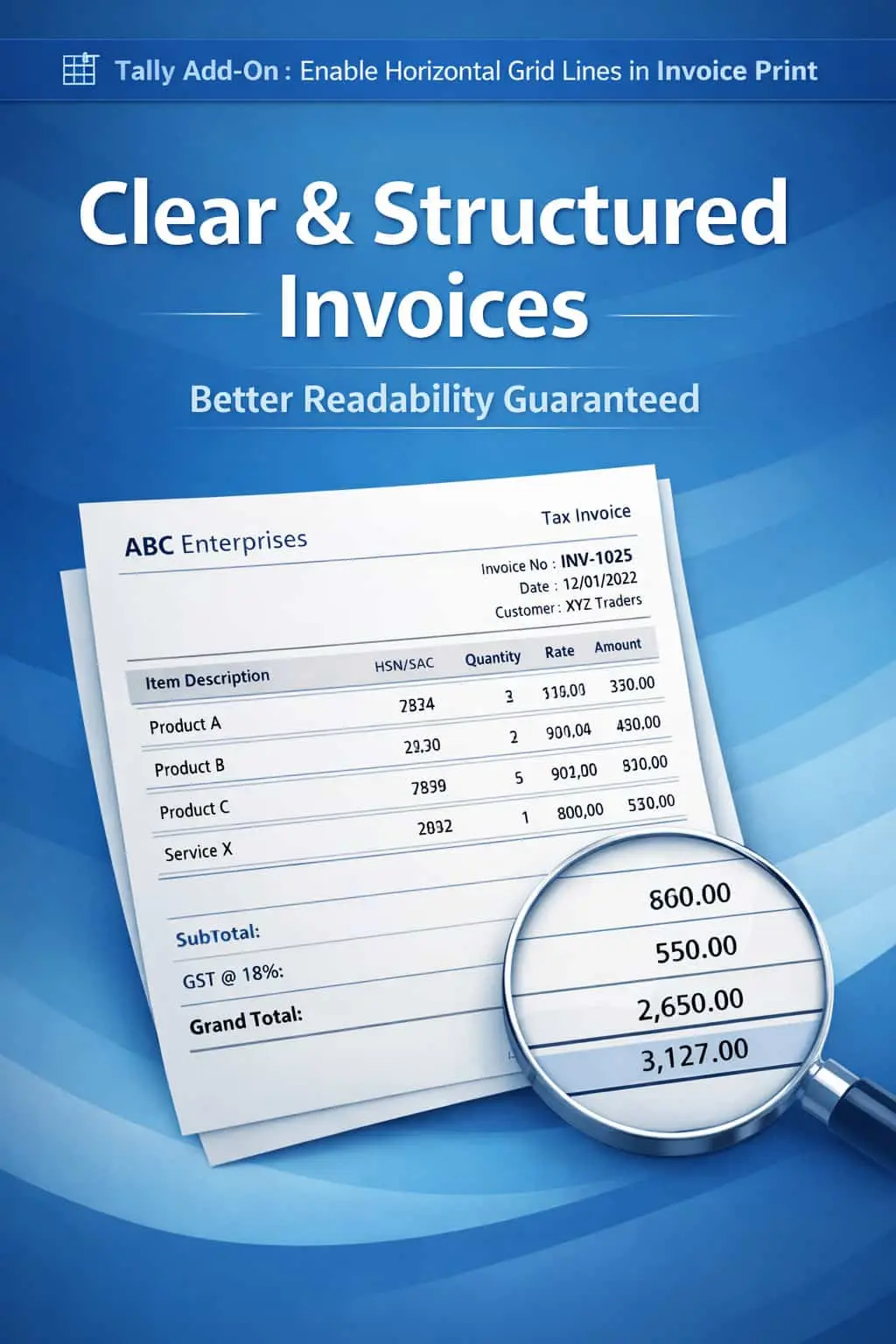
Add horizontal grid lines in invoice print in TallyPrime with Pragyantra’s add‑on. Improve readability, structure, and professional presentation of invoices.
Elevate Your Business with Our Comprehensive Consulting Services.
Revolutionize Your Business Strategy with Our Expertise.
Introducing Our New Business Consulting Solutions!


AI-Powered Business Intelligence Dashboard delivers real-time insights, automation, and seamless integration with Tally, Zoho, Oracle, and SAP—all in one clean platform.
Invoices with multiple line items can often look cluttered and confusing if there are no clear separators between rows. In standard TallyPrime, the lack of horizontal grid lines in the printing format leads to several practical issues:
The Enable Horizontal Grid Lines in Invoice Print Add‑on by Pragyantra solves this by adding clean, structured row-separators, giving your invoice a polished, tabular look.
This add‑on is a custom Tally module that enhances the visual architecture of your printed documents. With this add‑on installed, Tally can:
Clarity in billing reduces disputes. When a customer can clearly see which rate belongs to which item, they are less likely to call with "misunderstanding" queries. The Pragyantra Grid Line Add‑on is a small change that makes a huge impact on your brand image, making your business look organized and detail-oriented.
Automatic Grid Generation
The system automatically detects the number of items and places horizontal lines perfectly between them.
Clean Professional Design
Eliminates the "Plain Text" look and replaces it with a structured, corporate-style invoice layout.
Better Data Verification
Helps accountants, auditors, and customers cross-check line-wise details with 100% accuracy.
Works Across All Inventory Vouchers
Full compatibility with Sales Invoices, Purchase Vouchers, Delivery Notes (Challans), and Quotations.
Lightweight & Optimized
Advanced TDL architecture that ensures the extra lines are printed sharply without slowing down the printing process.
This add‑on works with:
✔ TallyPrime
✔ Tally ERP 9
1. Does this add-on increase the size of the invoice?
The lines are drawn within the existing margins. While it adds visual structure, it is optimized to ensure your invoice doesn't consume unnecessary extra pages.
2. Can I adjust the thickness of the grid lines?
Yes. Pragyantra can customize the line style (solid, dotted, or thin/thick) based on your printer type and brand preference.
3. Will it work if I have multiple lines for an item description?
Absolutely. The add-on intelligently draws the line only after the complete item description is printed, ensuring no text is cut off.
4. Does it work on both Dot Matrix and Laser printers?
Yes. The TDL is designed to be printer-independent, providing sharp grid lines on Laser, Inkjet, and Dot Matrix printers alike.
Stop sending cluttered bills. Switch to a clean, structured, and easy-to-read tabular format with Pragyantra’s Grid Line Add-on.
👉 Contact Pragyantra today to professionalize your invoices and enhance your business documentation.
Your email address will not be published. Required fields are marked *
Please login to write review!
Looks like there are no reviews yet.