Enable Lock Audited Vouchers for Alterations
Lock audited vouchers in TallyPrime with Pragyantra’s add‑on. Prevent unauthorized alterations, ensure audit compliance, and protect financial data integrity.
Revolutionize Your Business Strategy with Our Expertise.
Elevate Your Business with Our Comprehensive Consulting Services.
Introducing Our New Business Consulting Solutions!


AI-Powered Business Intelligence Dashboard delivers real-time insights, automation, and seamless integration with Tally, Zoho, Oracle, and SAP—all in one clean platform.
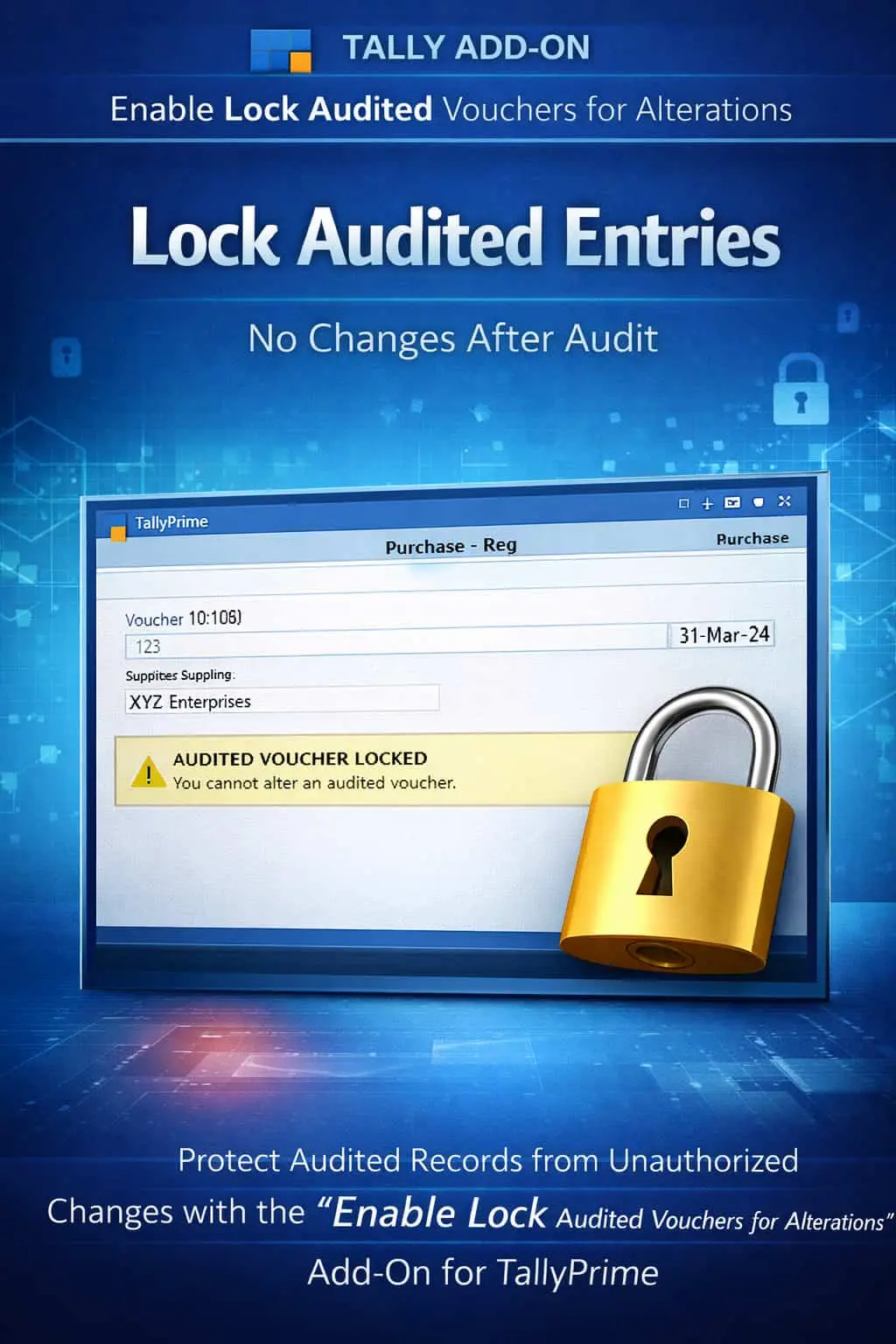

Lock audited vouchers in TallyPrime with Pragyantra’s add‑on. Prevent unauthorized alterations, ensure audit compliance, and protect financial data integrity.
Once financial records are audited, it is critical to ensure that no further changes are made to those transactions. In a standard TallyPrime setup, users might still have the ability to alter vouchers even after the audit is complete, leading to severe consequences:
The Enable Lock Audited Vouchers for Alterations Add‑on by Pragyantra ensures that once a voucher is marked as audited, it is instantly locked and protected from any further modification.
This add‑on is a custom Tally module that acts as a "Post-Audit Shield." With this add‑on installed, Tally can:
Audit completion is the point of no return for accounting data. If your staff can still go back and "correct" an entry from 6 months ago, your audit trail is compromised. The Pragyantra Audited Voucher Lock Add‑on enforces strict post-audit discipline, protecting your business from accidental or intentional data tampering.
Total Alteration Lock
Prevents any modification, including amount changes or ledger re-selection, in audited vouchers.
Universal Protection
Works across all accounting and inventory vouchers: Sales, Purchase, Payment, Receipt, Journal, and more.
User-Based Override
Maintain control by allowing only high-level Admin profiles to unlock vouchers for exceptional cases.
Maintain Financial Sanctity
Guarantees that your finalized books remain identical to the reports submitted to tax authorities.
Lightweight & Secure
Advanced TDL architecture that integrates with Tally's internal audit features without affecting performance.
This add‑on works with:
✔ TallyPrime
✔ Tally ERP 9
1. Does this add-on automatically mark vouchers as audited?
No. It works with Tally's internal 'Audit' feature. Once you or your CA marks a voucher as 'Audited' using the standard Tally process, this add-on automatically locks it for alterations.
2. Can I still view and print an audited voucher?
Yes. The add-on only restricts Alteration and Deletion. You can still view, search, and print audited vouchers for any reference or reporting purpose.
3. What if I genuinely need to fix a mistake in an audited voucher?
Only a user with 'Admin' or 'Auditor' level credentials can unlock the voucher to make the necessary changes. This ensures that every correction is authorized.
4. Does it work on custom voucher types?
Absolutely. Any voucher type (Sales, Purchase, or your own custom types) will be locked as soon as it is marked as audited.
Stop worrying about unauthorized changes to your finalized data. Lock your audited vouchers and ensure 100% compliance with Pragyantra.
👉 Contact Pragyantra today to safeguard your audited financial records and maintain professional data integrity.
Your email address will not be published. Required fields are marked *
Please login to write review!
Looks like there are no reviews yet.