Enable Lock on Ledger & Stock Opening Balance
Lock ledger and stock opening balances in TallyPrime with Pragyantra’s add‑on. Prevent unauthorized changes, ensure accuracy, and stay audit-ready.
Revolutionize Your Business Strategy with Our Expertise.
Elevate Your Business with Our Comprehensive Consulting Services.
Introducing Our New Business Consulting Solutions!


AI-Powered Business Intelligence Dashboard delivers real-time insights, automation, and seamless integration with Tally, Zoho, Oracle, and SAP—all in one clean platform.
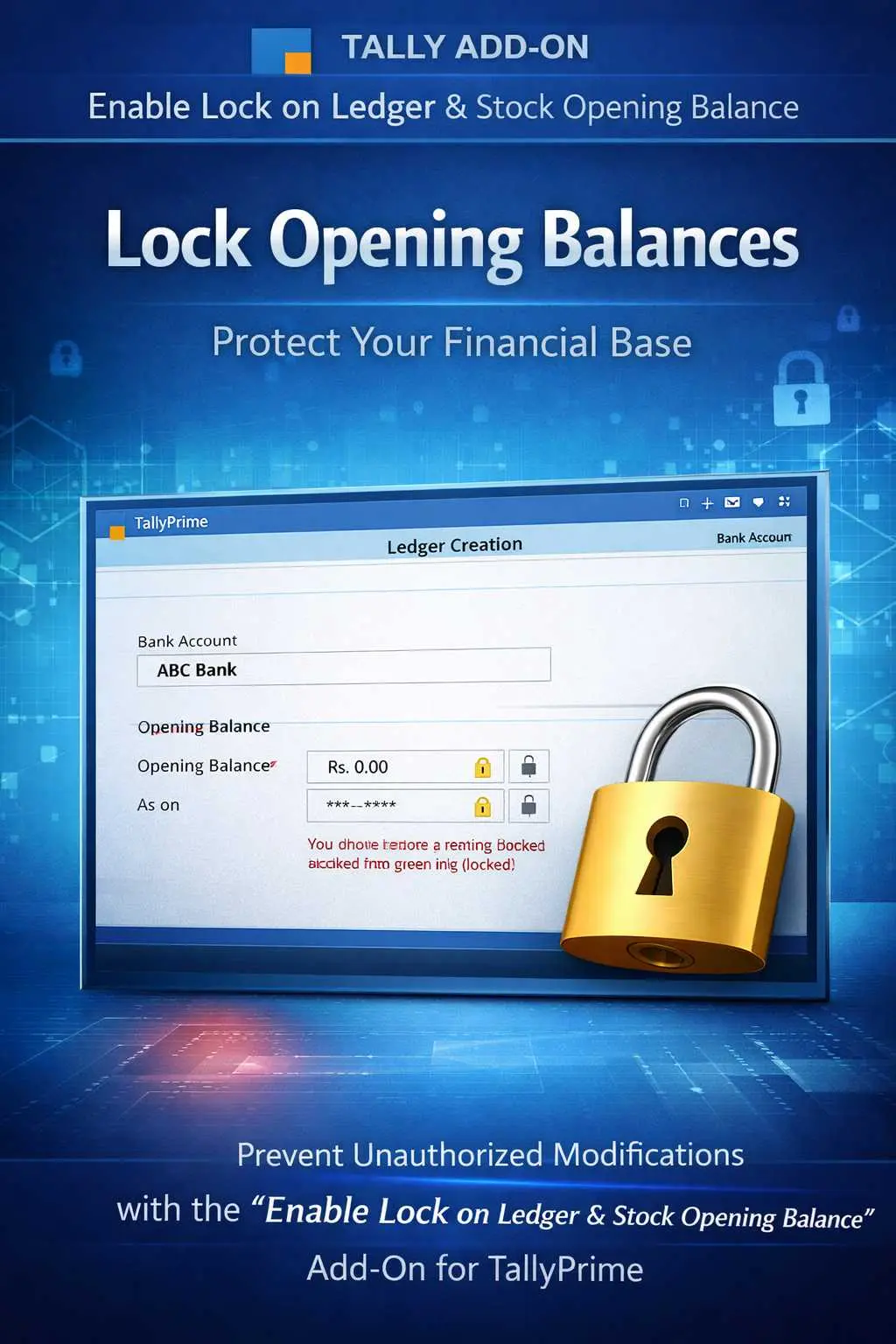

Lock ledger and stock opening balances in TallyPrime with Pragyantra’s add‑on. Prevent unauthorized changes, ensure accuracy, and stay audit-ready.
Opening balances are the foundation of your financial and inventory records. Any unauthorized change to a Ledger Opening Balance or Stock Item Quantity/Value can create a domino effect, leading to:
The Enable Lock on Ledger & Stock Opening Balance Add‑on by Pragyantra ensures that your opening data is locked and protected from accidental or intentional tampering.
This add‑on is a custom Tally module that functions as a "Master Guard." With this add‑on installed, Tally can:
In a multi-user environment, master data is often vulnerable. If an operator changes an opening balance to "force-match" a ledger, it ruins your audit trail. The Pragyantra Opening Balance Lock Add‑on enforces strict master data discipline, ensuring that your financial base remains 100% solid and verifiable.
Total Master Lock
Disables editing for opening balance fields in both Ledger and Stock Item master screens.
User-Based Permissions
Assign editing rights only to specific roles (like Admin or Finance Head) while blocking others.
Prevention of Accidental Edits
Stops users from mistakenly over-typing a balance while altering other details like address or GSTIN.
Enhanced Audit Readiness
Ensures that your books pass statutory audits without red flags regarding "Opening Balance Mismatches."
Lightweight & Robust
Advanced TDL architecture that integrates seamlessly without affecting Tally's overall speed.
This add‑on works with:
✔ TallyPrime
✔ Tally ERP 9
1. Can a user still change a Ledger's name or GSTIN?
Yes. The add-on only locks the Opening Balance field. All other fields like Name, Group, Address, and GSTIN remain editable as per your standard security settings.
2. How do I make a genuine correction in the Opening Balance?
Only the Administrator or a user with specific 'Override' permissions can unlock and edit these fields. This ensures every change is authorized.
3. Does it also lock the Opening Balance of Stock Groups?
Tally calculates group balances based on individual items. This add-on locks the balances at the Item Level, which automatically secures the Group and Category totals.
4. Will this affect my current year's transactions?
Not at all. It only protects the starting point of the year. Your daily Sales, Purchases, and other vouchers will function exactly as they do now.
Don't let unauthorized changes ruin your financial accuracy. Lock your opening balances and ensure 100% data integrity with Pragyantra.
👉 Contact Pragyantra today to safeguard your TallyPrime master data and maintain professional accounting discipline.
Your email address will not be published. Required fields are marked *
Please login to write review!
Looks like there are no reviews yet.