Enable Personalized Caption in Invoice Print
Add personalized captions and messages in invoice print in TallyPrime with Pragyantra’s add‑on. Improve branding, communication, and customer engagement.
Introducing Our New Business Consulting Solutions!
Elevate Your Business with Our Comprehensive Consulting Services.
Revolutionize Your Business Strategy with Our Expertise.


AI-Powered Business Intelligence Dashboard delivers real-time insights, automation, and seamless integration with Tally, Zoho, Oracle, and SAP—all in one clean platform.
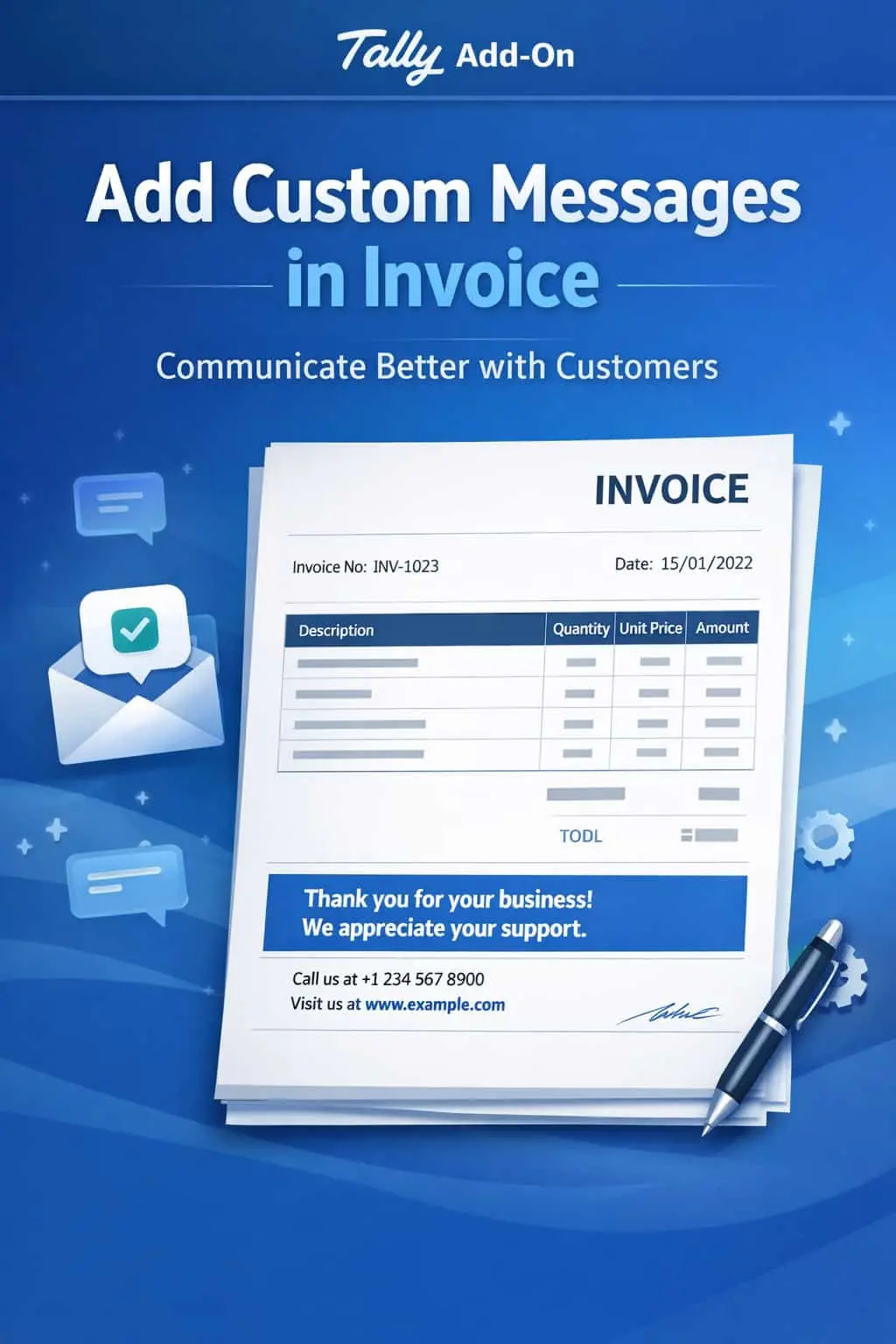

Add personalized captions and messages in invoice print in TallyPrime with Pragyantra’s add‑on. Improve branding, communication, and customer engagement.
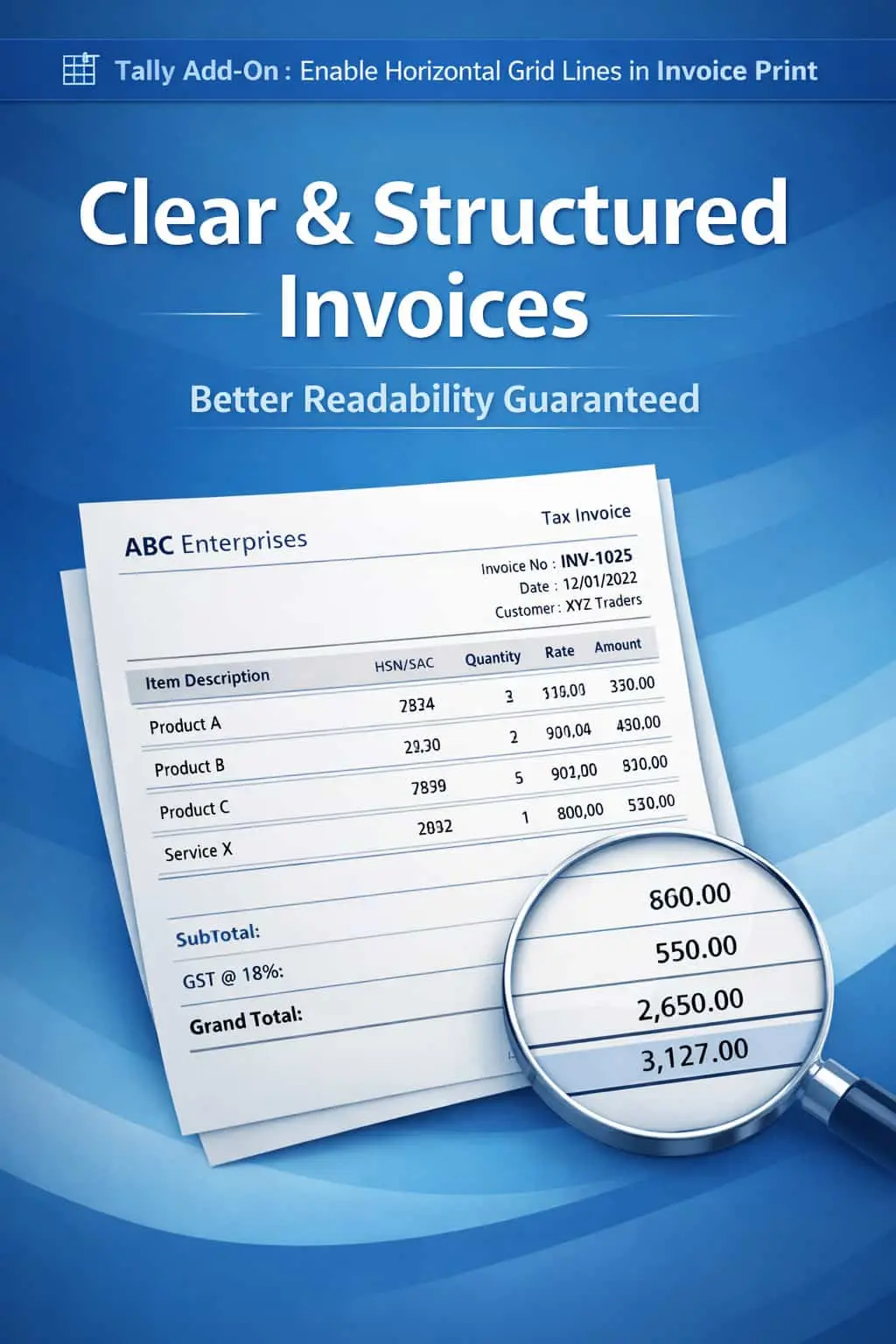
Invoices are often the last point of contact between you and your customer. Why send a boring, generic bill when you can use it for branding and professional communication? In standard TallyPrime, adding custom or conditional messages is difficult, leading to:
The Enable Personalized Caption in Invoice Print Add‑on by Pragyantra turns your invoices into a powerful communication channel by allowing you to add dynamic and custom captions effortlessly.
This add‑on is a custom Tally module that lets you "Talk" to your customers through your billing documents. With this add‑on installed, Tally can:
Every business is unique, and your invoice should reflect that. Whether you want to remind a customer about your Return Policy or announce a New Product Launch, doing it on the invoice ensures it gets read. The Pragyantra Personalized Caption Add‑on helps you build stronger customer relationships while keeping your operations 100% automated.
Custom Caption Management
Easily set and change messages like festive wishes, payment reminders, or thank-you notes.
Branding & Marketing Support
Use the invoice space to promote your website, social media handles, or current business offers.
Flexible Conditional Logic
Configure Tally to show specific captions based on the Ledger Group, Voucher Type, or Amount.
Professional Layout Integration
Seamlessly fits into your existing Sales Invoices, Debit/Credit Notes, and Delivery Challans.
Lightweight & High Performance
Advanced TDL architecture that fetches and prints captions instantly without affecting Tally's speed.
This add‑on works with:
✔ TallyPrime
✔ Tally ERP 9
1. Can I have different captions for different voucher types?
Yes. You can set a specific message for Sales Invoices and a completely different one for Credit Notes or Proforma Invoices.
2. Is there a limit to the length of the message?
While you can add multiple lines, we recommend keeping it concise (2-4 lines) so it fits perfectly in the footer or header without disturbing the invoice layout.
3. Can I change the caption daily?
Absolutely. You can update the caption in the TDL configuration menu at any time, and the change will be reflected in all new prints immediately.
4. Does it work on customized invoice formats?
Yes. Pragyantra can integrate these personalized captions into any of your custom-designed Tally invoice templates.
Stop sending boring bills. Start communicating. Add professional, branded, and personalized messages to every invoice with Pragyantra.
👉 Contact Pragyantra today to modernize your invoices and boost your professional brand identity.
Your email address will not be published. Required fields are marked *
Please login to write review!
Looks like there are no reviews yet.