Enable Stock Item Sorting in Invoice Print
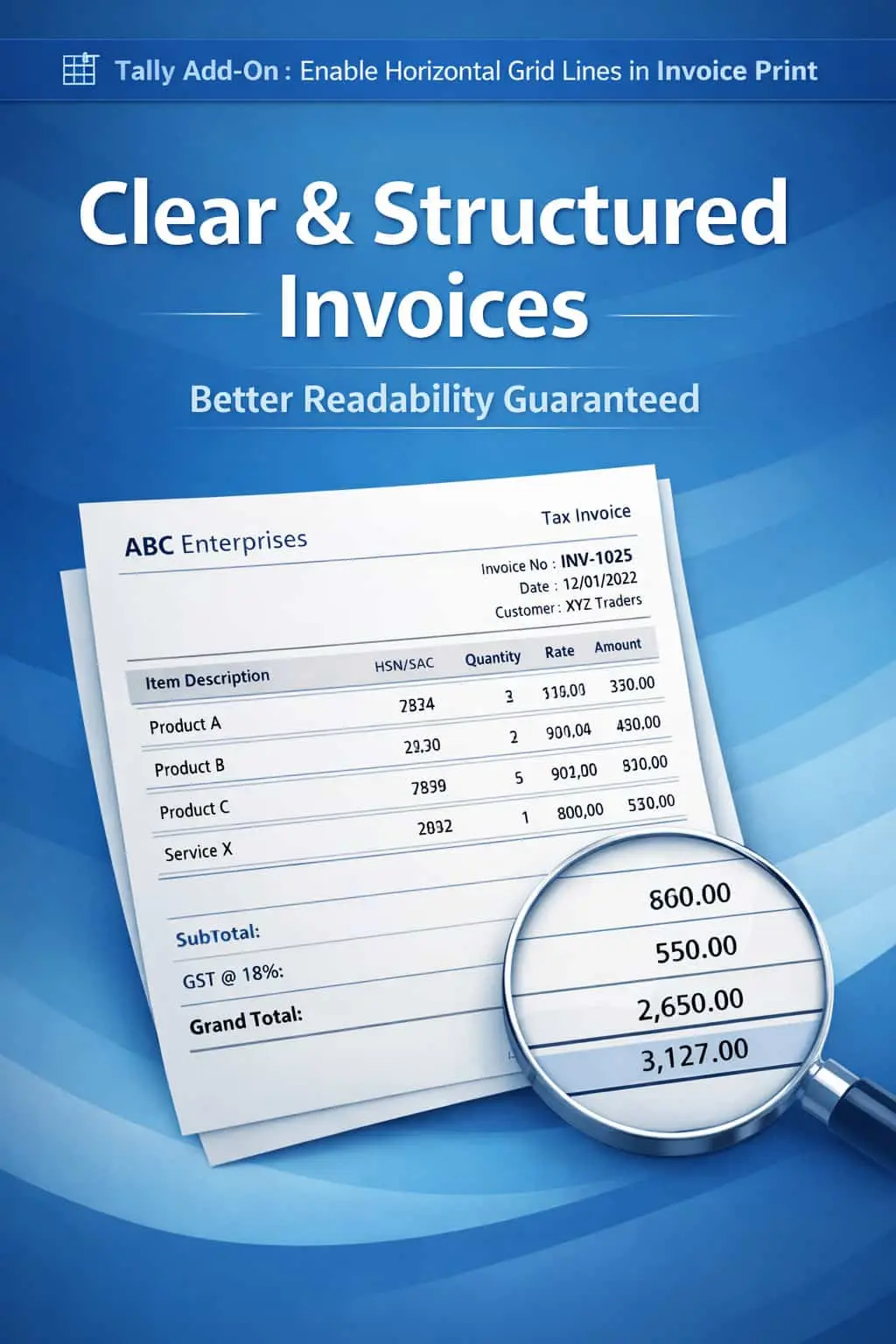
Automatically sort stock items in invoice print in TallyPrime with Pragyantra’s add‑on. Improve readability, professionalism, and invoice clarity.
Introducing Our New Business Consulting Solutions!
Elevate Your Business with Our Comprehensive Consulting Services.
Revolutionize Your Business Strategy with Our Expertise.


AI-Powered Business Intelligence Dashboard delivers real-time insights, automation, and seamless integration with Tally, Zoho, Oracle, and SAP—all in one clean platform.
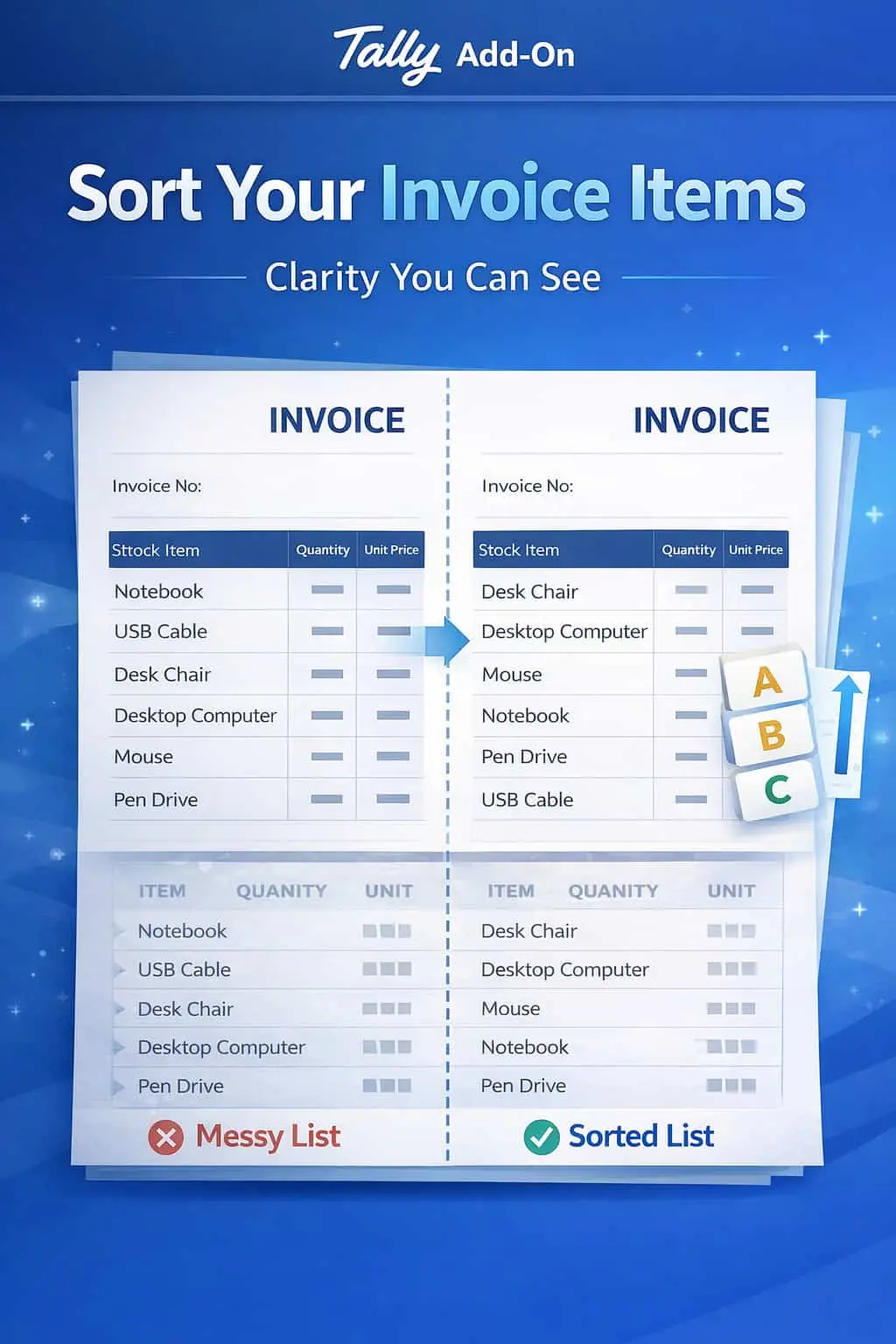
Automatically sort stock items in invoice print in TallyPrime with Pragyantra’s add‑on. Improve readability, professionalism, and invoice clarity.
Invoices with a long list of stock items can often become messy and difficult to navigate, especially if the items appear in the random order they were entered. In standard TallyPrime, this lack of organization leads to:
The Enable Stock Item Sorting in Invoice Print Add‑on by Pragyantra solves this by automatically re-arranging your items based on logical sorting rules, ensuring a structured and clean printout every time.
This add‑on is a custom Tally module that re-orders the printing sequence of your stock items without affecting your original data entry. With this add‑on installed, Tally can:
A well-organized invoice is a sign of a well-organized business. If you are a wholesaler or distributor dealing with hundreds of SKUs, your customers appreciate a bill where they can find items quickly. The Pragyantra Item Sorting Add‑on helps you standardize your documentation, making your billing process transparent and highly professional.
Multiple Sorting Criteria
Choose to sort by Item Name, Item Code (Part No), Quantity, or even Stock Group/Category.
Automatic Execution
Once configured, the sorting happens automatically at the time of printing—no manual intervention required.
Improved Readability
Grouping similar items together makes it incredibly easy for customers to understand the bill at a glance.
Works Across All Document Types
Applicable to Sales Invoices, Purchase Orders, Delivery Notes (Challans), and Quotations.
Lightweight & High Performance
Optimized TDL architecture that sorts even large item lists instantly without delaying the print command.
This add‑on works with:
✔ TallyPrime
✔ Tally ERP 9
1. Does it change the order of items in the 'Voucher Entry' screen too?
No. The sorting only happens at the time of printing. Your entry screen remains exactly as you typed it, so your workflow isn't disturbed.
2. Can I sort by Stock Group (e.g., all 'Electronics' first, then all 'Furniture')?
Yes. This is one of the most popular features. You can set the logic to group items by their primary or secondary stock groups.
3. Will it work with my customized invoice format?
Absolutely. Pragyantra can integrate this sorting logic into any of your existing custom-designed Tally invoice templates.
4. Can I switch off sorting for specific invoices?
The add-on can be configured with a toggle switch, allowing you to choose between 'As Entered' or 'Sorted' view before printing.
Stop sending disorganized invoices. Organize your stock items and provide the clarity your customers deserve with Pragyantra’s Sorting Add-on.
👉 Contact Pragyantra today to professionalize your invoices and enhance your business documentation.
Your email address will not be published. Required fields are marked *
Please login to write review!
Looks like there are no reviews yet.