Enable User-wise Cost Centre Security Control
Restrict cost centre access user-wise in TallyPrime with Pragyantra’s add‑on. Improve data security, ensure accurate allocation, and strengthen financial control.
Introducing Our New Business Consulting Solutions!
Revolutionize Your Business Strategy with Our Expertise.
Elevate Your Business with Our Comprehensive Consulting Services.


AI-Powered Business Intelligence Dashboard delivers real-time insights, automation, and seamless integration with Tally, Zoho, Oracle, and SAP—all in one clean platform.
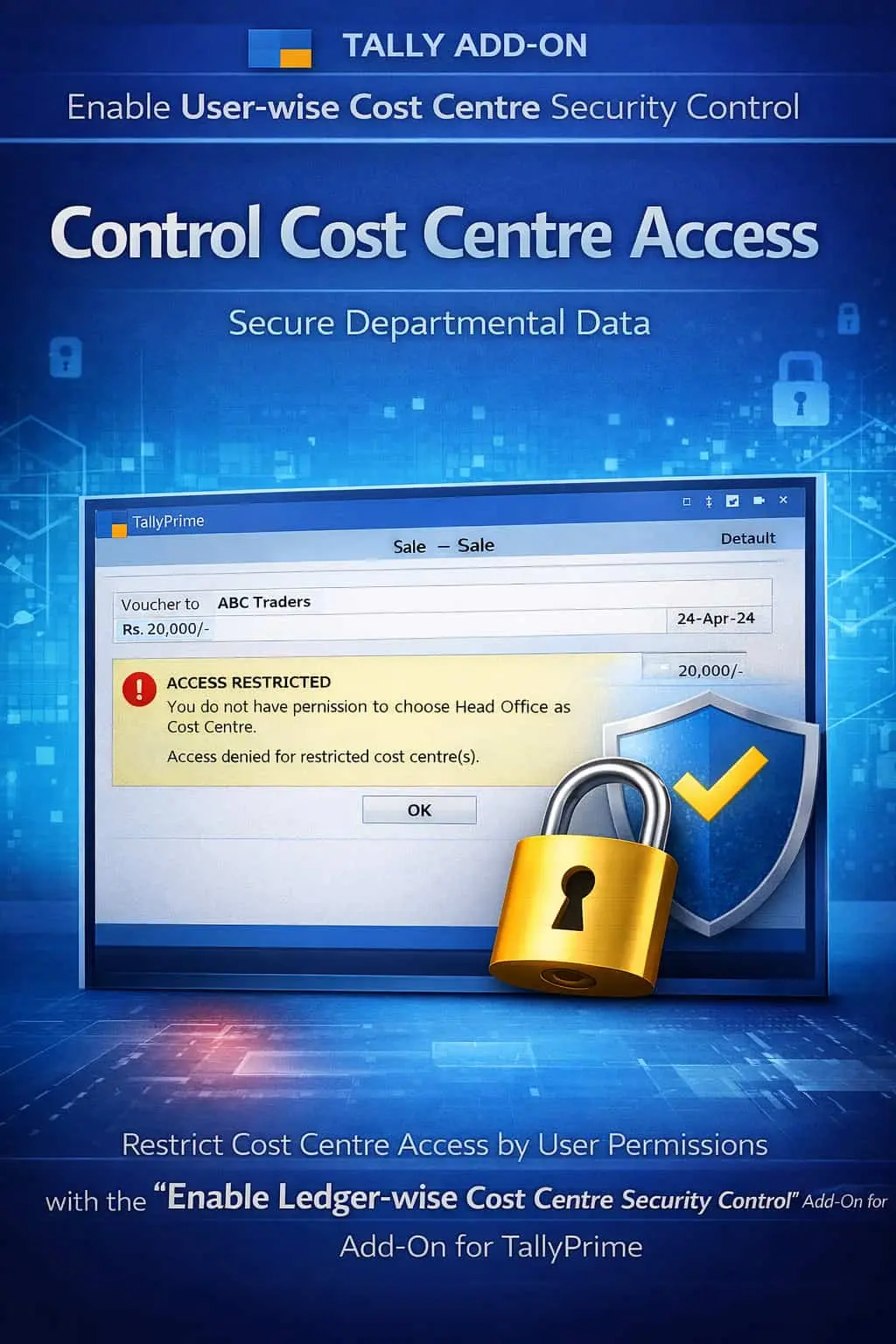

Restrict cost centre access user-wise in TallyPrime with Pragyantra’s add‑on. Improve data security, ensure accurate allocation, and strengthen financial control.
Cost Centres are the backbone of departmental accounting, allowing businesses to track expenses, projects, and branch-wise profitability. However, in a standard TallyPrime environment, any user with voucher entry access can view or post entries to any Cost Centre. This lack of restriction leads to:
The Enable User-wise Cost Centre Security Control Add‑on by Pragyantra solves this by allowing you to "Map" specific Cost Centres to specific users, ensuring total departmental privacy.
This add‑on is a custom Tally module that functions as a "Permission Filter" for your Cost Centres. With this add‑on installed, Tally can:
In a multi-department organization, financial data should be on a "Need-to-Know" basis. If your Sales team can see the Production department's overheads, or if a Project Manager can view other projects' margins, it compromises your internal financial control. The Pragyantra Cost Centre Security Add‑on ensures that every user works strictly within their assigned financial territory.
User-wise Mapping
Explicitly link Cost Centres to specific Tally users or roles for pinpoint access control.
Automatic Selection Filter
The list of Cost Centres is automatically filtered during voucher entry based on the logged-in user.
Role-Based Security Control
Assign permissions based on user seniority—allowing full access to Admins and restricted access to operators.
Works Across All Vouchers
Full integration with Payment, Receipt, Journal, Purchase, and Sales vouchers where Cost Centres are used.
Lightweight & Robust
Optimized TDL architecture that enforces security instantly without any lag in the data entry process.
This add‑on works with:
✔ TallyPrime
✔ Tally ERP 9
1. Can a user select a Cost Centre that is not assigned to them?
No. The add-on removes all unauthorized Cost Centres from the selection list during voucher entry, making them completely inaccessible to that user.
2. Can I assign more than one Cost Centre to a single user?
Yes. You have the flexibility to assign a single Cost Centre, a group of Cost Centres, or multiple individual ones to any user profile.
3. Does it affect the Cost Centre Break-up reports?
Yes. When a restricted user opens a Cost Centre report, they will only see the data for the centres they have permission to access. Admin users will still see everything.
4. What happens if I create a new Cost Centre?
By default, new Cost Centres are restricted. You will need to go to the security configuration and assign the new centre to the relevant users.
Stop unauthorized visibility and ensure 100% accurate cost allocation. Take control of your Cost Centres with Pragyantra’s User-wise Security Add-on.
👉 Contact Pragyantra today to professionalize your departmental accounting and secure your financial data.
Your email address will not be published. Required fields are marked *
Please login to write review!
Looks like there are no reviews yet.