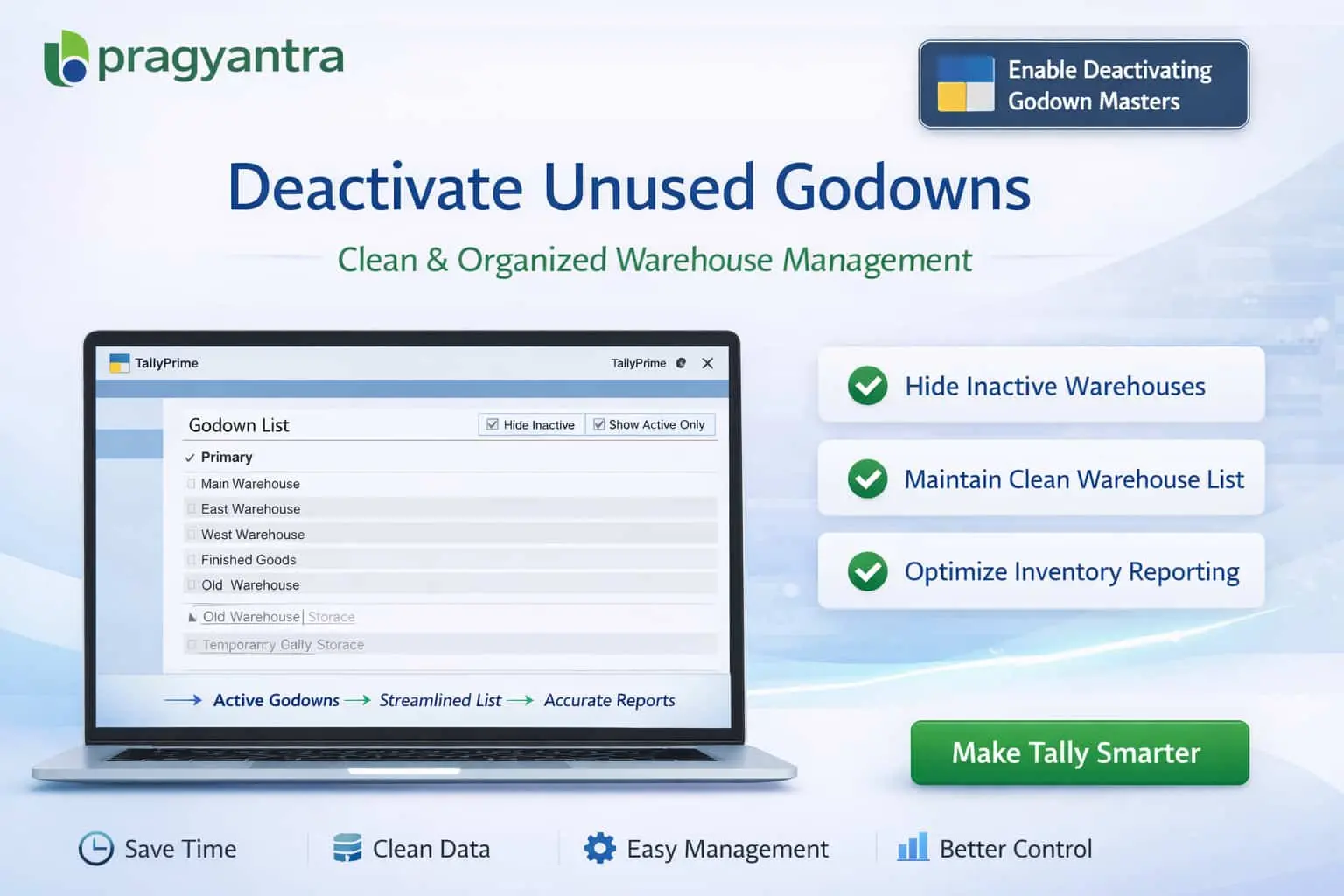

Enable Deactivating Godown Masters
Deactivate unused godown masters in TallyPrime with Pragyantra’s add‑on. Keep warehouse data organized, avoid errors, and improve inventory management.
Revolutionize Your Business Strategy with Our Expertise.
Introducing Our New Business Consulting Solutions!
Elevate Your Business with Our Comprehensive Consulting Services.

In inventory-based businesses, Godowns (Warehouses) in TallyPrime are used to manage stock across multiple locations. As businesses expand, multiple godowns are created for different branches, regions, or storage purposes. However, over time, some godowns become inactive or closed but still remain active in the system. This leads to:
The Enable Deactivating Godown Masters Add‑on by Pragyantra allows businesses to deactivate unused godowns without deleting them, maintaining a clean warehouse structure and streamlining operations.
This add‑on is a custom Tally module that allows users to mark godowns as inactive (deactivated). With this add‑on installed, businesses can:
Inactive warehouses create unnecessary complexity in inventory systems. Since Tally doesn't allow deleting masters with transaction history, the Pragyantra Godown Deactivation Add‑on offers a smart warehouse control system—keeping your active operations clean while securing your historical audit trails.
Deactivate Godown Masters
Simple toggle to move closed warehouses to an 'Inactive' state without affecting the current stock summary.
Auto-Hide in Vouchers
Speeds up data entry by showing only operational locations during voucher creation and stock journals.
Safe Data Retention
Ensures all past stock transfers and warehouse-wise reports are preserved for accurate historical analysis.
Lightweight & High Performance
Built using optimized TDL architecture, ensuring fast godown list loading even in multi-location enterprises.
This add‑on works with:
✔ TallyPrime
✔ Tally ERP 9
1. If I deactivate a Godown, will it affect my Stock Summary?
No. The Godown only stays hidden during new transactions. Your current and past Stock Summary will still show the correct inventory levels for that Godown as per the selected period.
2. Can I deactivate a Godown that still has stock?
Yes, you can. However, the system will hide it from new entries. To avoid confusion, it is best practice to transfer the remaining stock to an active location before deactivating.
3. Will deactivated godowns appear in Godown Summary reports?
Yes. For audit and historical tracking, deactivated godowns will appear in your reports whenever you check data for a period when they were active.
4. Is there a limit to how many godowns I can deactivate?
There is no limit. You can deactivate as many as you need to keep your warehouse list clean and manageable.
Don't let unused warehouses clutter your inventory entries. Streamline your warehouse management and ensure 100% accuracy with Pragyantra’s Godown Deactivation Add-on.
👉 Contact Pragyantra today to optimize your warehouse operations in TallyPrime.
Your email address will not be published. Required fields are marked *
Please login to write review!
Looks like there are no reviews yet.



