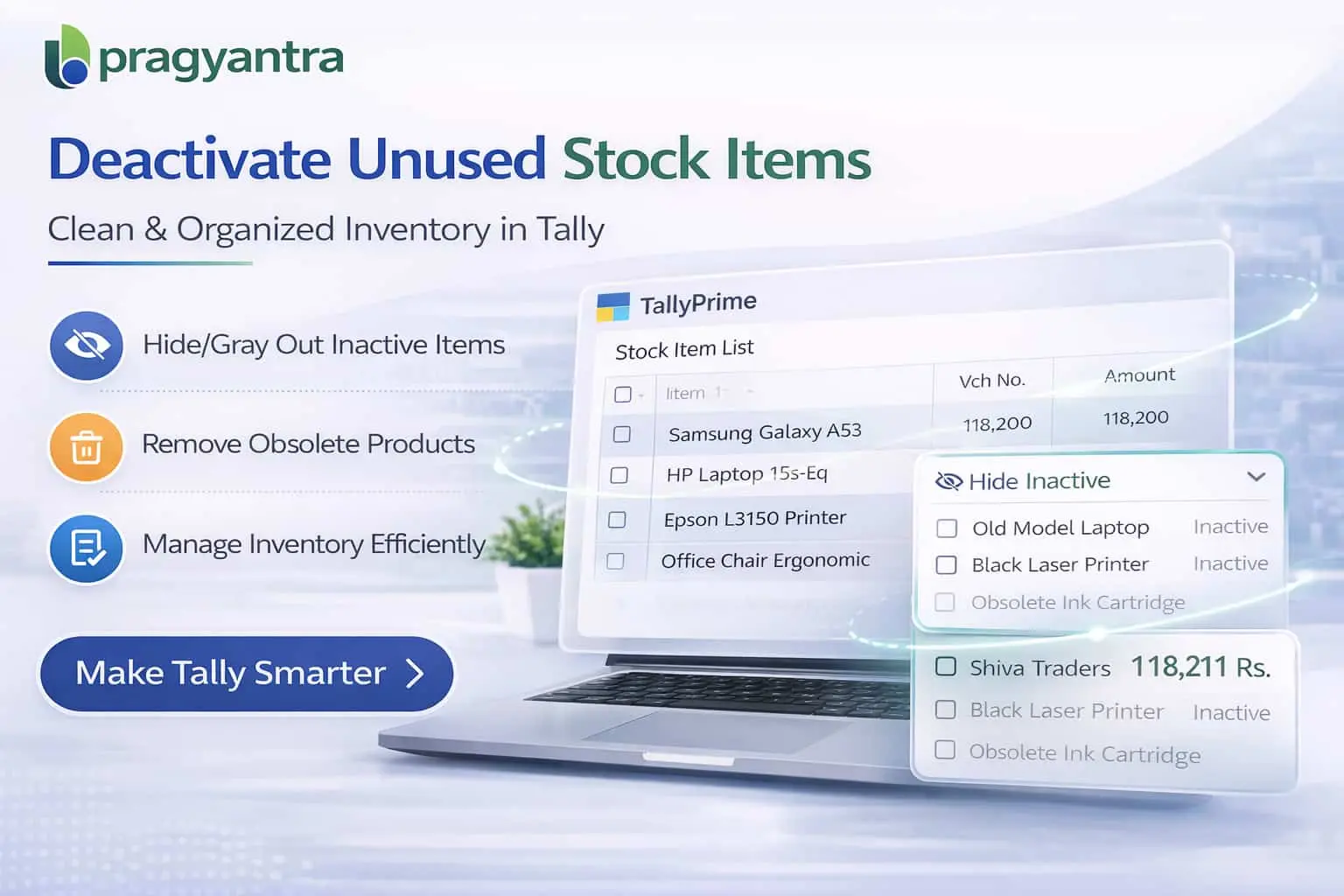

Enable Deactivate Stock Item Masters
Deactivate unused stock items in TallyPrime with Pragyantra’s add‑on. Keep inventory clean, avoid errors, and improve stock management efficiency.
Elevate Your Business with Our Comprehensive Consulting Services.
Revolutionize Your Business Strategy with Our Expertise.
Introducing Our New Business Consulting Solutions!

As businesses grow, the number of stock item masters in TallyPrime increases significantly. Over time, many items become inactive, discontinued, or obsolete, yet they remain visible in the system. This can lead to:
The Enable Deactivate Stock Item Masters Add‑on by Pragyantra allows businesses to deactivate unused stock items without deleting them, maintaining a clean inventory structure and streamlining operations.
This add‑on is a custom Tally module that allows users to mark stock items as inactive (deactivated). With this add‑on installed, businesses can:
Inactive or obsolete stock items create unnecessary complexity. Deleting them is not an option because Tally won't allow it if there are past transactions. The Pragyantra Stock Item Deactivation Add‑on solves this by enabling smart inventory filtering—giving you the benefit of a clean list while keeping your historical data safe for audits.
Safe Stock Deactivation
Move unused items to an 'Inactive' status without affecting your Balance Sheet or Stock Summary history.
Auto-Hide in Vouchers
Speeds up billing by showing only "Live" items during voucher entry, reducing the chance of human error.
Bulk Status Management
Manage the lifecycle of your products efficiently, especially for seasonal or discontinued ranges.
Lightweight & High Performance
Built using optimized TDL architecture to ensure that even with thousands of items, your Tally remains fast.
This add‑on works with:
✔ TallyPrime
✔ Tally ERP 9
1. If I deactivate an item, will it disappear from my old Sales Invoices?
No. The item only stops appearing for new entries. All your previous years' invoices, reports, and stock summaries will still show the item and its historical data correctly.
2. Can I see a list of all deactivated items in one place?
Yes, you can easily filter your Stock Item list to see which items are marked as 'Inactive' and manage or reactivate them whenever needed.
3. Does Tally allow deactivating items that still have current stock?
The add-on allows you to deactivate any item. However, if an item has physical stock, it will still show in your Stock Summary, but it will be hidden from the selection list in Sales or Purchase vouchers to prevent new transactions.
4. How long does it take to reactivate an item?
It’s instant. Just go to the item master, change the status back to 'Active', and the item will immediately start appearing in your voucher entry lists again.
Stop scrolling through hundreds of discontinued products. Speed up your billing, reduce selection errors, and organize your stock masters with Pragyantra’s Deactivation Add-on.
👉 Contact Pragyantra today to make your Tally inventory management faster, cleaner, and more accurate.
Your email address will not be published. Required fields are marked *
Please login to write review!
Looks like there are no reviews yet.



