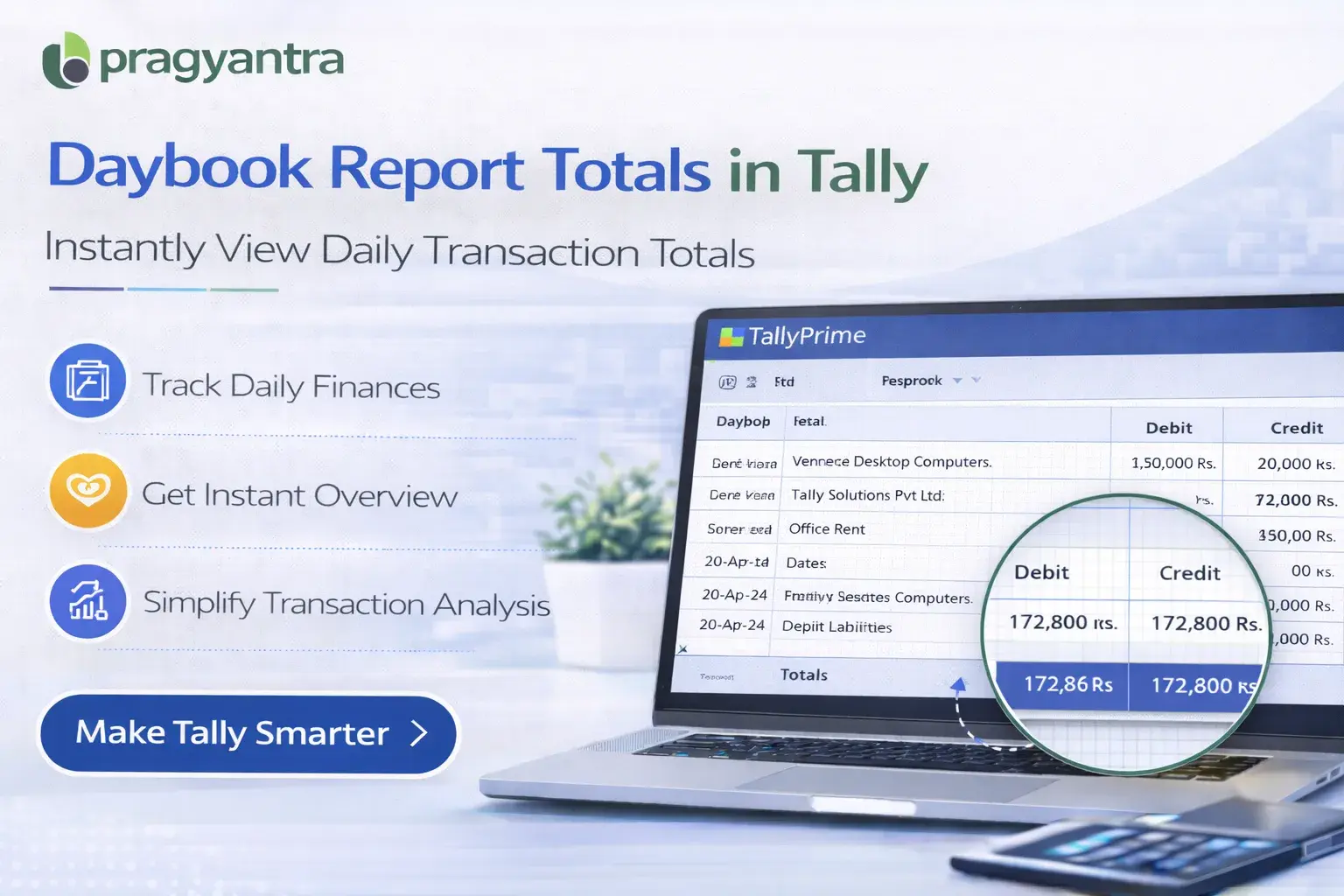

Enable Daybook Report Total
Automatically display debit and credit totals in the Daybook report in TallyPrime with Pragyantra’s add‑on. Improve daily accounting analysis and reporting.
Elevate Your Business with Our Comprehensive Consulting Services.
Revolutionize Your Business Strategy with Our Expertise.
Introducing Our New Business Consulting Solutions!

The Daybook report in TallyPrime is one of the most frequently used reports by accountants and business owners. It records all daily transactions including sales, purchases, payments, receipts, and journal entries.
While the Daybook report provides detailed transaction information, users sometimes need a clear summary total of debit and credit amounts within the report for quick analysis.
The Enable Daybook Report Total Add‑on developed by Pragyantra enhances the Daybook report by displaying automatic totals for transactions.
With this add‑on, accountants can instantly view total debit and credit values in the Daybook, making financial review faster and more efficient.
The Enable Daybook Report Total Add‑on is a custom Tally module designed to enhance the Daybook report by showing automatic totals of transactions.
Normally, the Daybook displays Voucher Date, Type, Number, Ledger Name, and Debit/Credit amounts. However, users may need to manually calculate totals for quick financial review.
With this add‑on installed, the Daybook report automatically displays:
This makes the report more informative and easier to analyze at a single glance.
Accountants often review the Daybook to check daily financial activity. Without automatic totals, users may need to manually calculate values or export the report for analysis. Common challenges include:
The Pragyantra Daybook Report Total Add‑on eliminates these issues by automatically showing total values within the Daybook report.
Automatic Daybook Totals
The add‑on automatically calculates and displays totals at the bottom of the Daybook report.
Debit and Credit Summary
Users can easily view the aggregate total debit and credit values for all daily transactions.
Improved Report Analysis
Accountants can quickly analyze daily financial activity without any external manual calculations.
Works with Standard Daybook Reports
The add‑on integrates directly with the existing Daybook report in Tally for a seamless experience.
Lightweight & High Performance
Developed using optimized TDL architecture, ensuring smooth performance without affecting Tally speed.
This add‑on works with:
✔ TallyPrime
✔ Tally ERP 9
1. Does this add-on show totals for filtered Daybook reports?
Yes, if you filter the Daybook by date or voucher type, the add-on will automatically update and show the total for only those specific transactions.
2. Will the totals be visible when I print the Daybook?
Yes, the automatic debit and credit totals are designed to appear both on your screen and in the printed version of the report.
3. Can I see the total number of vouchers along with the amount?
The add-on primarily focuses on providing accurate debit and credit amount totals, which are essential for daily financial balancing.
4. Is it compatible with TallyPrime?
Absolutely. It works perfectly with all releases of TallyPrime and is also compatible with Tally ERP 9.
Stop wasting time manually totaling your daily entries. Get instant debit and credit summaries directly in Tally with Pragyantra.
👉 Contact Pragyantra today for smart Tally solutions that save you time every day.
Your email address will not be published. Required fields are marked *
Please login to write review!
Looks like there are no reviews yet.



