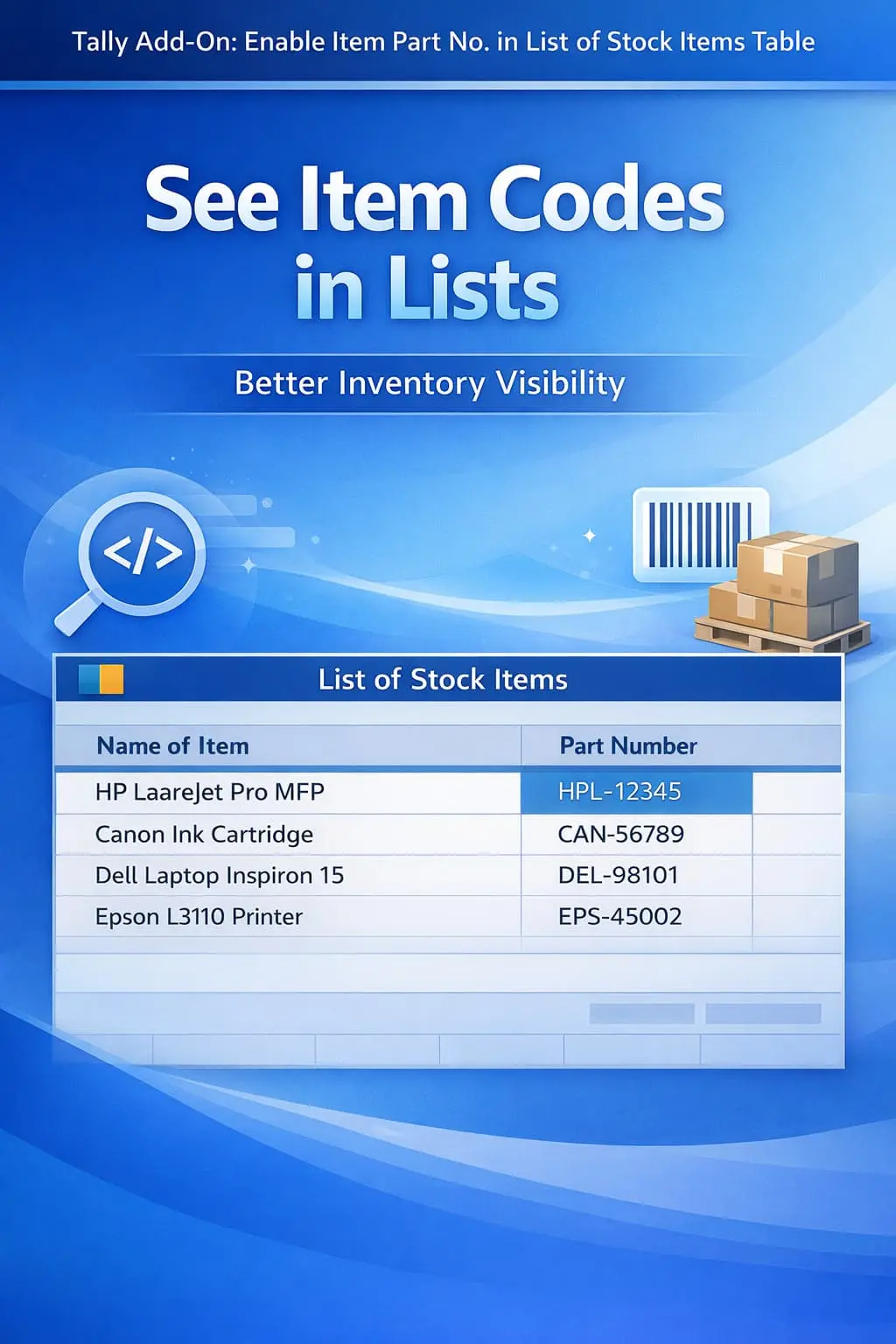
Enable Item Part No. in List of Stock Items Table.
Show item part numbers in stock item list in TallyPrime with Pragyantra’s add‑on. Improve inventory visibility, reduce errors, and speed up item identification.
Revolutionize Your Business Strategy with Our Expertise.
Introducing Our New Business Consulting Solutions!
Elevate Your Business with Our Comprehensive Consulting Services.

In inventory-heavy businesses like automobile, electronics, and industrial trading, items are often identified by their unique Part Numbers (Item Codes) rather than long descriptive names. However, TallyPrime's default List of Stock Items table typically shows only item names, making it difficult to:
The Enable Item Part No. in List of Stock Items Table Add‑on by Pragyantra enhances your Tally by adding a dedicated Part Number column in the stock item list view, ensuring 100% inventory visibility.
This add‑on is a custom Tally module that transforms the standard "List of Items" table into a more informative data grid. With this add‑on installed, Tally can:
Searching for a spare part or an electronic component in a list of 5,000 items is a nightmare if you can't see the part number. The Pragyantra Item Part Number List Add‑on solves this by structuring your item display logically, saving your team hours of manual searching and cross-verifying catalogues.
Dedicated Part Number Column
Displays item part numbers directly in the stock item master list and selection tables.
Faster Navigation
Enables users to quickly locate items in large databases using manufacturer-specific codes.
Reduced Identity Confusion
Helps distinguish between similar items that share common names but serve different technical purposes.
Universal Table Integration
Works across the 'Chart of Accounts', 'Stock Item Selection', and various Inventory reports.
Lightweight & High Performance
Optimized TDL architecture ensures that the list loads instantly, even with thousands of stock records.
This add‑on works with:
✔ TallyPrime
✔ Tally ERP 9
1. Will this add-on create a new column in my printed reports?
This add-on is primarily for on-screen identification in the 'List of Stock Items'. However, it can be customized to include the Part Number column in specific printed inventory reports if required.
2. Can I search the list by typing the Part Number?
Yes! That is one of its biggest advantages. It makes the part number a searchable field in the stock list table.
3. Does it work with the 'Alter Stock Item' screen?
Yes, when you are looking at the 'List of Stock Items' to select an item for alteration, the Part Number will be clearly visible in the table.
4. Does it pick data from the 'Alias' field or 'Part No.' field?
It specifically picks data from the 'Part No.' field of the Stock Item Master. If you use 'Alias' for codes, we can provide a customized version for that as well.
Stop getting confused between similar item names. View and search your inventory using manufacturer part numbers directly in Tally's item list with Pragyantra.
👉 Contact Pragyantra today to organize your Tally inventory and improve your identification speed.
Your email address will not be published. Required fields are marked *
Please login to write review!
Looks like there are no reviews yet.



