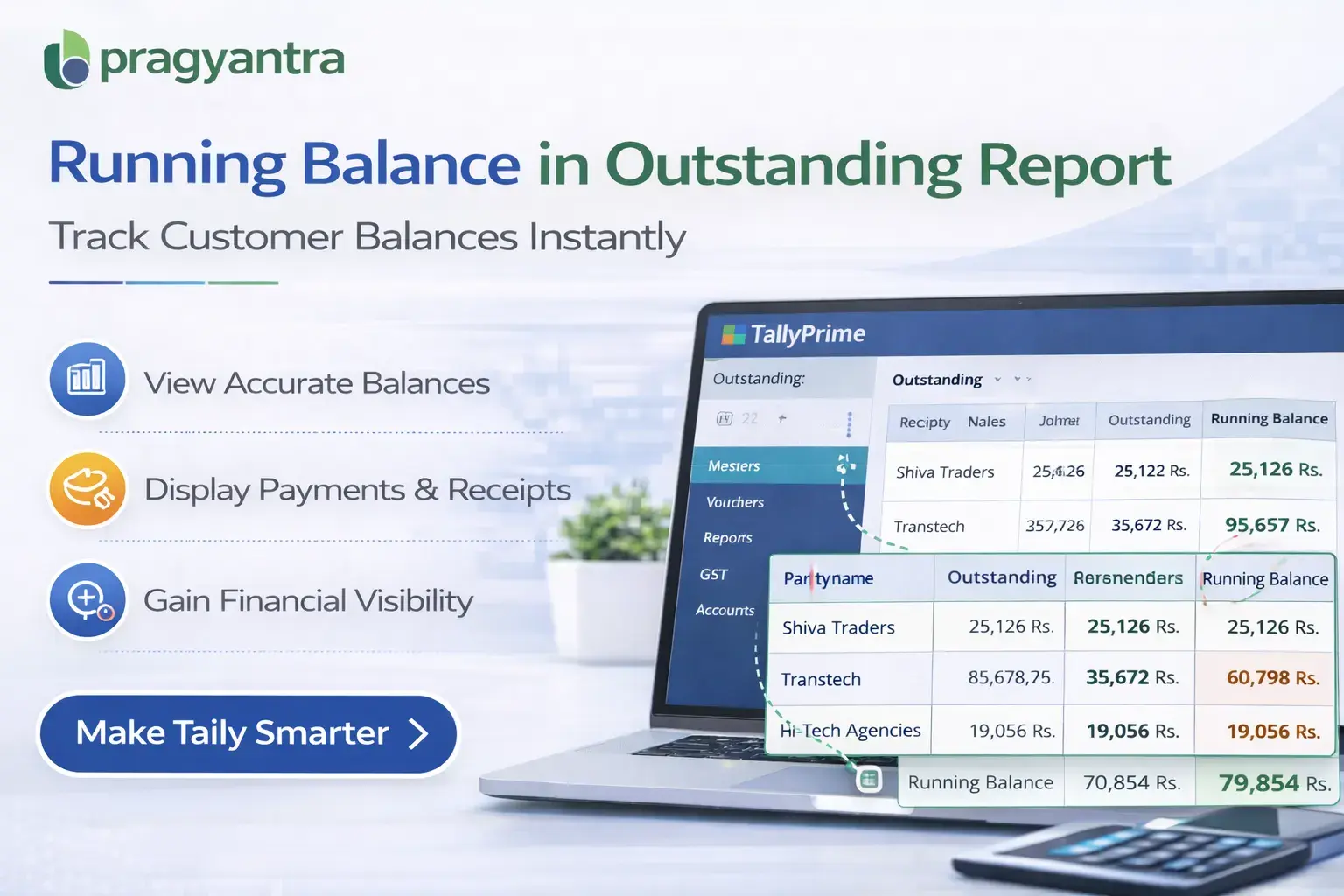
Enable Running Balance in Outstanding for TallyPrime
Track Customer Running Balance Directly in Outstanding Reports
Introduction
Effective receivable management is essential for maintaining healthy business cash flow. When accountants review the Outstanding Report in TallyPrime, they often need to understand the running balance of customer transactions to analyze payment behavior and outstanding amounts more clearly.
However, the default outstanding report in Tally usually displays pending invoices and balances but does not always provide a clear running balance view of transactions.
The Enable Running Balance in Outstanding Add‑on developed by Pragyantra enhances the outstanding report by displaying a running balance column, allowing accountants to easily track how balances change across transactions.
With this add‑on, businesses gain better visibility into receivables, helping them monitor customer balances, payment history, and pending amounts more efficiently.
What is “Enable Running Balance in Outstanding”?
The Enable Running Balance in Outstanding Add‑on is a custom Tally module that adds a running balance column to the outstanding report.
Normally, the outstanding report shows details such as:
- Customer Name
- Invoice Number
- Invoice Date
- Pending Amount
But it does not clearly display how the balance changes across multiple transactions.
With this add‑on installed, the outstanding report will also show:
- Running Balance after each transaction
- Cumulative outstanding balance
- Clear transaction‑wise balance flow
This makes it easier for accountants to analyze outstanding balances without manually calculating totals.
Why Businesses Need This Add‑on
Businesses often deal with multiple transactions with the same customer, including invoices, receipts, and adjustments. Without a running balance view, it may be difficult to quickly understand how the outstanding balance has changed over time.
This can lead to issues such as:
- Difficulty analyzing customer payment history
- Time spent manually calculating balances
- Limited visibility of transaction flow
- Slower financial analysis
The Pragyantra Running Balance Add‑on solves this problem by automatically displaying the running balance for each transaction in the outstanding report.
Key Features of the Add‑on
Running Balance Column in Outstanding Report
The add‑on displays the running balance after every transaction in the outstanding report.
Clear Transaction Flow
Accountants can easily see how invoices and payments affect the outstanding balance.
Improved Receivable Analysis
Businesses gain better insight into customer payment patterns and outstanding balances.
Lightweight and High Performance
The add‑on is built using optimized TDL architecture, ensuring smooth performance without slowing down Tally.
Easy Installation and Configuration
Pragyantra provides quick installation and configuration so businesses can start using the feature immediately.
Business Benefits
- Better Financial Visibility: Businesses can clearly see how outstanding balances change across transactions.
- Faster Financial Analysis: Accountants can quickly analyze receivable balances without manual calculations.
- Improved Payment Tracking: Running balance helps track customer payment behavior more effectively.
- Efficient Receivable Management: Businesses can monitor outstanding balances more accurately.
Use Cases
- Trading Businesses: Where customers have multiple transactions and payments.
- Distribution Companies: Where invoices and receipts occur frequently.
- SMEs: Where accounting teams need quick insights into outstanding balances.
- Finance Departments: Where outstanding reports are used for receivable analysis.
Compatibility
This add‑on works with:
✔ TallyPrime
✔ Tally ERP 9
FAQ
What is the Running Balance in Outstanding Add‑on?
It is a Tally customization that adds a cumulative balance column to your outstanding reports, showing how the balance changes after each transaction.
Does it show balances for both invoices and receipts?
Yes, it tracks the flow of all transactions including sales, payments, and adjustments to show a clear running total.
Is this add-on compatible with TallyPrime?
Yes, it is fully compatible with TallyPrime and Tally ERP 9.
Will it help in reconciling customer accounts?
Absolutely. The transaction-wise balance flow makes it much easier to reconcile accounts and identify discrepancies quickly.
Get Full Visibility of Your Transaction Flow
Stop manual calculations. Track cumulative customer balances automatically with Pragyantra's Running Balance Add‑on.
👉 Contact Pragyantra today to empower your Tally with smart automation.