
Enable Selected Voucher Line Total
Instantly calculate totals for selected voucher lines in TallyPrime with Pragyantra’s add‑on. Improve voucher analysis and accounting efficiency.
Introducing Our New Business Consulting Solutions!
Revolutionize Your Business Strategy with Our Expertise.
Elevate Your Business with Our Comprehensive Consulting Services.

In TallyPrime, vouchers such as Sales, Purchase, Payment, Receipt, and Journal often contain multiple ledger entries. When accountants review large vouchers, they may need to calculate the total amount of specific selected lines to analyze transactions more accurately.
However, in the default Tally interface, users typically have to manually calculate totals for selected voucher lines, which can slow down the accounting workflow.
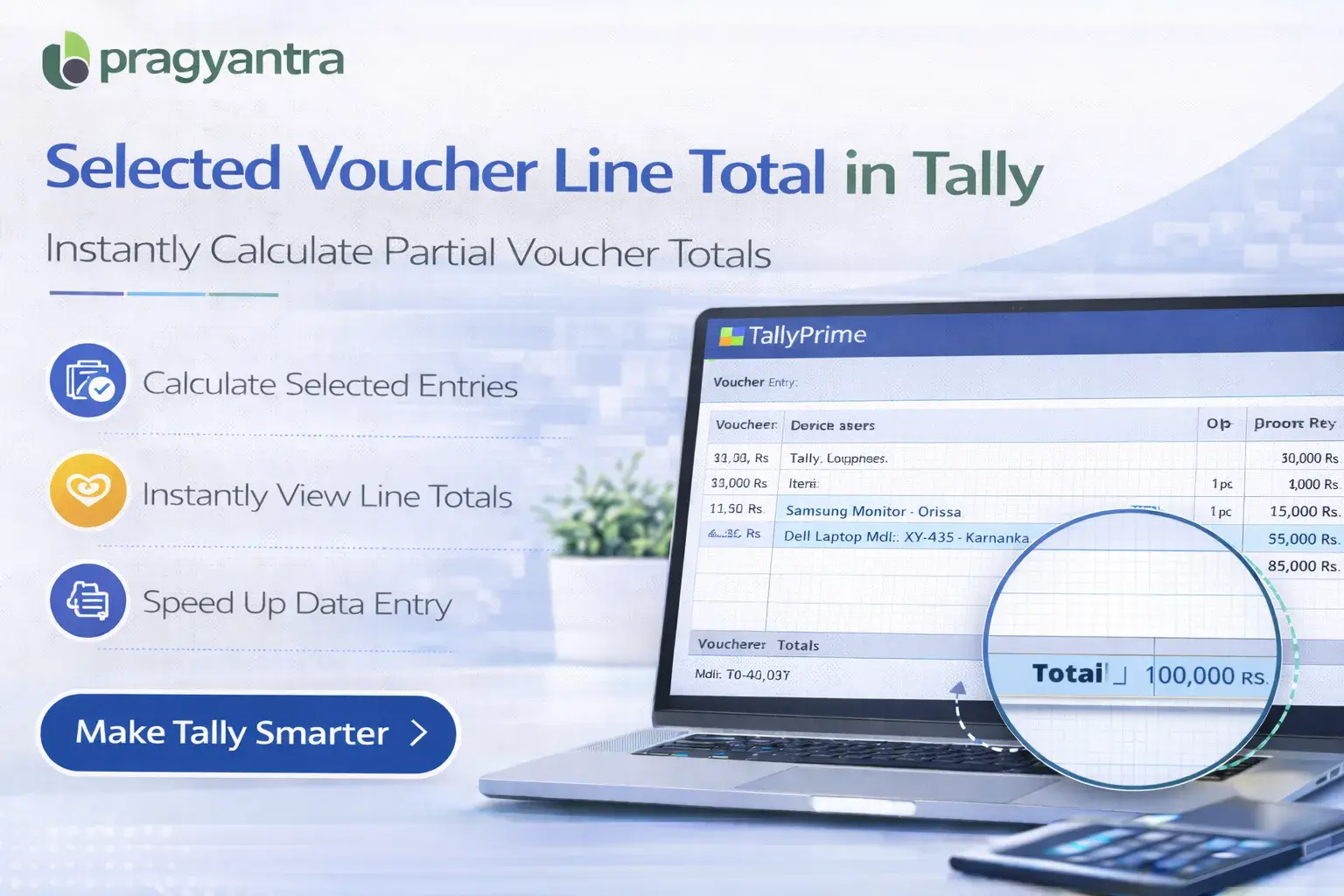
The Enable Selected Voucher Line Total Add‑on developed by Pragyantra solves this problem by allowing users to instantly view totals for selected voucher lines within the voucher screen.
With this add‑on, accountants can quickly calculate totals for specific entries, improving accuracy, efficiency, and transaction analysis in Tally.
The Enable Selected Voucher Line Total Add‑on is a custom Tally module that allows users to calculate the total amount of selected voucher lines.
Normally, when a voucher contains multiple ledger entries, users must manually sum values to understand the total for selected transactions. With this add‑on installed, users can:
This makes voucher review and financial verification much faster and more intuitive.
In many businesses, vouchers contain multiple ledger entries, especially in complex transactions. Without a quick way to calculate totals for selected lines, accountants may face challenges such as:
The Pragyantra Selected Voucher Line Total Add‑on eliminates these issues by providing instant totals for selected voucher lines.
Selected Line Total Calculation
The add‑on automatically calculates the total amount for user‑selected voucher lines in real-time.
Faster Voucher Analysis
Accountants can quickly analyze partial totals within complex vouchers without a calculator.
Improved Accounting Accuracy
Automatic totals significantly reduce manual calculation errors during verification.
Works Across Multiple Voucher Types
The feature works seamlessly with: Sales, Purchase, Payment, Receipt, and Journal Vouchers.
Lightweight & High Performance
Built using optimized TDL architecture, ensuring zero impact on Tally's original speed.
This add‑on works with:
✔ TallyPrime
✔ Tally ERP 9
1. How do I select voucher lines to see the total?
You can use the standard Tally selection method (Spacebar) to select multiple lines, and the add-on will instantly display the combined total of those lines.
2. Can I use this feature in the Journal Voucher?
Yes, this add-on works perfectly across all major voucher types including Journal, Sales, Purchase, Payment, and Receipt vouchers.
3. Does it show the total of tax lines separately?
If you select only the tax-related lines in a voucher, the add-on will show you the specific total for those selected lines only.
4. Is it compatible with TallyPrime?
Absolutely. It is fully compatible with all releases of TallyPrime as well as Tally ERP 9.
Stop using external calculators for partial voucher totals. Analyze complex transactions instantly with Pragyantra’s smart Tally add-on.
👉 Contact Pragyantra today for Tally tools that make your accounting life easier.
Your email address will not be published. Required fields are marked *
Please login to write review!
Looks like there are no reviews yet.