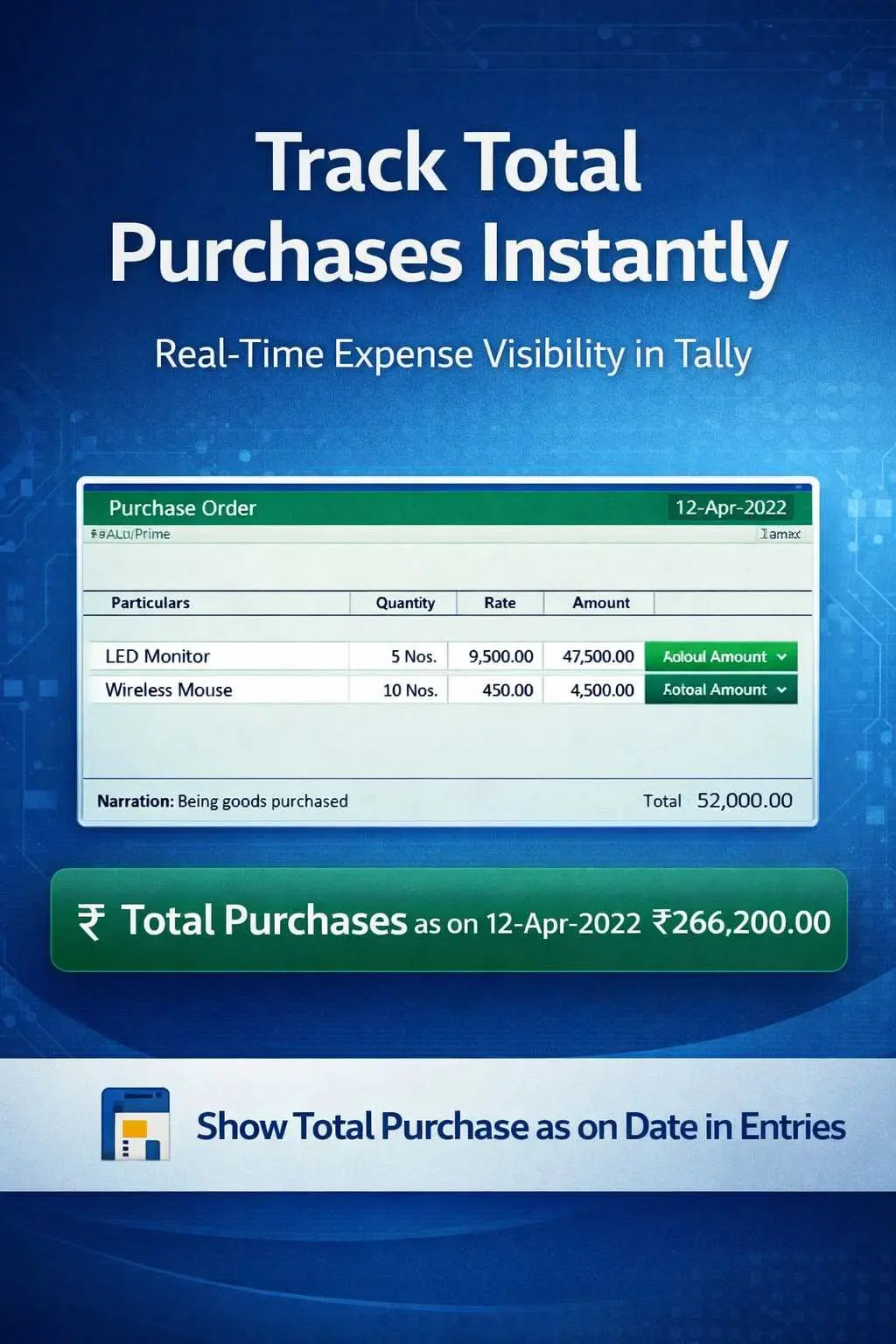

Show Total Purchase as on Date in Entries
View total purchase as on date during voucher entry in TallyPrime with Pragyantra’s add‑on. Track expenses in real-time and improve financial control.
Revolutionize Your Business Strategy with Our Expertise.
Elevate Your Business with Our Comprehensive Consulting Services.
Introducing Our New Business Consulting Solutions!

In purchase-driven businesses, tracking total purchase value in real-time is crucial for managing costs, supplier payments, and budgeting. However, in TallyPrime, while entering purchase vouchers, users do not get instant visibility of the total purchases made up to that specific date. This can lead to:
The Show Total Purchase as on Date in Entries Add‑on by Pragyantra enables businesses to view the cumulative purchase amount directly during voucher entry, allowing for proactive financial management.
This add‑on is a custom Tally module that displays an aggregated "Purchase Counter" within the transaction screen. With this add‑on installed, Tally can:
Uncontrolled purchasing can lead to a cash flow crisis. To maintain healthy margins, you need to know exactly how much you have already committed to suppliers. The Pragyantra Purchase Tracking Add‑on ensures that cost control is integrated into your data entry process, making procurement more transparent and disciplined.
Instant Purchase Display
Shows the total aggregated purchase value prominently on the voucher entry screen.
Configurable Period Totals
Option to view daily, monthly, or yearly cumulative totals based on your financial tracking preference.
Universal Voucher Integration
Works seamlessly with Item Invoices, Accounting Invoices, and Expense vouchers.
Real-Time Data Refresh
Calculates the total on-the-fly, ensuring you always see the most accurate and recent figure.
High Performance
Optimized TDL architecture that handles high-volume purchase data without affecting Tally's speed.
This add‑on works with:
✔ TallyPrime
✔ Tally ERP 9
1. Does the total include Purchase Returns (Debit Notes)?
Yes. The add-on can be configured to show the Net Purchase value (Purchases minus Returns) to give you the most accurate financial picture.
2. Can I see the total for a specific Stock Group only?
The standard version shows the total voucher value. However, if you need group-wise purchase totals (e.g., Raw Material vs Consumables), Pragyantra can provide customized filters.
3. Will this information be visible to all data entry operators?
You can control the visibility through Tally’s Security Levels. If you want only the Purchase Manager to see the totals, it can be restricted easily.
4. Does the total show Gross Purchase (including GST) or Net Taxable Value?
It can be set to either according to your business reporting style. Most users prefer the Taxable Value to track their actual expenditure.
Stop guessing your procurement costs. Monitor every rupee spent in real-time directly on your Tally screen with Pragyantra’s Purchase Tracking Add-on.
👉 Contact Pragyantra today to optimize your purchase workflow and improve cost transparency.
Your email address will not be published. Required fields are marked *
Please login to write review!
Looks like there are no reviews yet.



