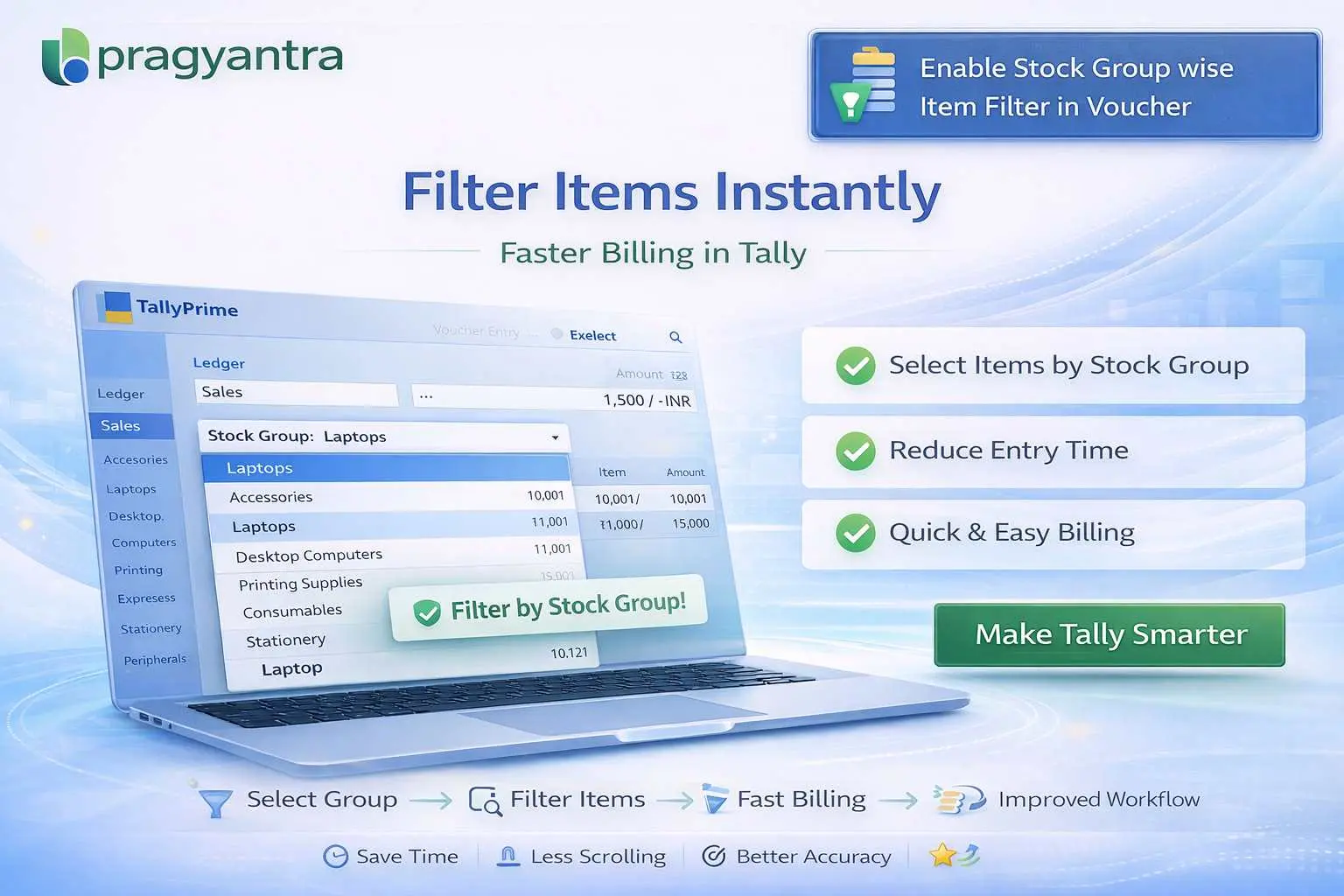
Enable Stock Group wise Item Filter in Voucher
Filter stock items by group in TallyPrime using Pragyantra’s add‑on. Speed up billing, reduce errors, and improve inventory management efficiency.
Revolutionize Your Business Strategy with Our Expertise.
Elevate Your Business with Our Comprehensive Consulting Services.
Introducing Our New Business Consulting Solutions!

In businesses with large inventories, managing and selecting the right stock items during voucher entry in TallyPrime can be time-consuming and error-prone. When hundreds or thousands of items exist, users often struggle to find the correct product in a massive list. This leads to:
The Enable Stock Group wise Item Filter in Voucher Add‑on by Pragyantra helps businesses filter stock items based on stock groups during voucher entry, allowing users to narrow down items instantly and work more efficiently.
This add‑on is a custom Tally module that enables smart filtering based on your stock group classification. With this add‑on installed, Tally can:
A large inventory system without filters is a bottleneck. If your staff has to scroll through 2,000 items to find one, you are losing valuable time. The Pragyantra Stock Group Filter Add‑on solves this by organizing your item selection logically, ensuring that billing stays fast even as your business scales.
Stock Group Based Filtering
Instantly filter your item list by selecting the relevant Stock Group directly within the voucher screen.
Clutter-Free Selection
Hide irrelevant items from the pop-up list, making it easier to pick the correct SKU.
Universal Voucher Integration
Works across Sales Vouchers, Purchase Vouchers, Stock Journals, and Delivery Notes.
Scalable Performance
Optimized TDL architecture ensures that even with 10,000+ items, the filter works smoothly without any lag.
Easy Configuration
Quick setup by the Pragyantra team with minimal changes to your existing Tally workflow.
This add‑on works with:
✔ TallyPrime
✔ Tally ERP 9
1. Do I need to set a filter every time I create an invoice?
The filter is optional. If you want to see all items, you can continue as usual. But when you have to find a specific item from a large category, the filter is just one click away.
2. Can I filter by Stock Category as well?
The standard add-on focuses on Stock Groups. However, if your business relies heavily on 'Stock Categories', we can provide further customization to include category-wise filtering.
3. Will it work if I use Barcode scanning for billing?
Yes. Barcode scanning identifies the item directly, so the filter won't be needed for scanned items. But for items entered manually, the filter will save you a lot of time.
4. Does it work with multi-godown environments?
Absolutely. The group filter works independently of godown selection, ensuring you find the right item regardless of where it is stored.
Stop scrolling and start selling. Speed up your billing process and eliminate selection errors with Pragyantra’s Stock Group Filter Add-on.
👉 Contact Pragyantra today to organize your Tally inventory and improve billing speed.
Your email address will not be published. Required fields are marked *
Please login to write review!
Looks like there are no reviews yet.



