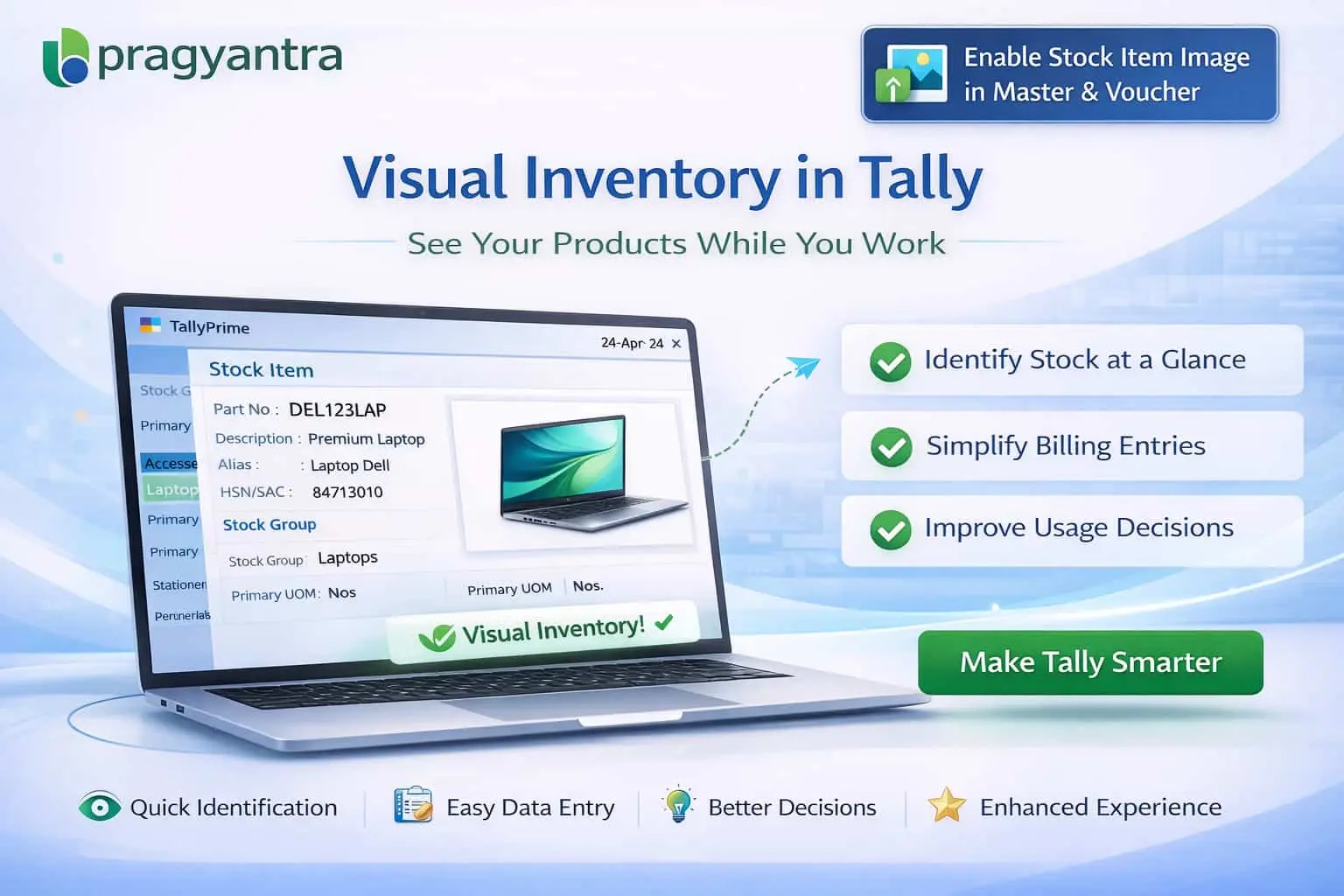

Enable Stock Item Image in Master & Voucher
Add and display stock item images in TallyPrime with Pragyantra’s add‑on. Improve product identification, reduce errors, and enhance inventory management.
Revolutionize Your Business Strategy with Our Expertise.
Introducing Our New Business Consulting Solutions!
Elevate Your Business with Our Comprehensive Consulting Services.

In inventory-based businesses, identifying products accurately is essential, especially when dealing with large product catalogs. In TallyPrime, stock items are usually identified by names or codes — but no visual representation is available by default. This often leads to:
The Enable Stock Item Image in Master & Voucher Add‑on by Pragyantra enhances Tally by allowing users to attach and display product images in both item masters and voucher entries, improving speed and accuracy.
This add‑on is a custom Tally module that enables seamless image integration with your stock items. With this add‑on installed, Tally can:
Text-based identification is prone to human error, especially in fast-paced retail or wholesale environments. The Pragyantra Stock Image Add‑on solves this by providing visual product identification directly in Tally, ensuring that the right item is selected every single time.
Seamless Image Attachment
Link local image files (JPG/PNG) to your stock masters without inflating the Tally data size.
Real-Time Image Preview
The moment an item is selected in a Sales or Purchase voucher, its image pops up for instant verification.
Works Across All Modules
Consistent visual support for Sales, Purchases, Stock Journals, and POS Billing screens.
Lightweight & Optimized
Built on optimized TDL architecture to ensure that displaying images doesn't slow down your voucher entry speed.
This add‑on works with:
✔ TallyPrime
✔ Tally ERP 9
1. Will adding images make my Tally data very heavy?
No. The add-on links the images from a folder on your computer rather than embedding them directly into the Tally database, keeping your data lightweight and fast.
2. Can I see the product image on the printed invoice?
By default, the image is for internal identification during entry. However, if your business requires product photos to be printed on the invoice, we can provide a customized print format for you.
3. What image formats are supported?
The add-on supports standard formats like .JPG, .JPEG, and .PNG. For the best performance, we recommend using optimized, smaller file sizes.
4. Can I add multiple images for a single item?
The standard version supports one primary identification image. For multiple views (front, back, side), further customization can be requested from the Pragyantra team.
Don't get lost in names and codes. See what you sell and ensure 100% billing accuracy with Pragyantra’s Stock Item Image Add-on for TallyPrime.
👉 Contact Pragyantra today to transform your Tally into a visually powerful inventory system.
Your email address will not be published. Required fields are marked *
Please login to write review!
Looks like there are no reviews yet.



