
Enable Serial No. for Stock Items in Voucher Entry
Add and display product images in TallyPrime with Pragyantra’s add‑on. Improve inventory accuracy, reduce errors, and enable visual billing experience.
Introducing Our New Business Consulting Solutions!
Elevate Your Business with Our Comprehensive Consulting Services.
Revolutionize Your Business Strategy with Our Expertise.

In modern businesses, especially those dealing with large inventories, visual identification of products plays a crucial role. However, in TallyPrime, stock items are traditionally managed using names, codes, or descriptions only, without any visual reference. This limitation can cause:
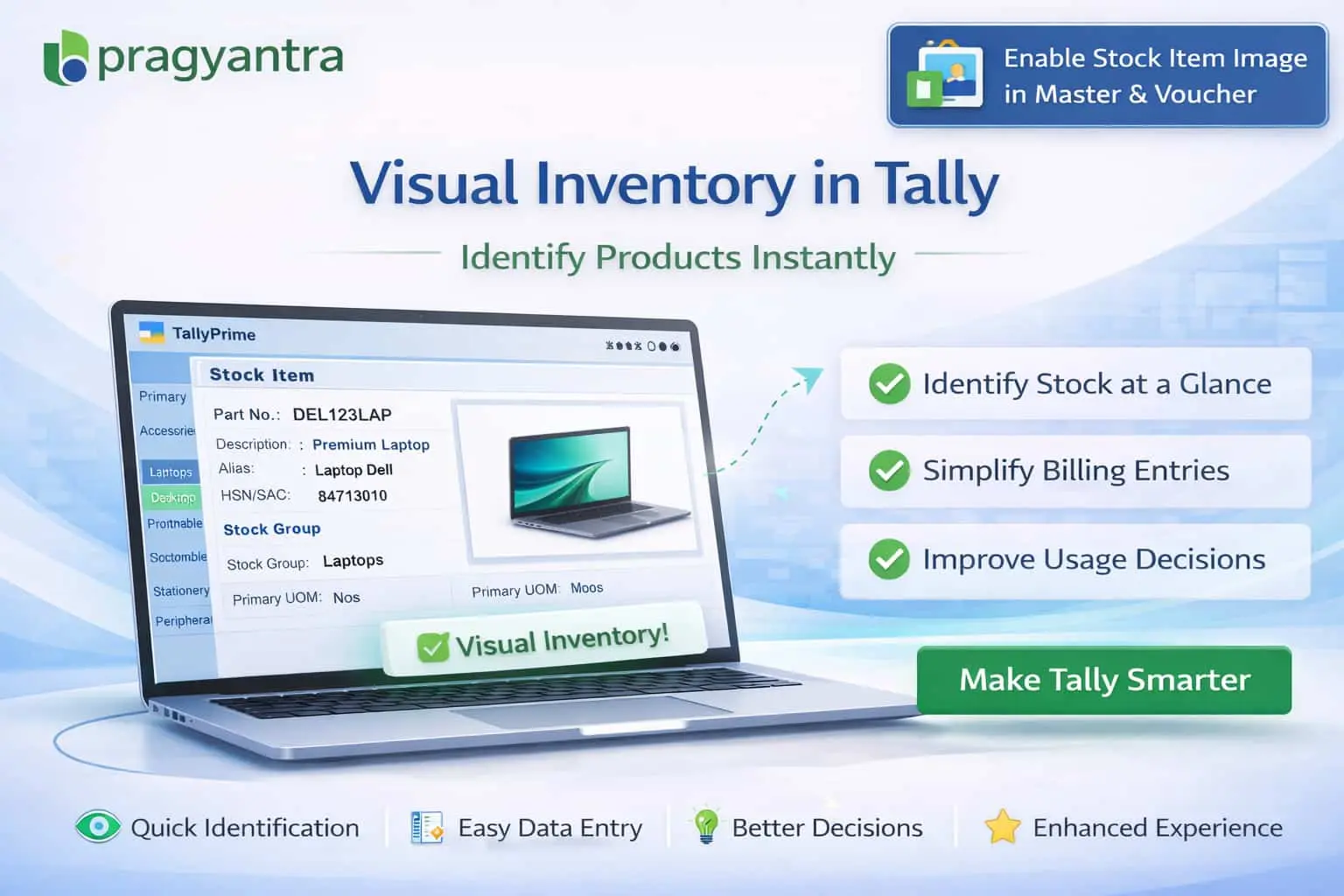
The Enable Stock Item Image in Master & Voucher Add‑on by Pragyantra enhances Tally by allowing users to attach and display product images directly in stock item masters and voucher entries, making your system more visual and accurate.
This add‑on is a custom Tally module that integrates image functionality with your stock database. With this add‑on installed, users can:
Managing inventory without visual support leads to frequent mistakes. If your staff can see what they are billing, errors drop significantly. The Pragyantra Stock Item Image Add‑on solves this by transforming Tally into a visual inventory system, making it more intuitive for everyone involved.
Add Images in Stock Item Master
Easy attachment of JPG or PNG images to your existing or new stock masters.
Display Images in Voucher Entry
A dedicated image preview window appears during voucher creation, providing instant visual feedback.
Works Across Inventory Modules
Full compatibility with Sales Invoices, Purchase Entries, Stock Journals, and POS Billing screens.
Lightweight & High Performance
Optimized TDL architecture ensures that displaying images does not slow down your Tally performance or voucher saving time.
This add‑on works with:
✔ TallyPrime
✔ Tally ERP 9
1. Does adding images make the Tally data backup very large?
No. The add-on links the images from a specific folder on your drive rather than storing them inside the data files, keeping your backup size small and manageable.
2. Can I view the product image on my mobile via Tally reports?
Currently, the image display is optimized for the TallyPrime desktop interface during entry and master viewing. For mobile viewing, additional customization may be required.
3. Is there a specific size or format required for the images?
Standard formats like .JPG and .PNG work perfectly. For the best experience, we recommend using images with a resolution of 300x300 or 500x500 pixels.
4. Can I see the product photo while printing the invoice?
This add-on is primarily for internal identification. However, if you need product images to appear on your tax invoices for your customers, Pragyantra can provide a customized invoice format.
Eliminate selection errors and speed up your billing today. See your products inside Tally and work smarter with Pragyantra’s Stock Item Image Add-on.
👉 Contact Pragyantra today to upgrade your TallyPrime with advanced visual capabilities.
Your email address will not be published. Required fields are marked *
Please login to write review!
Looks like there are no reviews yet.



