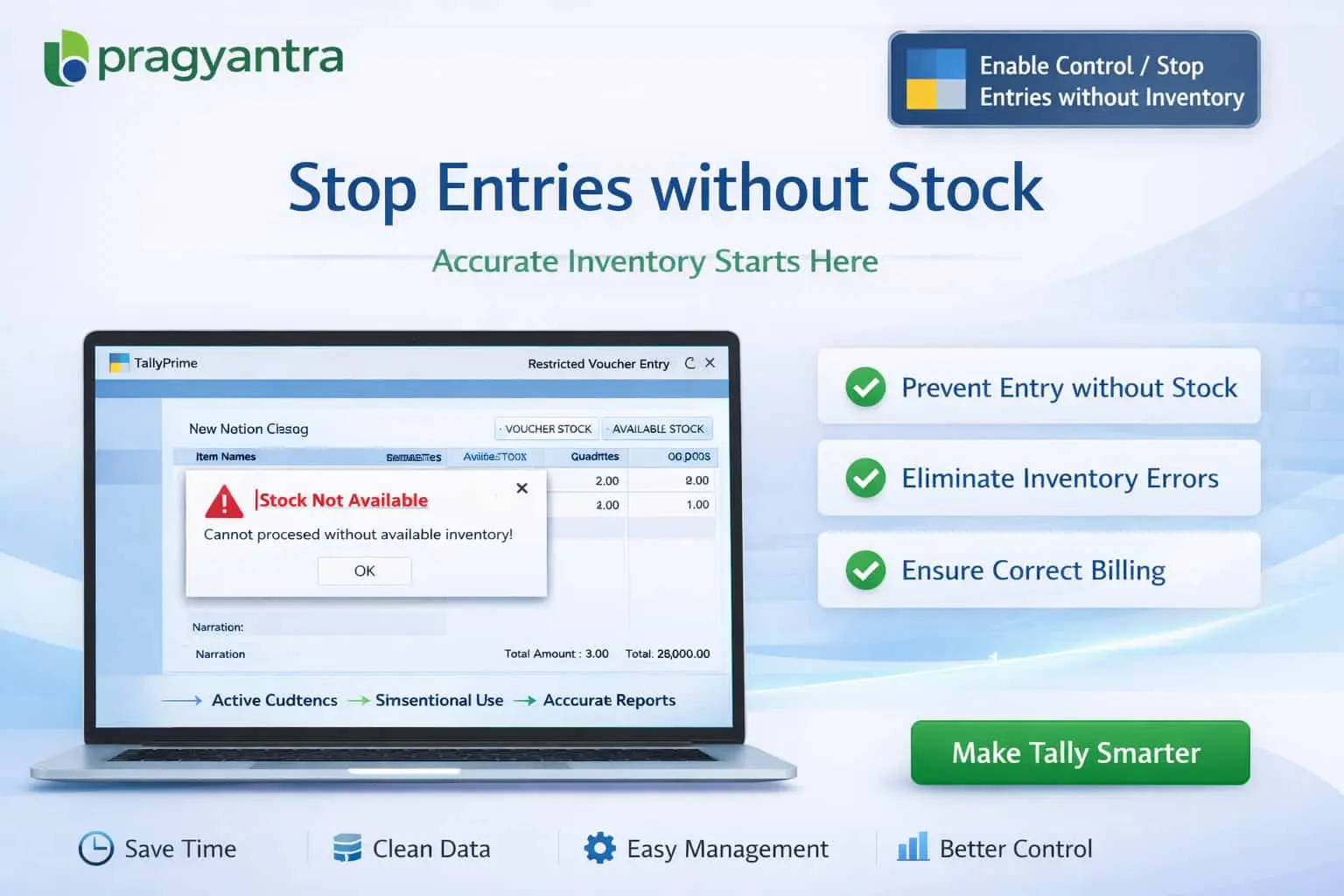

Enable Control/Stop entries without Inventory
Prevent inventory transactions without stock in TallyPrime using Pragyantra’s add‑on. Avoid negative stock, improve accuracy, and control inventory effectively.
Elevate Your Business with Our Comprehensive Consulting Services.
Introducing Our New Business Consulting Solutions!
Revolutionize Your Business Strategy with Our Expertise.

In inventory-based businesses, maintaining accurate stock levels is critical for smooth operations. However, in TallyPrime, users may sometimes enter transactions such as sales, delivery notes, or stock issues without sufficient inventory. This can result in:
The Enable Control / Stop Entries without Inventory Add‑on by Pragyantra helps businesses restrict transactions when stock is not available, ensuring accurate tracking and strong internal controls.
This add‑on is a custom Tally module that validates stock availability during voucher entry. With this add‑on installed, Tally can:
Allowing transactions without inventory creates a ripple effect of accounting issues. From incorrect Profit & Loss reports to warehouse mismanagement, negative inventory is a liability. The Pragyantra Inventory Control Add‑on solves these problems by enforcing strict stock validation rules at the point of entry.
Strict Negative Stock Prevention
Built-in logic to completely block sales or material issues if the closing balance becomes negative.
Real‑Time Inventory Validation
Works instantly during voucher creation, ensuring no lag in your fast-paced billing process.
Works Across All Inventory Vouchers
Comprehensive protection for Sales Vouchers, Delivery Notes, Stock Journals, and Material Issues.
Permission-Based Flexibility
Maintain control while allowing senior staff to approve specific transactions through password-protected overrides.
Lightweight & High Performance
Optimized TDL architecture that handles thousands of SKUs without affecting Tally's speed.
This add‑on works with:
✔ TallyPrime
✔ Tally ERP 9
1. Tally already has a 'Warn on Negative Stock' feature. How is this add-on different?
Tally's default feature only warns the user, but still allows them to save the voucher. Our add-on gives you the power to completely block the entry, ensuring no negative stock ever enters your books.
2. Can I set this control for specific Stock Groups only?
Yes, the add-on is flexible. You can choose to enforce this rule for all items or configure it for specific high-value stock categories where accuracy is most critical.
3. What if I have the stock physically but haven't entered the Purchase Bill yet?
In such emergency cases, an authorized manager can use the 'Override' feature to allow the entry, or you can record a temporary 'Receipt Note' to bring the stock into the system before billing.
4. Does it check stock availability across different Godowns?
Yes. If you select a specific Godown in the voucher, the add-on checks the availability within that godown only, preventing you from accidentally issuing stock from the wrong location.
Inaccurate inventory leads to massive financial discrepancies. Lock your stock movements and ensure 100% data integrity with Pragyantra’s Inventory Control Add-on.
👉 Contact Pragyantra today to safeguard your inventory and get 100% accurate financial reports.
Your email address will not be published. Required fields are marked *
Please login to write review!
Looks like there are no reviews yet.



