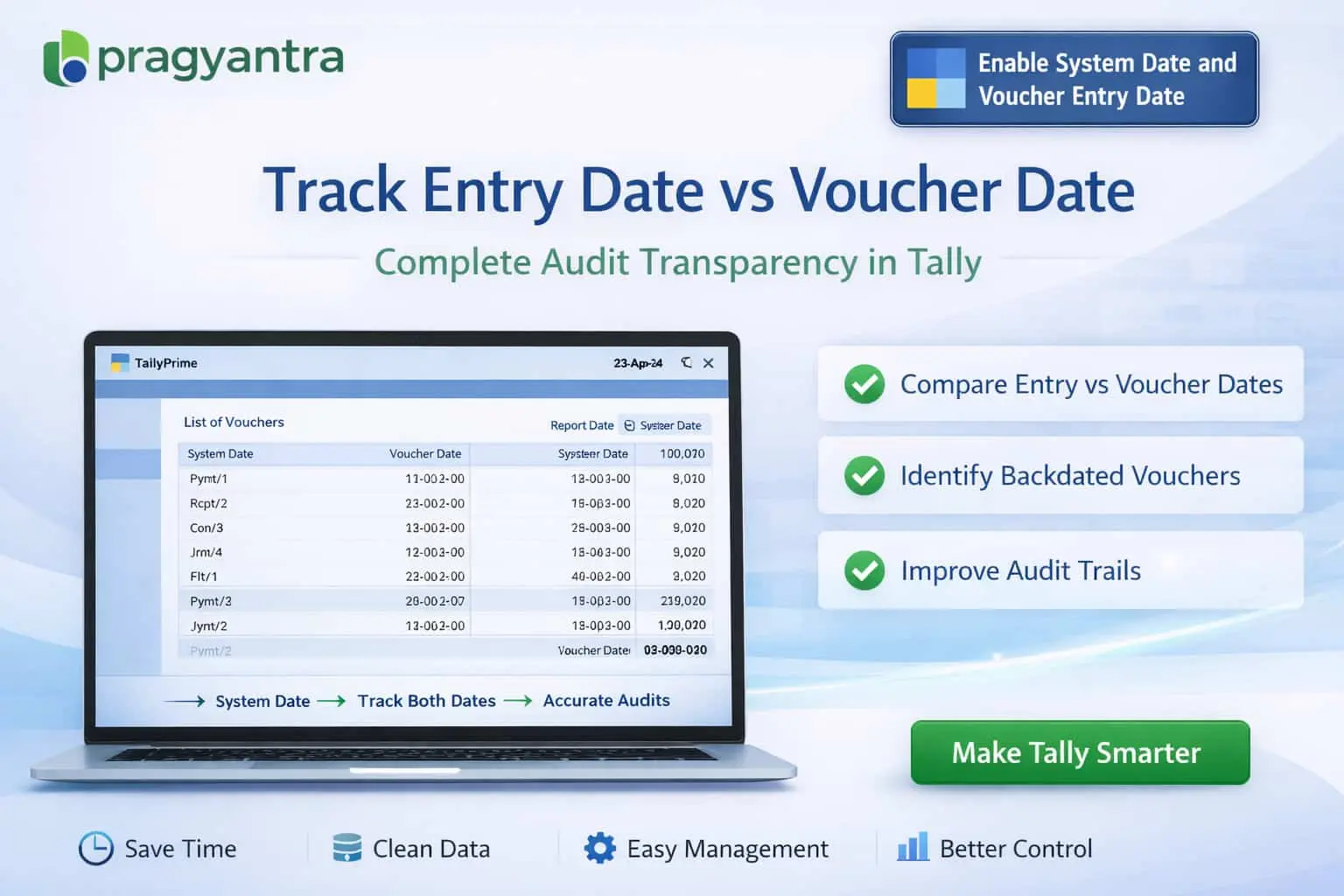

Enable System Date and Voucher Entry Date
Track system date and voucher entry date in TallyPrime with Pragyantra’s add‑on. Improve audit control, detect backdated entries, and ensure transparency.
Introducing Our New Business Consulting Solutions!
Elevate Your Business with Our Comprehensive Consulting Services.
Revolutionize Your Business Strategy with Our Expertise.

In accounting systems like TallyPrime, transactions are usually recorded with a voucher date, which represents the financial date of the transaction. However, in many cases, the actual entry date (system date) may differ significantly due to backdated entries, late data entry, or adjustments in previous periods. This lack of visibility can lead to:
The Enable System Date and Voucher Entry Date Add‑on by Pragyantra helps businesses track both the system entry date and voucher date, ensuring superior audit control and accountability.
This add‑on is a custom Tally module that captures and displays the real-time clock date alongside your accounting date. With this add‑on installed, Tally can:
Without tracking system entry dates, business owners have no way of knowing if their staff is entering data on time or pushing entries at the last minute. The Pragyantra System Date Tracking Add‑on solves this by providing dual-date visibility for every transaction, making it impossible for backdated entries to go unnoticed.
Dual Date Tracking
Shows the System Entry Date (Non-editable) and Voucher Date side-by-side for 100% clarity.
Backdated Entry Detection
Instantly identify entries that were posted in previous months but recorded in the current system date.
Integrated with Daybook & Registers
The system date column is seamlessly integrated into your standard Tally reports for easy viewing.
Lightweight & High Performance
Optimized TDL architecture ensures that recording dual dates doesn't slow down your voucher saving process.
This add‑on works with:
✔ TallyPrime
✔ Tally ERP 9
1. Can a user manually change the System Entry Date?
No. The System Date is automatically captured from the computer's clock at the time of saving the voucher and remains non-editable to maintain audit integrity.
2. Will the System Date show on the printed Invoice?
By default, it is an internal audit tool. However, if you require the 'Actual Entry Date' to be printed on the invoice for compliance, it can be customized as per your needs.
3. How does this help in detecting backdated entries?
In the Daybook, you can simply compare the 'Voucher Date' and 'System Date'. If the Voucher Date is April 1st but the System Date is May 15th, it clearly indicates a backdated entry.
4. Does it track the time of entry as well?
Yes, the add-on can be configured to capture both the Date and Time of the entry, providing a millisecond-perfect audit trail of your accounting activities.
Don't let backdated entries stay hidden. Protect your data integrity and empower your auditors with Pragyantra’s System Date Tracking Add-on for TallyPrime.
👉 Contact Pragyantra today to secure your Tally data and improve organizational accountability.
Your email address will not be published. Required fields are marked *
Please login to write review!
Looks like there are no reviews yet.



