
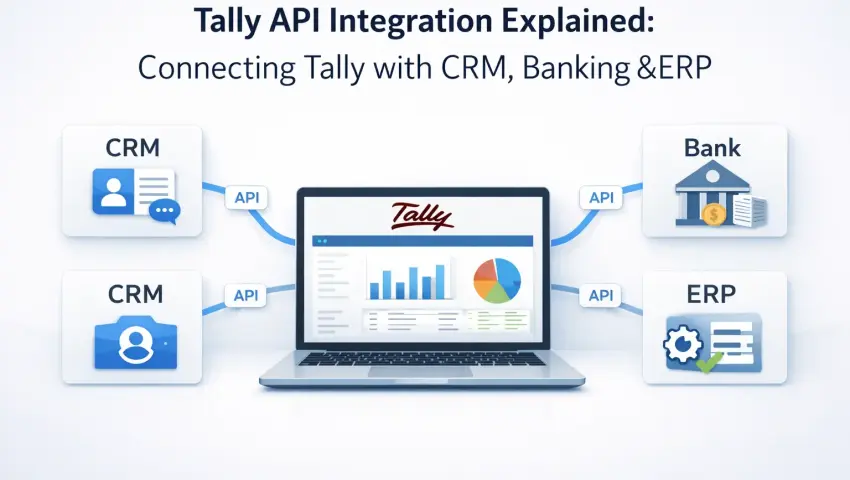
Tally API Integration Explained: Connecting Tally with CRM, Banking & ERP (2026)
 By Pragyantra
- Integrations & APIs
- Feb 20, 2026
- 5 minutes read
- 177 Views
Tally API Integration Explained: Connecting Tally with CRM, Banking & ERP.
Introduction: Why Businesses Struggle with Disconnected Systems
Most growing Indian businesses do not run on a single software.
- Accounting happens in Tally.
- Sales teams work on CRM.
- Payments move through bank portals.
- Operations may rely on ERP or inventory tools.
The problem starts when these systems do not talk to each other.
Business owners often complain:
“Same data has to be entered repeatedly”
“Bank reconciliation takes time”
“CRM aur Tally numbers do not match”
“Reports are received late”
This is where Tally API Integration becomes essential.
Instead of manually exporting, importing, and reconciling data, APIs allow systems to sync automatically-securely and accurately.
This blog explains what Tally API integration really means, how it works, where it is useful, and when businesses should consider it seriously.
What Is Tally API Integration (Simple Explanation)
An API (Application Programming Interface) is a bridge that allows two software systems to exchange data automatically.
Tally API Integration means connecting Tally Prime with other software like:
- CRM systems
- Banking portals
- ERP platforms
- E-commerce systems
- Business dashboards
So that data flows without manual intervention.
Instead of:
- Downloading reports
- Uploading files
- Copy-pasting entries
The systems update each other in real time or scheduled syncs.
The goal is accuracy, speed, and control.
Why Standard Tally Alone Is Not Enough Today
Tally is powerful for accounting, but it is not designed to be a standalone system for modern businesses.
Today’s businesses need:
- Real-time sales visibility
- Automatic bank reconciliation
- CRM-linked invoicing
- Central dashboards for management
- Multi-system workflows
Without integration, businesses face:
- Duplicate data entry
- Human errors
- Delayed reporting
- Confused teams
- Poor decision-making
Tally API integration solves this by making Tally part of a connected ecosystem.
Common Systems Integrathttps://www.pragyantra.com/tally-api-integration-servicesed with Tally (Real Use Cases)
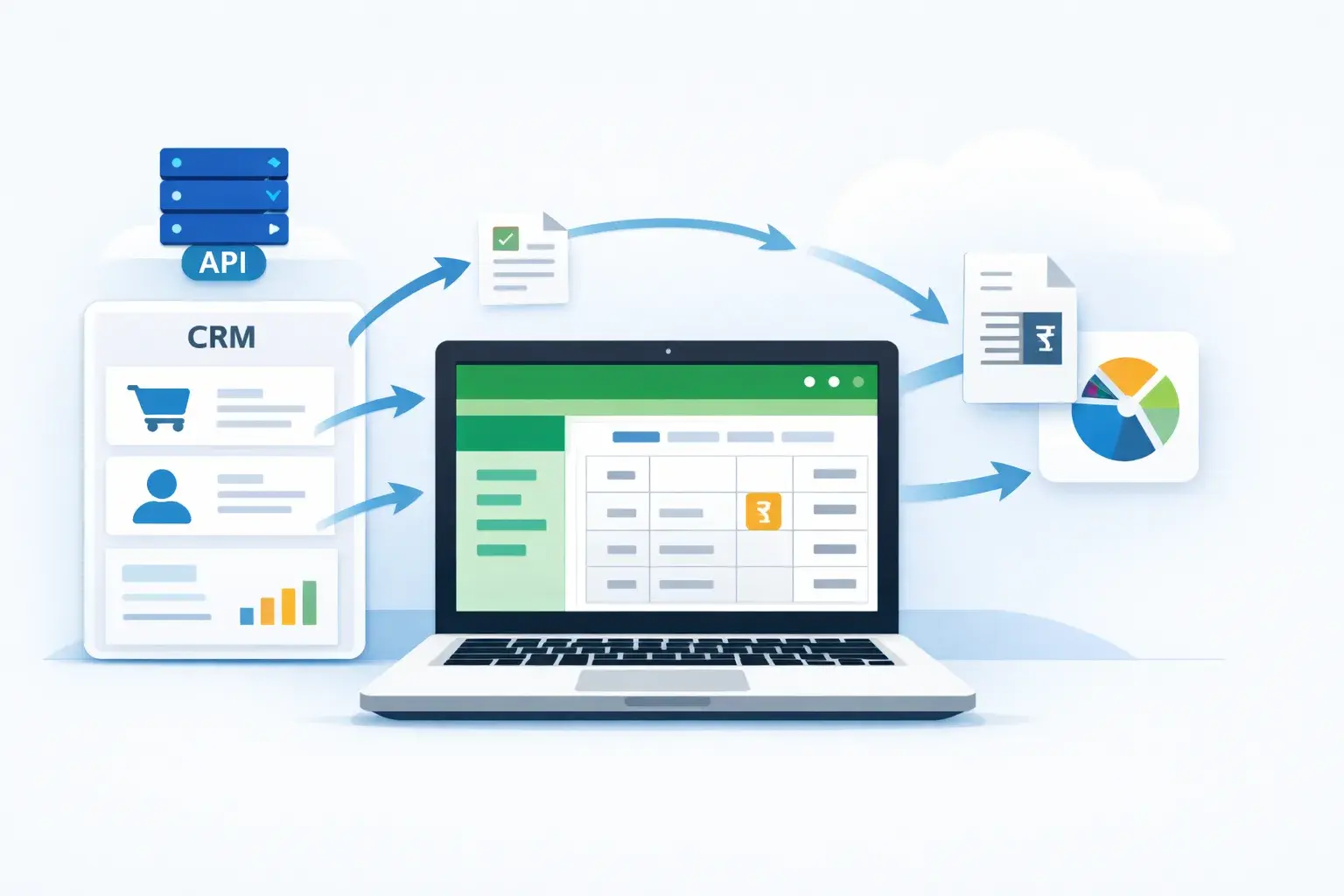
1. Tally + CRM Integration
Problem without integration
- Sales team creates invoices in CRM
- Accounts team re-enters data in Tally
- Mismatches happen
With integration
- Sales orders created in CRM sync to Tally
- Customer details stay consistent
- Outstanding balances update automatically
Business benefit
- Faster billing
- No duplicate work
- Accurate receivables tracking
2. Tally + Banking Portal Integration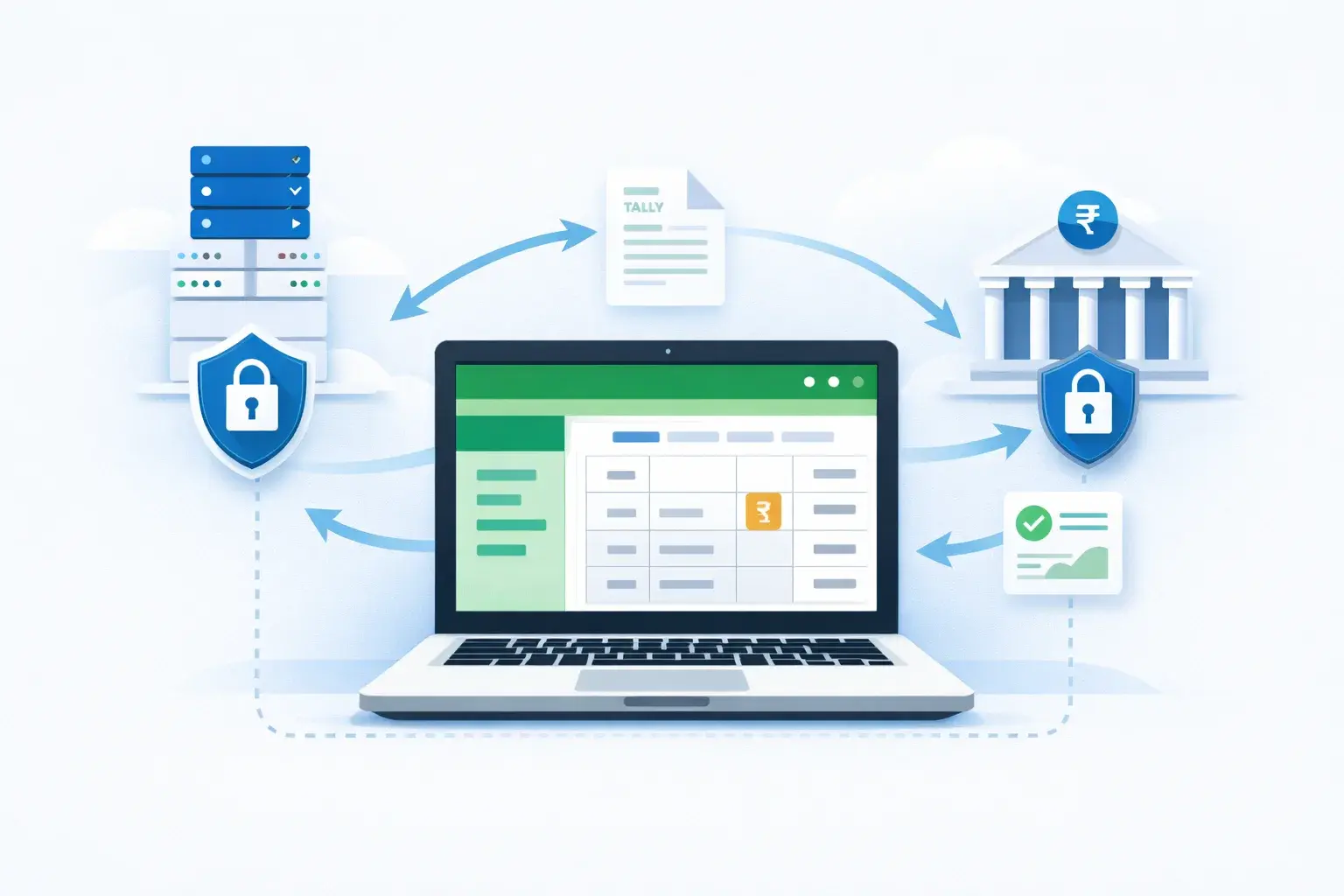
Problem without integration
- Manual bank statement downloads
- Time-consuming reconciliation
- Missed entries
With integration
- Bank transactions auto-sync into Tally
- Auto-matching with vouchers
- Faster reconciliation
Business benefit
- Clean books
- Better cash flow visibility
- Reduced accounting effort
3. Tally + ERP Integration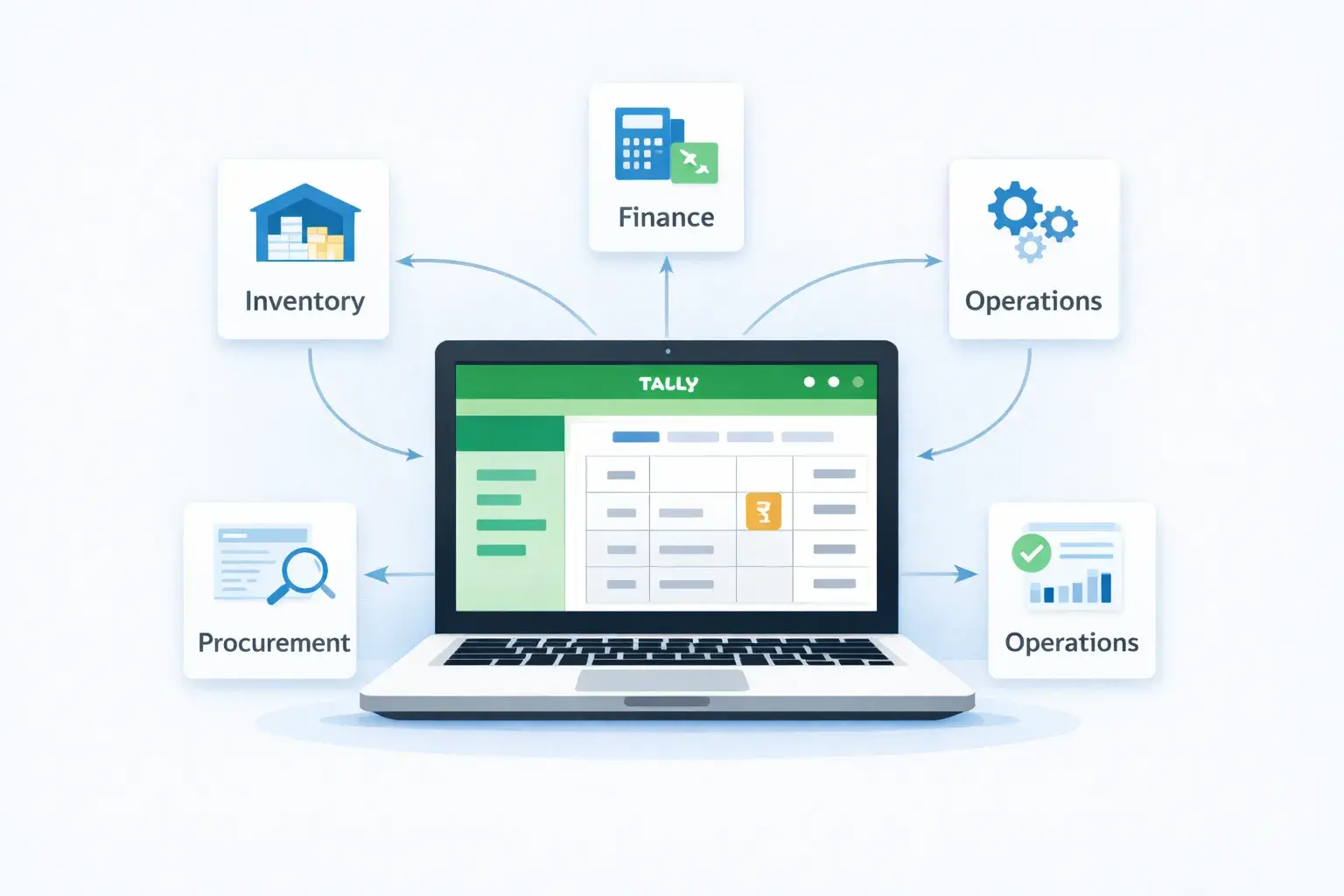
Problem without integration
- ERP manages inventory or production
- Tally handles accounts
- Data never matches
With integration
- Inventory, sales, and accounting stay aligned
- Stock movement reflects in accounts
- Real-time profitability reports
Business benefit
- Accurate costing
- Better operational control
4. Tally + E-commerce Integration
Problem without integration
- Online orders processed separately
- Manual accounting entries
- GST errors
With integration
- Orders sync to Tally automatically
- GST entries created correctly
- Returns and refunds tracked
Business benefit
- Faster order processing
- Clean compliance
How Tally API Integration Works (Step-by-Step)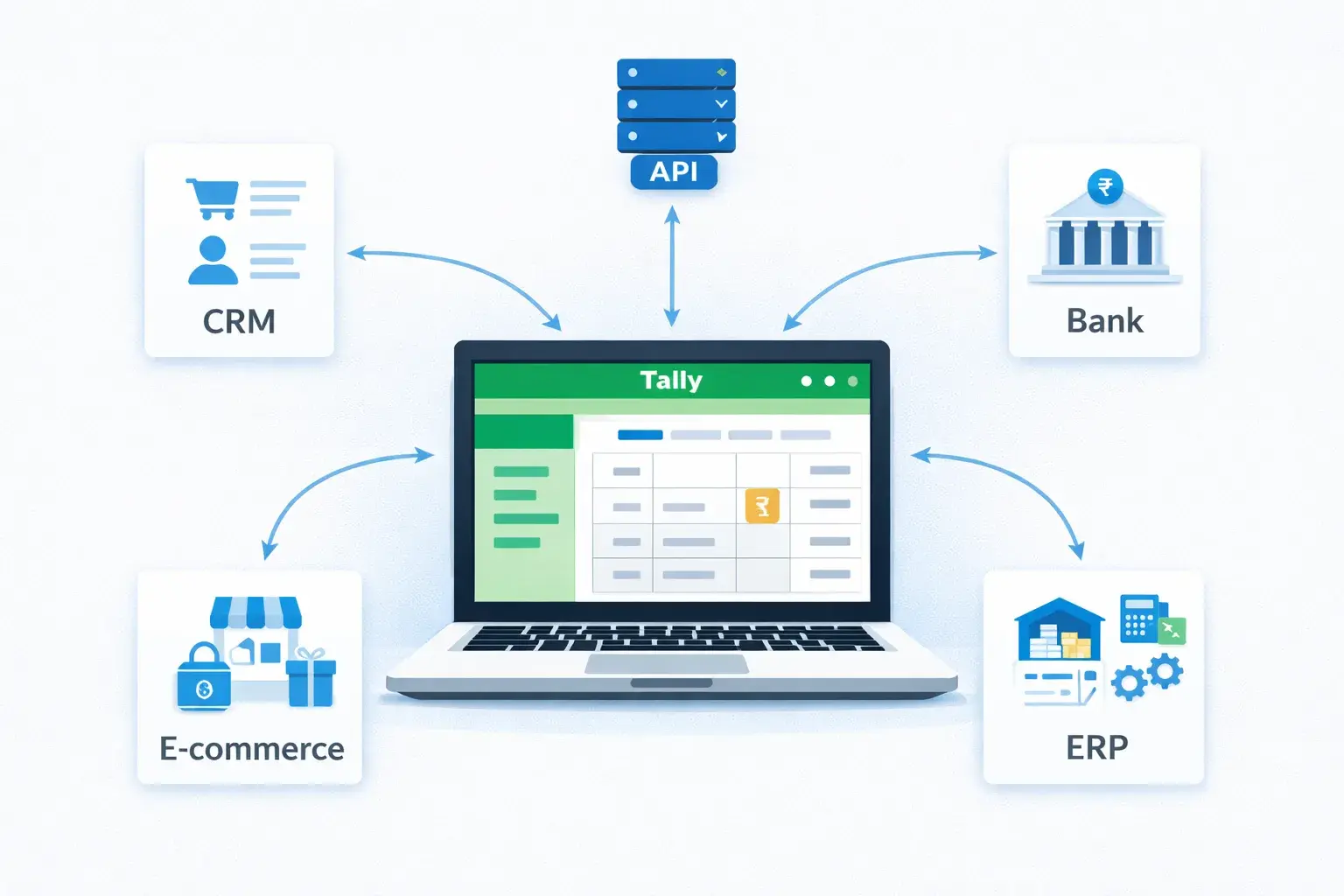
Step 1: Business Process Understanding
First, workflows are studied:
- Where data is generated
- Where it is used
- Where errors happen
This step is critical. Bad integration design causes more problems than it solves.
Step 2: Data Mapping & Rules
Define:
- Which fields sync
- Direction of data flow (one-way or two-way)
- Validation rules
Example:
- CRM → Tally (Sales)
- Tally → Dashboard (Reports)
Step 3: API Development & Configuration
APIs are configured using:
- Tally’s supported interfaces
- Secure authentication
- Controlled access
No direct database manipulation is done.
Step 4: Testing with Real Data
Before go-live:
- Test entries are synced
- Reports are matched
- Error scenarios are checked
This avoids surprises later.
Step 5: Monitoring & Optimization
After deployment:
- Logs are monitored
- Sync errors are handled
- Performance is optimized
Integration is treated as a living system, not a one-time setup.
Is Tally API Integration Safe?
This is one of the most common concerns.
Properly implemented API integration:
- Does not modify Tally core
- Does not slow down performance
- Maintains data integrity
- Uses controlled access
Security depends on:
- Authentication methods
- Access control
- Error handling
Well-designed integrations are stable and upgrade-friendly.
ROI: How Integration Saves Time & Cost
Tangible Benefits:
- 40–60% reduction in manual accounting work
- Faster month-end closing
- Better compliance accuracy
- Real-time reporting
Intangible Benefits:
- Less stress for teams
- Fewer disputes due to mismatches
- Better decision-making
Integration improves operational maturity, not just efficiency.
When Should a Business Consider Tally API Integration?
Tally API integration makes sense if:
- Multiple software systems are used
- Data entry is repetitive
- Reporting is delayed
- Teams complain about mismatches
- Business is scaling
It may not be required if:
- Business is very small
- Transactions are minimal
- Only basic accounting is needed
Real-World Indian SME Scenario (Generic)
A mid-sized trading company used:
- Tally for accounting
- CRM for sales
- Bank portals for payments
Daily challenges:
- Manual reconciliation
- Delayed outstanding reports
- Sales vs collection mismatch
After API integration:
- Sales auto-sync to Tally
- Bank transactions reconcile faster
- Management gets real-time dashboards
Result: Better control without hiring extra staff.
Common Myths About Tally Integration
Myth 1: Integration is only for large enterprises
→ False. SMEs benefit the most.
Myth 2: Integration is risky
→ False if designed correctly.
Myth 3: Integration replaces Tally
→ No. It strengthens Tally’s role.
Frequently Asked Questions (FAQ)
What is Tally API integration used for?
To connect Tally with CRM, banking, ERP, and dashboards for automated data flow.
Does integration affect Tally upgrades?
No, when built using supported methods.
Can integrations be customized?
Yes, based on business rules.
Is real-time sync always required?
Not always. Scheduled sync works for many businesses.
Is technical expertise required to use it?
No. End users interact with normal screens.
Final Thoughts: Integration Is About Clarity
Tally API integration is not about technology for the sake of it.
It is about:
- Removing friction
- Improving accuracy
- Enabling faster decisions
For growing Indian businesses, connected systems are no longer optional.
Ready to Connect Tally with Your Business Systems?
If your business uses multiple tools and struggles with manual data handling, it may be time to explore structured integration. A well-planned integration brings clarity, not complexity.
Talk To An Expert Tally Integration
Pragyantra
Leave a comment
Your email address will not be published. Required fields are marked *