

Tally Customization: When Standard Tally Is Not Enough for Growing Businesses
 By Pragyantra
- Tally Solutions
- Feb 20, 2026
- 4 minutes read
- 153 Views
Tally Customization: When Standard Tally Is Not Enough for Growing Businesses
Tally Prime is one of the most trusted accounting software solutions for Indian businesses. For basic accounting, GST filing, and inventory tracking, standard Tally works well.
But as a business grows, many owners reach a point where they feel:
- Working with Excel can be challenging.
- Reports have to be created manually.
- Management doesn't get real-time data.
- Every business rule has to be adjusted.
This is where Tally Customization becomes relevant.
Tally customization is not about replacing Tally. It is about making Tally work exactly the way your business works.
What Is Tally Customization?
Tally Customization means modifying or extending Tally Prime using TDL (Tally Definition Language) so that it fits your specific business needs.
Instead of changing your business process to suit Tally, Tally is customized to suit your business process.
- Custom data entry screens
- Business-specific reports
- Automated calculations
- Approval workflows
- Integrations with other systems
- Removal of unnecessary options to reduce mistakes
The goal is clarity, control, and automation, not complexity.
Signs That Standard Tally Is No Longer Enough
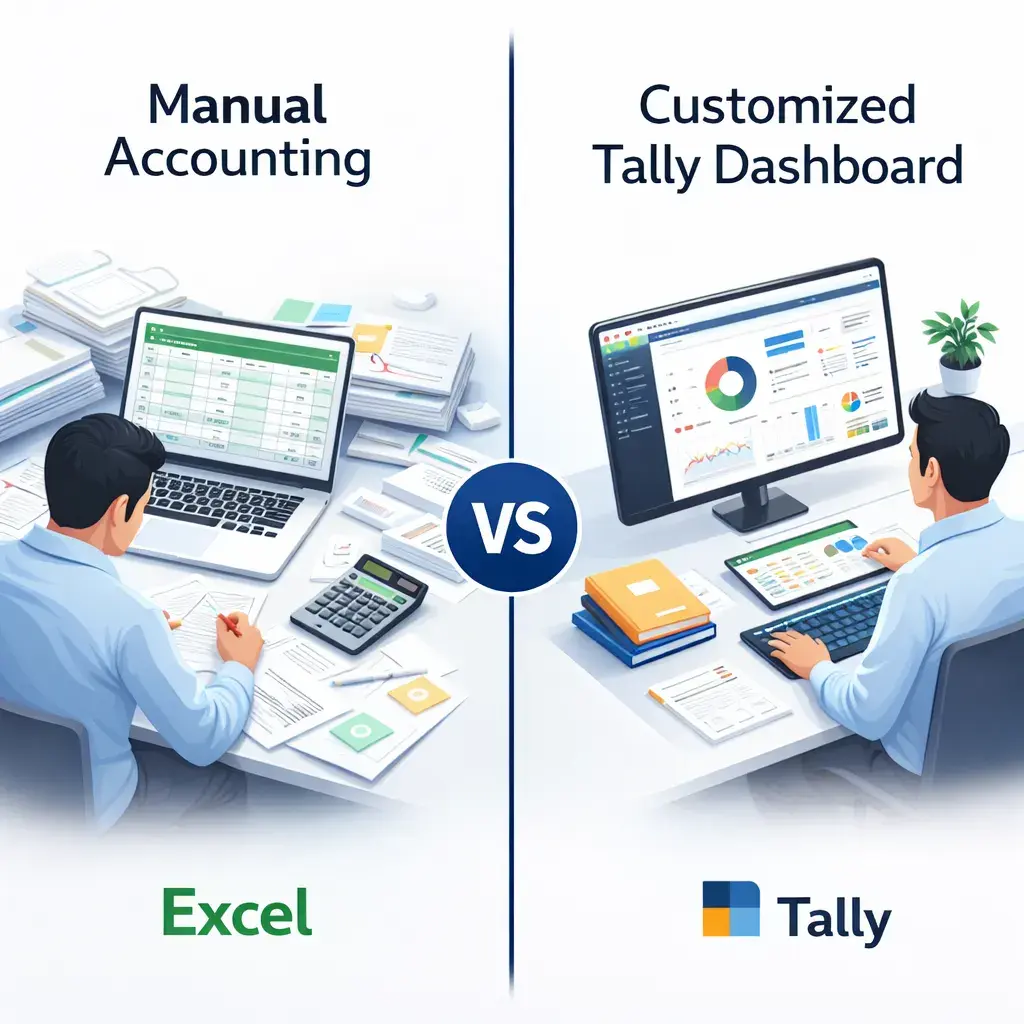
1. Heavy Dependence on Excel
If your team exports data from Tally to Excel every day for outstanding tracking, sales analysis, commission calculation, or MIS reports, then Tally is not fully serving you.
2. Manual Calculations & Rework
Interest, penalties, incentives, freight, discounts, or approvals are handled manually, increasing the risk of errors.
3. Delayed Management Reports
Owners receive reports weekly or monthly instead of real-time insights.
4. Multiple Business Rules
Different pricing, tax logic, or workflows exist for customers, branches, or products.
5. Data Entry Errors
Too many options on screen confuse staff and lead to incorrect entries.
If you see two or more of these signs, customization is no longer optional.
Standard Tally vs Customized Tally
| Area | Standard Tally | Customized Tally |
|---|---|---|
| Data Entry | Generic screens | Business-specific screens |
| Reports | Fixed format | Custom MIS & dashboards |
| Automation | Limited | High automation |
| Approval Flow | Manual | Rule-based approvals |
| Error Control | User dependent | System-controlled |
| Pricing Logic | Basic | Advanced pricing rules |
| Outstanding Tracking | Basic | Smart reminders |
| Integration | Limited | API-based |
| Scalability | Medium | High |
| Decision Making | Delayed | Real-time |
Industry-Specific Use Cases
Manufacturing Businesses
Customization enables raw material tracking, BOM control, scrap management, and real-time production variance reporting.
Trading & Distribution
Customized pricing, salesman performance reports, automatic overdue reminders, and interest calculation improves cash flow visibility.
Retail Businesses
Barcode billing, loyalty tracking, fast GST-compliant invoicing, and daily sales summaries reduce billing errors.
Service Businesses & CA Firms
Client-wise dashboards, automated billing reminders, and compliance tracking simplifies operations.
Is Tally Customization Safe?
Properly implemented customization does not slow down Tally, corrupt data, or break updates.
Security depends on how the TDL is designed. Well-coded customization works smoothly with version upgrades and supports role-based access control.
Return on Investment (ROI)
- 30–50% reduction in manual work
- 60–70% reduction in reporting time
- Fewer accounting errors
- Faster decision-making
Customization saves cost by reducing rework, improving accuracy, and freeing staff time.
5-Step Tally Customization Implementation Process
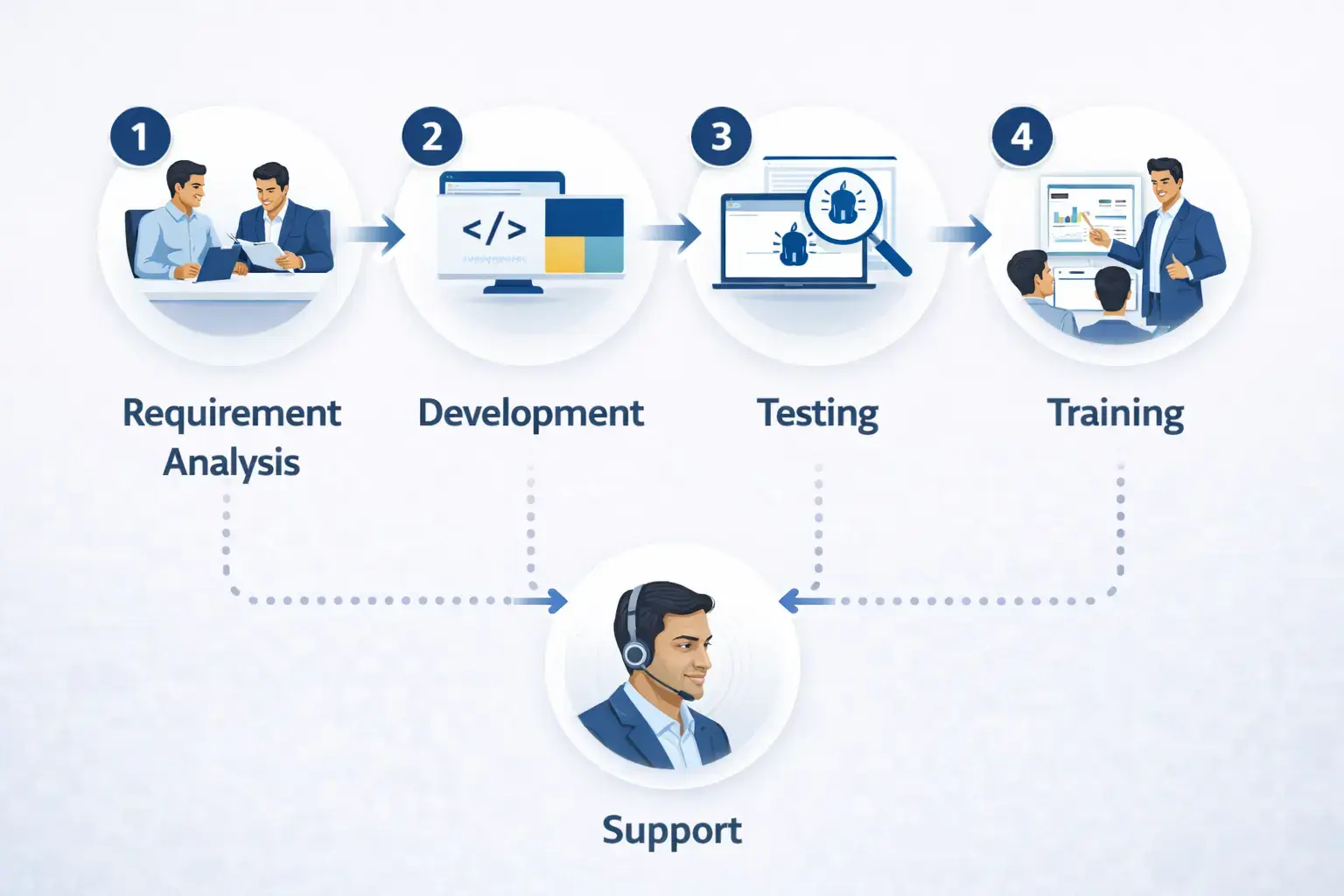
- Requirement Analysis: Understand workflows and pain points
- Customization Planning: Decide automation and control rules
- Development & Testing: Build and test with real data
- User Training: Train staff in simple language
- Support & Optimization: Improve as business grows
Tally Customization + Cloud = Better Control
When Tally Customization is used together with Tally on Cloud, businesses gain stronger control over their accounting and operations.
- Multiple users can work simultaneously from different locations
- Customized reports are available to all users in real time
- Data mismatches between branches are eliminated
- This combination is especially powerful for fast-growing businesses
Frequently Asked Questions
Will customization slow down Tally?
No, if implemented correctly.
Will customization work after Tally updates?
Yes, properly written TDL supports upgrades.
Can we customize reports only?
Yes, customization can be partial.
Is customization expensive?
Cost depends on complexity, not business size.
Is customization legal and safe?
Yes, TDL is officially supported.
Final Thought
Tally customization is not about extra features. It is about control, clarity, and confidence.
When standard Tally starts slowing decisions, customization becomes the next logical step.
Ready to Explore Tally Customization?
If your business is growing and standard Tally feels limiting, it may be time to explore customization based on your exact workflow.
Talk to Our Tally expertswho understand both Tally and real Indian business operations.

Pragyantra
Leave a comment
Your email address will not be published. Required fields are marked *