Enable Ledger Lock after Reconciliation
Automatically lock ledger after reconciliation in TallyPrime with Pragyantra’s add‑on. Prevent changes, ensure accuracy, and stay audit-ready.
Revolutionize Your Business Strategy with Our Expertise.
Introducing Our New Business Consulting Solutions!
Elevate Your Business with Our Comprehensive Consulting Services.


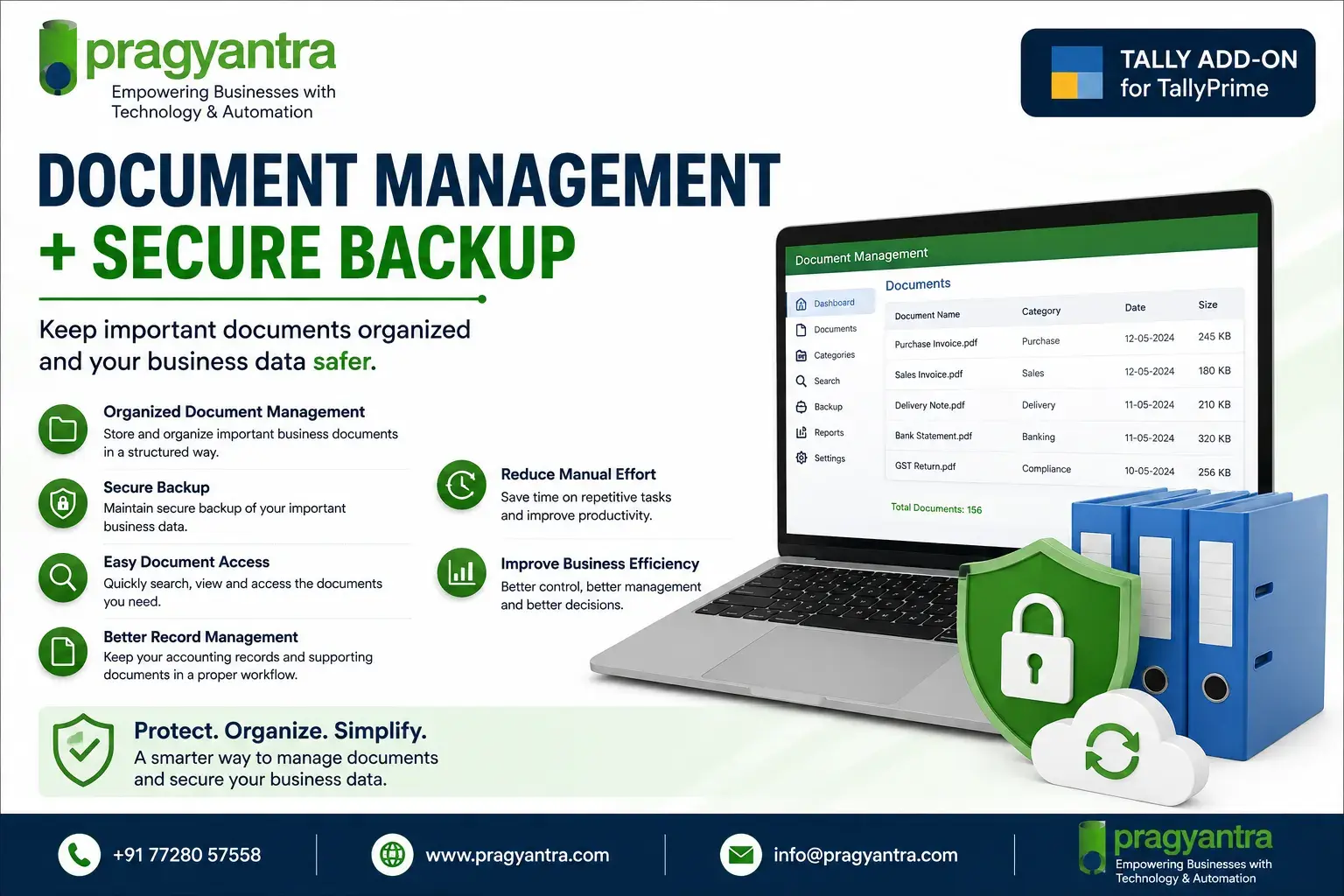
AI-Powered Business Intelligence Dashboard delivers real-time insights, automation, and seamless integration with Tally, Zoho, Oracle, and SAP—all in one clean platform.
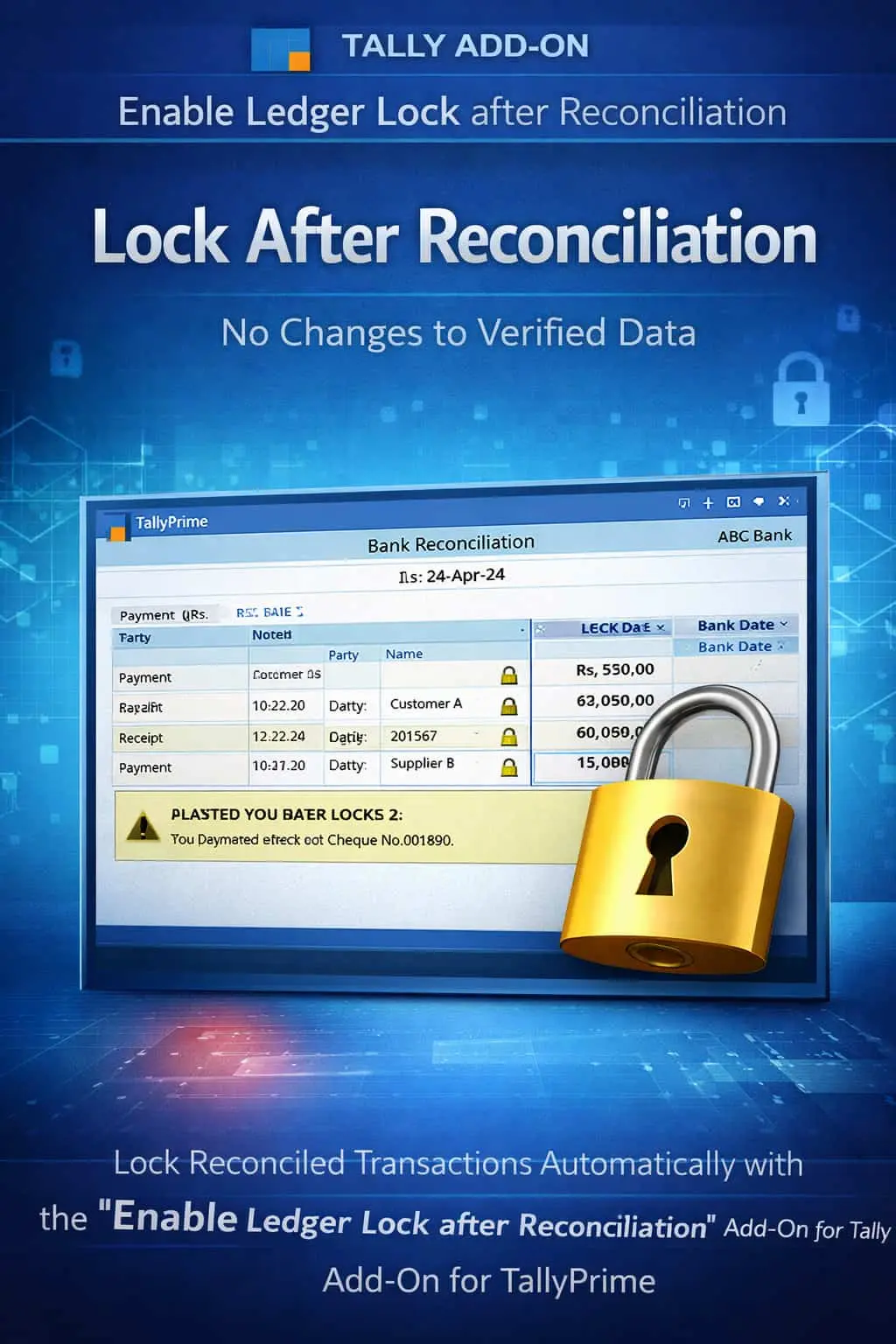

Automatically lock ledger after reconciliation in TallyPrime with Pragyantra’s add‑on. Prevent changes, ensure accuracy, and stay audit-ready.
Bank and Ledger reconciliation are the final verification steps in accounting. Once your Tally books match your Bank Statement or Party Statement, the data should be considered "Final." However, in standard TallyPrime, even after reconciliation, entries remain open for modification, which leads to:
The Enable Ledger Lock after Reconciliation Add‑on by Pragyantra solves this by automatically "Freezing" transactions once they are marked as reconciled.
This add‑on is a custom Tally module that acts as a "Validation Seal" for your reconciled accounts. With this add‑on installed, Tally can:
Reconciliation is hard work. Doing it twice because of a user's mistake is a waste of resources. The Pragyantra Ledger Reconciliation Lock Add‑on ensures that verified data stays verified, protecting your business from the headache of mismatched bank books and party statements.
Instant Lock Post-Reconciliation
Locks bank and party ledger entries immediately after they are marked as reconciled.
Universal Protection
Applicable to Bank Accounts, Cash Accounts, and all Party Ledgers where reconciliation is performed.
Security Over Accidental Deletion
Removes the 'Delete' and 'Cancel' options for users on any reconciled voucher.
Improved Audit Transparency
Maintains a solid, tamper-proof record that auditors can rely on without re-verifying every single line.
Lightweight & Optimized
Advanced TDL architecture that integrates with Tally's reconciliation feature without slowing down your work.
This add‑on works with:
✔ TallyPrime
✔ Tally ERP 9
1. Does it lock the ledger for new entries as well?
No. You can still add new vouchers to the ledger. It only locks the existing transactions that have been successfully reconciled.
2. Can I unlock an entry if the bank has reversed a charge?
Yes. The Admin or authorized manager can temporarily unlock the reconciliation status to make necessary adjustments and then re-lock it.
3. Does it work with the 'Bank Reconciliation' (Bnk Rec) screen in Tally?
Absolutely. As soon as you provide the 'Bank Date' in the reconciliation screen, the corresponding voucher gets locked for standard users.
4. Will this prevent 'Back-dated' reconciled entries?
It prevents any alteration to a reconciled voucher, regardless of its date, ensuring that your historical reconciled balance is never disturbed.
Don't let accidental edits ruin your bank matching. Lock your reconciled ledgers and maintain 100% data integrity with Pragyantra.
👉 Contact Pragyantra today to safeguard your reconciled accounting data.
Your email address will not be published. Required fields are marked *
Please login to write review!
Looks like there are no reviews yet.